
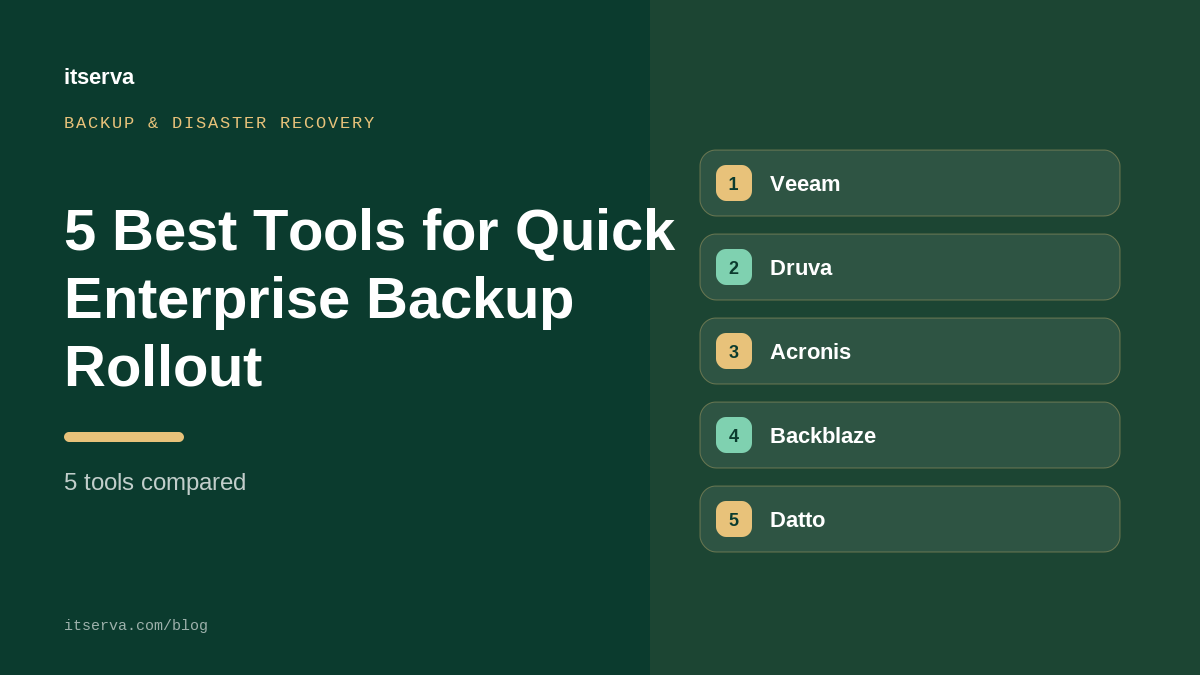
What does a quick enterprise backup rollout actually need?
A quick rollout means protection is running within days, not months. That usually points to SaaS platforms with no hardware to buy, or to suites with a trial that lets a team protect the first workloads while procurement finishes.
Speed is only half the job. The backup must also restore quickly, cover every workload type in the estate, and survive ransomware through immutable copies. A tool that deploys in a day but restores slowly has not solved the problem.
Quick comparison
| Tool | Best for | Starting price | Free plan |
|---|---|---|---|
| Veeam | Broadest workload coverage | Custom pricing (per-workload subscription) | Yes (free trial) |
| Druva | Fastest SaaS rollout with no infrastructure | Custom pricing (quote-based) | Yes (free trial) |
| Acronis | Backup and security in one agent | $85/device/year (Cyber Protect Standard) | Yes (free trial) |
| Backblaze | Low-cost cloud storage for backups | $6.95/TB/month (B2 pay-as-you-go) | Yes (first 10 GB free) |
| Datto | Backup delivered by an MSP | Custom pricing (via MSP partner quote) | No |
The 5 best tools for quick enterprise backup rollout
#1
Veeam
- Best for
- Broadest workload coverage
- Starting price
- Custom pricing (per-workload subscription)
- Free plan
- Yes (free trial)
Veeam is the broadest backup platform on this list, covering virtual machines, physical servers, cloud instances, Kubernetes and SaaS workloads such as Microsoft 365 and Salesforce from one console. Its Data Platform is licensed per workload and comes in three editions: Foundation for backup and recovery, Advanced for monitoring and threat detection, and Premium for orchestrated recovery and compliance reporting. Instant recovery and immutable backups protect restores from reinfection.
The trade-off is buying complexity. Veeam sells through resellers and its sales team, publishes no list price on its pricing page, and the edition and workload choices take time to model against a real estate. Smaller teams can also find the full platform more than they need. Veeam fits enterprises that want one backup vendor for a hybrid estate and have staff to run it.
What we like
- Covers VMs, physical, cloud, Kubernetes and SaaS
- Three editions from basic backup to orchestrated recovery
- Immutable backups and instant recovery
- Free trial to test restores
Watch out for
- No published list price
- Sold through resellers and sales
- Needs skilled staff to run well
#2
Druva
- Best for
- Fastest SaaS rollout with no infrastructure
- Starting price
- Custom pricing (quote-based)
- Free plan
- Yes (free trial)
Druva is a fully SaaS backup platform, so a rollout needs no backup servers, storage hardware or infrastructure to size. Teams connect cloud accounts or deploy lightweight agents, set policies in one console, and backups flow to the Druva cloud with global deduplication. Coverage spans endpoints, VMware and Windows servers, NAS, databases, Microsoft 365, Salesforce and AWS workloads, with air-gapped immutable backups for cyber resilience.
The trade-off is trust in a cloud-only model. Backup data lives in Druva's cloud, which suits teams comfortable with shared responsibility and Druva's data residency terms, and large initial uploads still need bandwidth planning. Pricing is also quote-based, with no list price on the pricing page. Druva fits organisations that want enterprise backup running in days without buying hardware.
What we like
- No hardware or backup servers to deploy
- One console for endpoints, cloud and SaaS
- Global deduplication cuts stored data
- Free trial available
Watch out for
- No published list price
- Backups live in Druva's cloud
- Large first uploads need bandwidth planning
#3
Acronis
- Best for
- Backup and security in one agent
- Starting price
- $85/device/year (Cyber Protect Standard)
- Free plan
- Yes (free trial)
Acronis is a cyber protection platform that combines backup with endpoint security in a single agent. Cyber Protect Standard starts at $85 per device per year and covers backup with multilayered protection against ransomware and other threats, while the Advanced edition adds centralised backup management, tape backup, SAN snapshots and continuous data protection. One console manages endpoints, servers and Microsoft 365.
The trade-off is that the bundle can mean paying for security modules a team does not need, and the Advanced edition needs a quote rather than a published price. A free trial lets a team test restores before buying, which matters more than the headline price. Acronis fits small and mid-size IT teams that want one agent for backup and security.
What we like
- Backup and anti-malware in one agent
- Standard from $85 per device per year
- Free trial to test restores
- Centralised console for endpoints and servers
Watch out for
- Advanced edition needs a quote
- Bundle includes security some teams may not need
- No free plan, trial only
#4
Backblaze
- Best for
- Low-cost cloud storage for backups
- Starting price
- $6.95/TB/month (B2 pay-as-you-go)
- Free plan
- Yes (first 10 GB free)
Backblaze is a cloud storage provider whose B2 service gives backup software a low-cost, S3-compatible place to store data. B2 costs $6.95 per TB per month on pay-as-you-go billing, with the first 10 GB free, free standard API calls, and egress free up to three times the average stored data each month. It works as a storage target for backup software, and a bucket can be live the same day.
The trade-off is that Backblaze is storage, not backup software. A team still needs a backup application to schedule jobs, manage retention and run restores, and egress above three times stored data costs $0.01 per GB. Backblaze fits teams that already have backup software and need affordable off-site storage fast.
What we like
- $6.95 per TB per month with first 10 GB free
- Free egress up to 3 times stored data
- Free standard API calls
- S3-compatible storage
Watch out for
- Storage only, not backup software
- Egress over the free allowance costs $0.01 per GB
- No backup scheduling or retention built in
#5
Datto
- Best for
- Backup delivered by an MSP
- Starting price
- Custom pricing (via MSP partner quote)
- Free plan
- No
Datto is a business continuity platform sold through managed service providers, so a business buys backup as a managed service rather than buying software directly. Its BCDR appliances and direct-to-cloud backup offer screenshot-verified recoveries, an immutable cloud, and instant virtualisation that spins up failed servers in the Datto Cloud within minutes. Endpoint Backup covers laptops and servers, and Datto describes its pricing as all-inclusive with no hidden charges.
The trade-off is the channel model. Datto works only through MSP partners, so a business without one cannot buy direct, and the end customer never sees a list price because the partner sets it. That is also the speed advantage: the partner deploys and manages the service. Datto fits businesses that buy IT through an MSP and want recovery handled for them.
What we like
- Backup delivered and managed by an MSP
- Screenshot-verified recoveries
- Instant virtualisation in the Datto Cloud
- All-inclusive pricing with no hidden charges
Watch out for
- Sold only through MSP partners
- No public list price
- Partner sets the final price for each client
How we chose
We compared enterprise backup tools that can be deployed quickly, ranking them by rollout speed first, then workload coverage, recovery features and price transparency. SaaS platforms scored well for speed, while broad suites scored for coverage. Tools needing new hardware scored lower on speed. Prices and free plans come from each vendor's own pricing page, checked in November 2026, and tools without a published price are shown as custom pricing. No vendor paid for placement, and we did not run hands-on tests; we compare published information.
How to budget for a fast backup rollout
Most enterprise backup pricing is quote-based, so budget for the licence plus the storage, support and recovery testing time. Veeam licences per workload, Druva bills on deduplicated data, and Backblaze charges $6.95 per TB per month, so the same estate can produce very different bills. Ask each vendor for a written quote against the same workload list.
A fast rollout also needs a restore test in the first week. Pick a small set of files, a virtual machine and a SaaS mailbox, restore each one, and time the result. A backup that has never been restored is only a hope, not a recovery plan.
How to choose
Start with the workloads that must be protected on day one. A team protecting mostly Microsoft 365 and laptops can move faster with a SaaS platform, while a hybrid estate with virtual machines, physical servers and cloud workloads needs a broad suite such as Veeam.
Next, compare the full cost, not the headline price. Add licences, storage, support and the time to test restores, and ask quote-based vendors for the same workload list so the numbers are comparable. A cheap storage layer still needs backup software, and a broad suite still needs staff to run it.
Finally, trial two tools with real restores. Check how fast a virtual machine boots from backup, how quickly a mailbox item returns, and whether the console shows recovery health clearly before you sign a contract.