
Why does SaaS data need its own backup?
SaaS providers protect their service, not your data. When an employee deletes a mailbox, ransomware encrypts a SharePoint library or a bulk edit corrupts Salesforce records, recovery is your responsibility under the shared responsibility model.
A SaaS backup tool copies that data into separate storage, independent of the provider, and lets you restore a single email, file or record to a point in time. The features that matter most are restore granularity, retention length, immutability and where the backup copies live.
Quick comparison
| Tool | Best for | Starting price | Free plan |
|---|---|---|---|
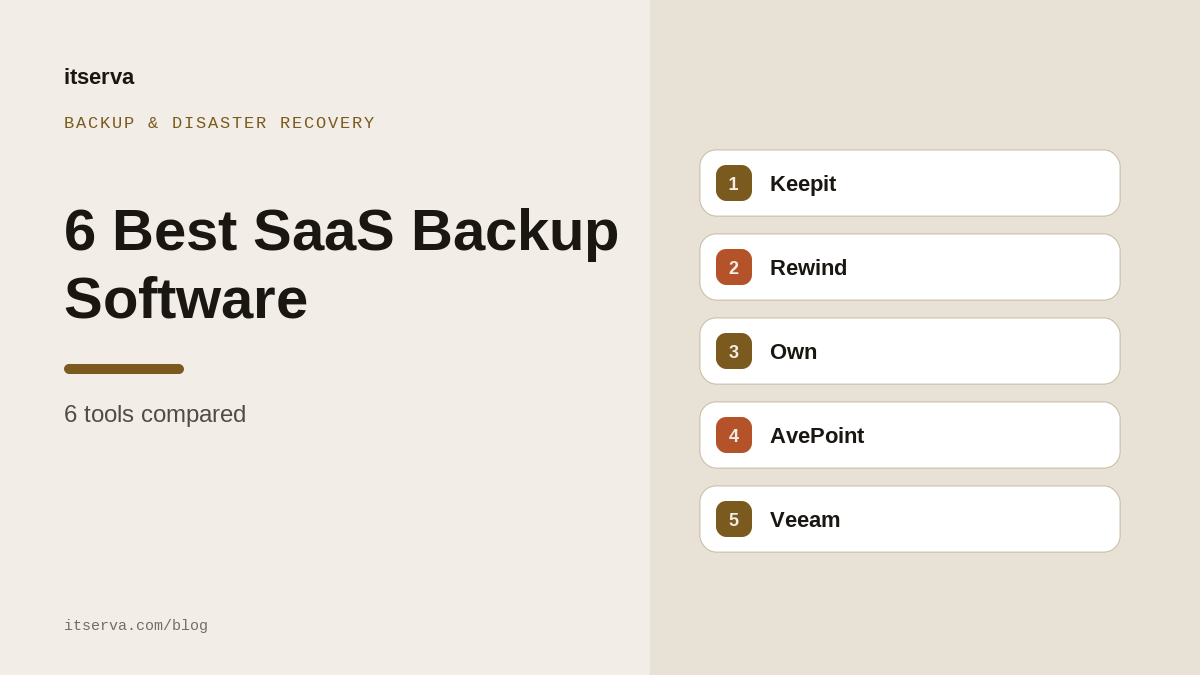
| Keepit | Dedicated SaaS backup with data sovereignty | Custom pricing | No free plan (inactive users free) |
| Rewind | Multi-app SaaS backup | Per-app pricing (calculator) | Yes (free trial on every plan) |
| Own | Salesforce data protection | Custom pricing | Yes (30-day free trial) |
| AvePoint | Microsoft 365 backup plus governance | Custom pricing | No free plan listed |
| Veeam | Hybrid estates and SaaS backup | Custom pricing | Yes (free trial) |
| Druva | Fully managed backup without infrastructure | Custom pricing | No free plan listed |
The 6 best SaaS backup tools
#1
Keepit
- Best for
- Dedicated SaaS backup with data sovereignty
- Starting price
- Custom pricing
- Free plan
- No free plan (inactive users free)
Keepit is a dedicated SaaS backup service that stores your data in its own independent cloud, separate from Microsoft, Google and Salesforce infrastructure. It backs up Microsoft 365, Google Workspace, Salesforce, Dynamics 365 and Entra ID, keeping 4 copies of your data in 2 separated data centers in your chosen region. Storage is immutable and blockchain-verified, hot storage is unlimited, and Keepit charges no egress, ingress or transaction fees.
The trade-off is pricing transparency. Keepit publishes no dollar prices on its pricing page, so you need a sales conversation to budget, and retention and support differ by tier, from 5 years with standard business-hours support to unlimited retention with 24/7 enterprise support. Keepit fits compliance-minded teams that want sovereign, immutable backups held outside their SaaS provider's cloud.
What we like
- Independent cloud, separate from SaaS providers
- 4 copies in 2 data centers
- Unlimited hot storage
- No egress or transaction fees
- Retention up to unlimited
Watch out for
- No published prices
- Support tier varies by plan
- No free plan listed
#2
Rewind
- Best for
- Multi-app SaaS backup
- Starting price
- Per-app pricing (calculator)
- Free plan
- Yes (free trial on every plan)
Rewind is a SaaS backup platform built around one console for many different apps, with automated daily backups, unlimited storage and granular point-in-time restore. The Standard plan keeps backups for 1 year, while Advanced adds configurable retention from 90 days to 7 years, an add-on up to 99 years, bring-your-own-key encryption, bring-your-own-storage and restore to another instance. Every plan includes a free trial, and both plans include single sign-on, role-based access control and audit logs.
The trade-off is that pricing sits behind a calculator rather than a simple price table, so you pick monthly or annual billing per app and work out the total yourself. Compliance features such as HIPAA and DORA support, plus Pilot Light access to Jira and Confluence backups during an outage, need the Advanced plan. Rewind fits teams whose work spans several SaaS apps and who want one place to back up and restore them all.
What we like
- Free trial on every plan
- Unlimited backup storage
- Point-in-time restore
- Retention up to 99 years on Advanced
Watch out for
- Prices behind a calculator
- Compliance features need Advanced
- Per-app pricing, not one flat fee
#3
Own
- Best for
- Salesforce data protection
- Starting price
- Custom pricing
- Free plan
- Yes (30-day free trial)
Own is Salesforce's native data protection product, built to back up and recover Salesforce data and metadata with platform governance alongside it. Its Shield suite adds advanced data encryption, a lifetime field audit trail and real-time monitoring of events and access, while Data Mask and Seed lets teams test safely in sandboxes with realistic data instead of real customer records. Contract pricing is calculated as a percentage of spend on applicable Salesforce products, and the page offers a 30-day free trial.
The trade-off is focus. Own protects Salesforce and the Salesforce platform, so teams that also need Microsoft 365 or Google Workspace backup must buy a second tool, and pricing tied to your Salesforce spend makes the total hard to predict before a sales conversation. Own fits Salesforce-heavy organizations that want backup, recovery and governance from the platform vendor itself.
What we like
- Native to Salesforce
- 30-day free trial
- Lifetime field audit trail
- Sandbox masking and seeding
Watch out for
- Salesforce only
- Price tied to Salesforce spend
- No standalone backup price published
#4
AvePoint
- Best for
- Microsoft 365 backup plus governance
- Starting price
- Custom pricing
- Free plan
- No free plan listed
AvePoint is the Confidence Platform, a broad suite that combines backup with data security posture management and governance across Microsoft 365, Google Workspace, Salesforce and other clouds. More than 25,000 companies use the platform, and it carries certifications including FedRAMP, SOC 2 Type 2 and ISO 27001. Pricing is subscription-based and flexes with your needs, based on user count or the amount of data you protect.
The trade-off is that AvePoint publishes no set prices and asks you to request a tailored plan, so comparing it against per-user tools takes a sales call. The platform is also much broader than backup alone, which suits governance-heavy organizations but can be more than a small team needs. AvePoint fits large Microsoft 365 estates that want backup, governance and compliance handled by one vendor.
What we like
- Backup plus governance in one platform
- More than 25,000 companies
- FedRAMP and ISO 27001 certified
- Covers Microsoft, Google and Salesforce
Watch out for
- No published prices
- Broad suite, more than backup alone
#5
Veeam
- Best for
- Hybrid estates and SaaS backup
- Starting price
- Custom pricing
- Free plan
- Yes (free trial)
Veeam is the Data Platform, a backup and recovery suite whose licenses are metered per workload and portable across virtual, physical and cloud workloads through the Veeam Universal License. It comes in three editions: Foundation for backup and recovery, Advanced which adds observability and AI-powered threat detection, and Premium which adds recovery orchestration, compliance and GRC reporting. Backup for Microsoft 365 and Backup for Salesforce are standalone offerings, licensed separately from the Data Platform.
The trade-off is licensing complexity. SaaS backup is bought separately from the Data Platform, pricing is enterprise and handled through resellers or the Veeam sales team, and the breadth of the platform can be heavy for a team that only needs to back up Microsoft 365. Veeam fits organizations standardizing resilience across hybrid estates that mix on-premises, cloud and SaaS workloads.
What we like
- Free trial available
- Portable Universal License
- Three editions to scale
- AI-powered threat detection on Advanced
Watch out for
- SaaS backup licensed separately
- Enterprise pricing via sales or resellers
- Heavy for Microsoft 365-only needs
#6
Druva
- Best for
- Fully managed backup without infrastructure
- Starting price
- Custom pricing
- Free plan
- No free plan listed
Druva is a fully managed resilience cloud that backs up SaaS, endpoints, data centers and cloud workloads with no infrastructure for you to run. Its SaaS Universal License is one unified per-user license covering Microsoft 365, Google Workspace, Salesforce, Dynamics 365, Power Platform, Entra ID, Active Directory and Okta, with air-gapped, immutable backups and dynamic pooled storage. A separate Essentials Pack gives smaller businesses the same managed model for Microsoft 365, Google Workspace and data center workloads.
The trade-off is that Druva publishes no prices on its pricing page, so costs only emerge from a conversation with its team, and the platform covers far more than SaaS backup alone. That breadth suits enterprises consolidating protection, but a team with one SaaS app to protect may find it oversized. Druva fits IT teams that want backup without managing backup infrastructure of any kind.
What we like
- No infrastructure to manage
- One license covers 8 SaaS workloads
- Air-gapped immutable backups
- Essentials Pack for smaller businesses
Watch out for
- No published prices
- Broad platform beyond SaaS backup
How we chose
We compared SaaS backup tools that protect data inside cloud applications such as Microsoft 365, Google Workspace and Salesforce, independent of each provider's native retention. We weighted restore granularity and retention first, then data sovereignty and immutability, then how openly each vendor publishes prices. Prices and features come from vendor pricing pages checked in November 2026. Four of the six tools publish no dollar price, so we say so plainly rather than guessing a figure. No vendor paid for placement, and we did not run hands-on tests; we compare published information.
Why most SaaS backup prices are quote-only
Enterprise backup vendors price by users, workloads or data volume, so a single list price would mislead more than it helps. That is why four tools here publish no dollar figure and ask you to talk to sales, while Rewind prices per app through a calculator and Own prices as a percentage of Salesforce spend.
Budget for retention, not just backup. Longer retention means more storage, and the tools that look cheapest at 1 year can cost far more at 7 or 10 years, so ask every vendor for the price at your required retention before you compare.
How to choose
Start with the apps that hold your most important data. If everything lives in Microsoft 365, shortlist Keepit, AvePoint or Druva; if Salesforce is the system of record, start with Own; if your stack spans many apps, start with Rewind.
Next, pin down retention and restore. Decide how many years you must keep backups for compliance, then check each tool's retention options and whether you can restore a single item without restoring a whole mailbox or site.
Finally, test a restore before you sign. Use the free trial where one exists, back up a small set of real data, delete one item and time how long it takes to get it back, since restore speed under pressure is what you are actually buying.