
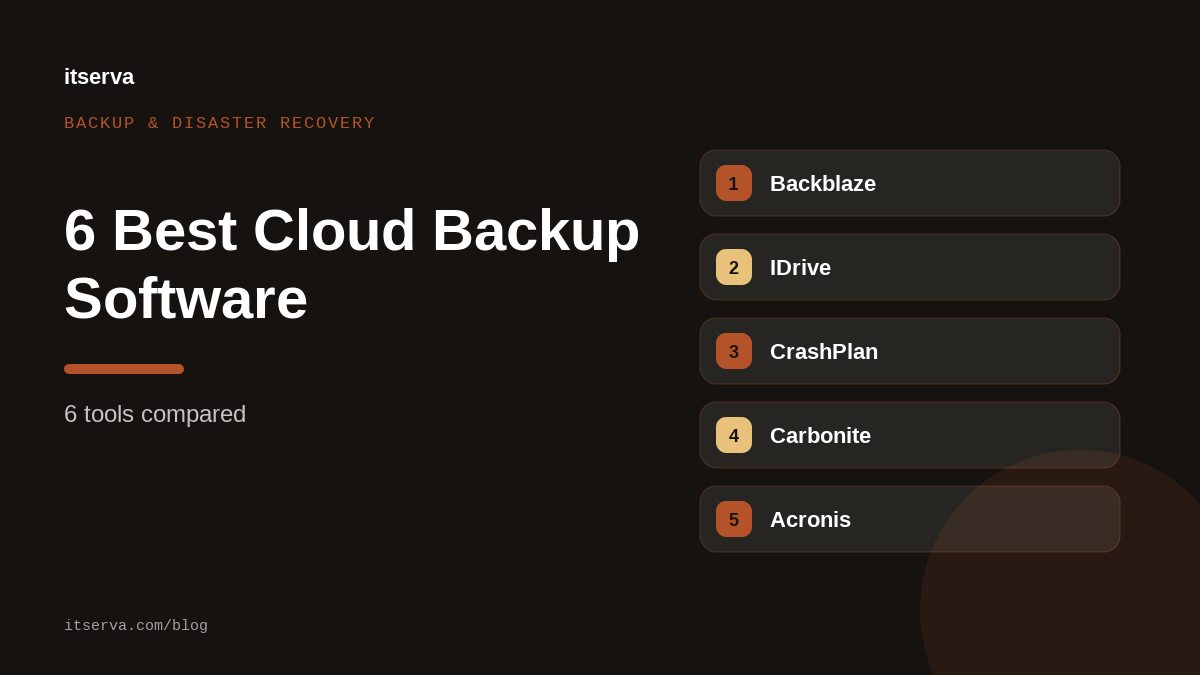
What does cloud backup software actually protect?
Cloud backup software copies files, and sometimes whole computers or servers, to remote storage so a lost, stolen or failed device does not mean lost data. The best services run in the background, keep older versions of files, and let you restore one file or a whole machine.
The main choice is how you are charged. Some tools charge per computer with unlimited storage, others charge for a shared storage pool across many devices, and business tools charge per user or per workload. Match the pricing model to how many devices you have and how much data they hold.
Quick comparison
| Tool | Best for | Starting price | Free plan |
|---|---|---|---|
| Backblaze | Unlimited backup for one computer | $99/year (Personal Backup, 1 computer) | No (15-day trial) |
| IDrive | Multi-device backup on one account | $9.99/month (Personal 5 TB, billed yearly) | Yes (10 GB Basic plan) |
| CrashPlan | Small business endpoint backup | $7.33/user/month (Endpoints, billed yearly at $88) | No (free trial) |
| Carbonite | Simple backup for one computer | $71.99/year (Basic, 1 computer, billed annually) | No (free trial) |
| Acronis | Backup plus security in one app | $49.99/year (True Image Essentials, 1 computer) | No (30-day trial) |
| Veeam | Enterprise backup for virtual machines | Custom pricing | No (free trial) |
The 6 best cloud backup software
#1
Backblaze
- Best for
- Unlimited backup for one computer
- Starting price
- $99/year (Personal Backup, 1 computer)
- Free plan
- No (15-day trial)
Backblaze is unlimited cloud backup for one Mac or Windows computer at a flat price. Personal Backup costs $99 a year, or $9 a month, with no storage cap, and a two-year term costs $189. It backs up files of any size, including connected external drives, and a 15-day free trial needs no card.
The trade-off is the per-computer licence. A household with three computers needs three subscriptions, which costs $297 a year, and longer version history costs extra. Backblaze fits people with one computer and a large photo or video library who want simple, unlimited backup.
What we like
- Unlimited storage for one computer
- Flat $99 a year price
- Backs up connected external drives
- 15-day free trial with no card
Watch out for
- One licence per computer
- Longer version history costs extra
- No Linux client for Personal Backup
#2
IDrive
- Best for
- Multi-device backup on one account
- Starting price
- $9.99/month (Personal 5 TB, billed yearly)
- Free plan
- Yes (10 GB Basic plan)
IDrive is backup for many devices under one account, priced by storage rather than by computer. Personal 5 TB costs $9.99 a month billed yearly, or $6.99 a month in the first year, and a free Basic plan includes 10 GB. It covers PCs, Macs, phones and tablets, with continuous backup and a physical Express drive for large restores.
The trade-off is the storage cap. Once the 5 TB pool fills, overage costs $0.25 per GB a month on Personal plans, so a large video library can push the bill up. IDrive fits households and small offices with several devices that share one storage pool.
What we like
- One account covers many devices
- Free 10 GB Basic plan
- Continuous backup
- Physical Express drive for large restores
Watch out for
- 5 TB cap on the entry plan
- Overage costs $0.25 per GB a month
- First-year price rises at renewal
#3
CrashPlan
- Best for
- Small business endpoint backup
- Starting price
- $7.33/user/month (Endpoints, billed yearly at $88)
- Free plan
- No (free trial)
CrashPlan is business backup for endpoints, servers and cloud apps. Small-business Endpoints cost $7.33 per user a month, billed at $88 a year, with unlimited cloud storage and unlimited versioning. Server backup costs $15.75 a month per server, and Microsoft 365 or Google Workspace backup costs $2.50 per user a month.
The trade-off is that there is no home plan and no free tier. Enterprise plans for 250 or more employees are custom-priced, and the free trial requires a card. CrashPlan fits small businesses that need continuous endpoint backup with strong versioning and restore controls.
What we like
- Unlimited storage and versioning
- Covers endpoints, servers and Microsoft 365
- Published small-business prices
- Self-serve restore
Watch out for
- No home plan or free tier
- Enterprise plans are custom-priced
- Trial requires a card
#4
Carbonite
- Best for
- Simple backup for one computer
- Starting price
- $71.99/year (Basic, 1 computer, billed annually)
- Free plan
- No (free trial)
Carbonite is simple automatic backup for one Windows or Mac computer. Basic costs $71.99 a year billed annually, against a $95.99 list price, with unlimited storage and 256-bit encryption. Plus costs $78.99 a year and adds one external hard drive, while Prime costs $121.49 a year.
The trade-off is per-computer pricing and first-year discounts. A second computer needs a second subscription, and the price rises to the list rate after the first year. Carbonite fits people who want one computer backed up automatically without choosing folders or storage limits.
What we like
- Unlimited storage for one computer
- Automatic encrypted backup
- Plus adds an external hard drive
- Simple setup
Watch out for
- One computer per subscription
- Price rises to the list rate after year one
- External drive backup only on Plus and Prime
#5
Acronis
- Best for
- Backup plus security in one app
- Starting price
- $49.99/year (True Image Essentials, 1 computer)
- Free plan
- No (30-day trial)
Acronis is backup combined with security tools in one app. True Image Essentials costs $49.99 a year for one computer and covers local image backup, disk cloning and ransomware protection. Advanced costs $72.99 a year and adds cloud backup, anti-malware and Microsoft 365 backup.
The trade-off is that the cheapest plan has no cloud storage, so real cloud backup starts at Advanced. Business plans are sold mainly through partners, and the breadth can feel complex for simple file backup. Acronis fits home users who want image backup and security in a single subscription.
What we like
- Full image backup and disk cloning
- Ransomware protection included
- Advanced adds cloud backup and anti-malware
- Microsoft 365 backup on Advanced
Watch out for
- Essentials has no cloud storage
- Business pricing is mainly through partners
- More complex than simple file backup
#6
Veeam
- Best for
- Enterprise backup for virtual machines
- Starting price
- Custom pricing
- Free plan
- No (free trial)
Veeam is backup and recovery for virtual machines, physical servers and cloud workloads. Its Data Platform comes in Foundation, Advanced and Premium editions, with licences metered per workload and instant VM recovery. It also covers Kubernetes and SaaS apps, with immutable backups and malware scanning before restore.
The trade-off is price and complexity. Editions are sold through resellers with no published starting price on the pricing page, and setup assumes real IT staff. Veeam fits IT teams running virtualised or hybrid infrastructure that need fast, orchestrated recovery.
What we like
- Instant VM recovery
- Immutable backups
- Covers virtual, physical and cloud workloads
- Malware scanning before restore
Watch out for
- No published starting price
- Sold through resellers
- Setup assumes real IT staff
How we chose
We compared cloud backup tools that back up computers, servers or business data to the cloud, ranked by fit for home users, small businesses and IT teams in this guide. We weighted published pricing first, then storage limits, device coverage and restore options. Prices come from vendor pricing pages checked in November 2026, and Veeam is listed as custom pricing because its page shows no starting price. No vendor paid for placement, and we did not run hands-on tests; we compare published information.
Per-computer or per-storage pricing: which costs more?
Per-computer pricing is simple: Backblaze and Carbonite charge a flat yearly fee for each machine with unlimited storage. That is cheap for one computer with terabytes of data, but the bill multiplies with every extra machine.
Per-storage pricing suits households. IDrive charges for a shared 5 TB pool across many devices, so three laptops and two phones cost one subscription, but you must watch the cap and the $0.25 per GB monthly overage. Count your devices and your total data before you choose a model.
How to choose
Start with how many devices you need to protect. One computer points to Backblaze or Carbonite, several devices point to IDrive, and a fleet of work laptops points to CrashPlan or Veeam.
Next, add up your data and check the pricing model. Unlimited per-computer plans suit large photo libraries, while a shared storage pool suits many small devices. Budget on the list price, not the first-year discount, because IDrive and Carbonite both rise at renewal.
Finally, test the restore before you trust the backup. Restore a few files, check how far back versions go, and confirm that external drives and cloud apps you rely on are covered.