
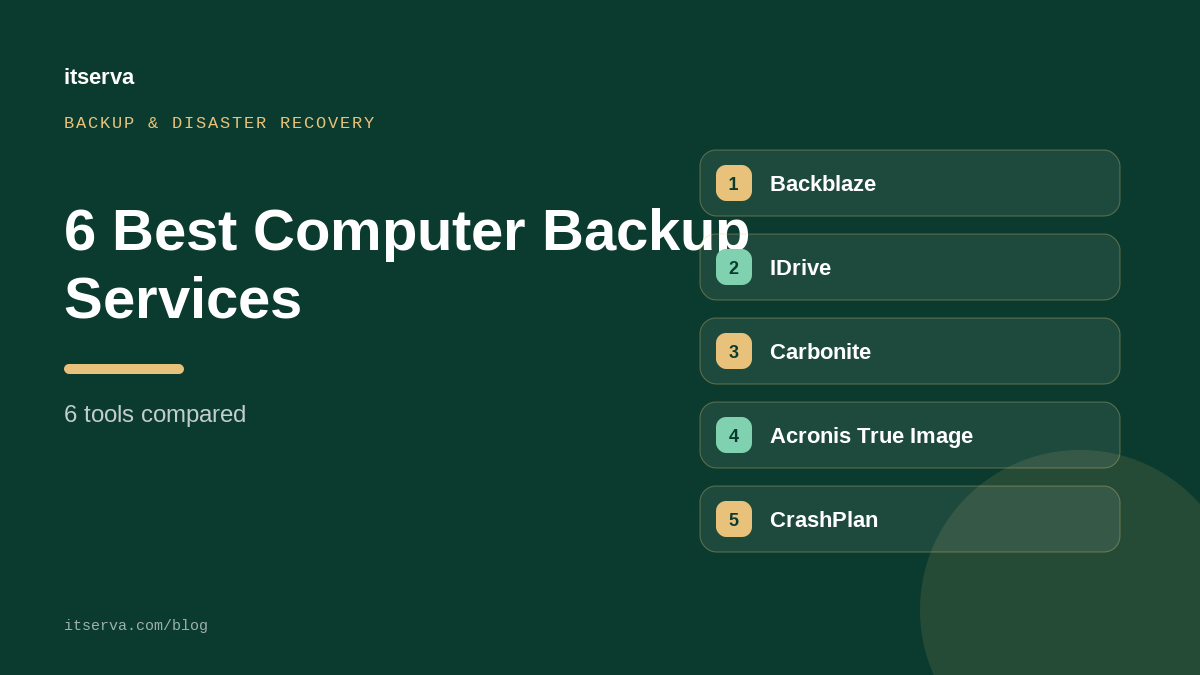
What counts as a real computer backup service?
A real computer backup service copies your files to a separate cloud store and keeps earlier versions, so a deleted file, a failed drive or a ransomware attack does not wipe out the only copy. It protects files even when they sit outside a synced folder.
Sync services are different. They mirror files across devices, which means a deletion or an encrypted file can spread everywhere. For disaster recovery, pair a dedicated backup service with a local external drive.
Quick comparison
| Tool | Best for | Starting price | Free plan |
|---|---|---|---|
| Backblaze | Best single-computer unlimited backup | $9/month (one computer, unlimited storage) | No (15-day trial) |
| IDrive | Best multi-device households | $9.99/month (Personal 5 TB, billed yearly) | Yes (10 GB free plan) |
| Carbonite | Set-and-forget simplicity | $95.99/year (Safe Basic, one computer) | No |
| Acronis True Image | Backup plus cybersecurity | $49.99/year (Essentials, one computer) | No |
| CrashPlan | Small business endpoints | $7.33/user/month (small business endpoints, billed yearly) | No (free trial) |
| Proton Drive | Privacy-first encrypted storage | $4.99/month (Drive Plus, 200 GB) | Yes (5 GB free plan) |
The 6 best computer backup services
#1
Backblaze
- Best for
- Best single-computer unlimited backup
- Starting price
- $9/month (one computer, unlimited storage)
- Free plan
- No (15-day trial)
Backblaze is a cloud backup service that protects one computer with unlimited storage for $9 per month, or $99 per year when billed annually. It runs in the background on Windows and Mac, copies files automatically, and lets you restore files by download or by a mailed USB drive. A 15-day trial is available, and longer version history is available for an added fee.
The trade-off is the one-computer limit. Each licence covers a single computer, so a household with several machines pays for each one, and the monthly price is higher than fixed-storage plans for light users. Backblaze fits a person with one Windows or Mac computer who wants unlimited backup without choosing files or watching storage limits.
What we like
- Unlimited storage for one computer
- $9 per month or $99 per year
- Automatic background backup
- Restore by download or mailed USB drive
Watch out for
- One computer per licence
- Monthly price is high for light users
- Version history extension costs extra
#2
IDrive
- Best for
- Best multi-device households
- Starting price
- $9.99/month (Personal 5 TB, billed yearly)
- Free plan
- Yes (10 GB free plan)
IDrive is a backup service built for households and small teams with many devices. The Personal plan gives 5 TB of shared storage for $9.99 per month billed yearly, and one user can back up multiple Windows, Mac, Linux, iOS and Android computers and phones from the same pool. A free 10 GB plan is available, and server backup is available as an add-on.
The trade-off is tiered storage and renewal pricing. Storage comes in fixed tiers, so a household that outgrows 5 TB must move up a tier, and the first-year price of $6.99 per month rises to the regular $9.99 at renewal. Overuse on Personal plans costs $0.25 per GB per month. IDrive fits a household or small team with several computers and phones sharing one storage pool.
What we like
- 5 TB shared across multiple devices
- Windows, Mac, Linux, iOS and Android
- Free 10 GB plan
- Server backup available as an add-on
Watch out for
- Fixed storage tiers, not unlimited
- First-year discount ends at renewal
- Overuse costs $0.25 per GB per month
#3
Carbonite
- Best for
- Set-and-forget simplicity
- Starting price
- $95.99/year (Safe Basic, one computer)
- Free plan
- No
Carbonite is a set-and-forget backup service for one computer, with unlimited encrypted storage on its Safe plans. Safe Basic costs $95.99 per year and covers one computer, while Safe Plus at $131.99 per year adds one external hard drive and Webroot antivirus. Backups run automatically in the background, and files are protected with 256-bit encryption.
The trade-off is yearly billing and a one-computer limit. There is no monthly billing option, so the full annual price is due up front, and each licence covers a single computer. Prime at $161.99 per year adds automatic video backup and courier recovery by shipped drive. Carbonite fits a person with one computer who wants unlimited backup running quietly in the background.
What we like
- Unlimited encrypted storage
- Automatic background backup
- Safe Plus adds an external drive and antivirus
- Courier recovery on Prime
Watch out for
- Yearly billing only, no monthly option
- One computer per licence
- Video backup needs Prime for automatic coverage
#4
Acronis True Image
- Best for
- Backup plus cybersecurity
- Starting price
- $49.99/year (Essentials, one computer)
- Free plan
- No
Acronis True Image is a backup and security tool for home users that combines local backup with cloud backup and cybersecurity features. Essentials costs $49.99 per year for one computer and includes full-image and file-level backup, disk cloning and universal restore, with options for 3 or 5 computers at higher prices. Advanced at $72.99 per year adds anti-malware and Microsoft 365 backup, with cloud storage in tiers from 50 GB.
The trade-off is that cloud storage is tiered rather than unlimited. Essentials has no cloud storage included, so cloud backup needs Advanced or Premium, and Premium at $124.99 per year for one computer includes 1 TB of cloud storage. The security features also add setup choices that a simple backup tool does not. Acronis True Image fits a home user who wants backup, cloning and security in one tool for several computers.
What we like
- Covers 1, 3 or 5 computers
- Disk cloning and universal restore
- Anti-malware protection on Advanced
- Cloud backup on Advanced and Premium
Watch out for
- Cloud storage is tiered, not unlimited
- Essentials has no cloud storage
- Security features add setup complexity
#5
CrashPlan
- Best for
- Small business endpoints
- Starting price
- $7.33/user/month (small business endpoints, billed yearly)
- Free plan
- No (free trial)
CrashPlan is a backup service for small business endpoints, with unlimited cloud storage and unlimited versioning for each user. The small business endpoint plan costs $7.33 per user per month billed yearly at $88, and it covers Windows, macOS and Linux laptops with self-serve restore and device migration. A free trial is available, and backups start the same day an account is set up.
The trade-off is the business focus and the enterprise jump. There is no free plan, and larger fleets of 250 or more employees move to custom enterprise pricing with volume licensing. Small business server backup costs $15.75 per server per month billed yearly, with 250 GB of pooled storage per server. CrashPlan fits a small business that wants simple per-user backup for employee laptops without storage limits.
What we like
- Unlimited storage and unlimited versioning
- Windows, macOS and Linux endpoints
- Self-serve restore and device migration
- Backups start the same day
Watch out for
- No free plan
- Custom pricing for 250 or more employees
- Server backup is a separate per-server price
#6
Proton Drive
- Best for
- Privacy-first encrypted storage
- Starting price
- $4.99/month (Drive Plus, 200 GB)
- Free plan
- Yes (5 GB free plan)
Proton Drive is an end-to-end encrypted storage and backup service from Proton, based in Switzerland. Drive Plus costs $4.99 per month at the regular rate, renewing at $47.88 per year, for 200 GB of storage, and paid plans can recover previous file versions for up to 10 years. A free plan includes 5 GB of storage with the same encryption, and files can be edited in online documents and spreadsheets.
The trade-off is fixed storage and a sync-first design. Storage is capped at 200 GB on Drive Plus, with larger amounts only through Proton bundles such as Unlimited, and version history is thinner than on a dedicated backup service. Proton Drive fits a privacy-focused user who wants encrypted storage with backup features for a modest amount of data.
What we like
- End-to-end encryption built in
- Free 5 GB plan
- 10 years of version history on Drive Plus
- Online document editing
Watch out for
- Fixed 200 GB storage on Drive Plus
- Larger storage needs a Proton bundle
- Sync-first design, not dedicated backup
How we chose
We compared dedicated computer backup services that protect whole computers, not just synced folders, and ranked them by storage model, device coverage, version history and price. We weighted unlimited or pooled storage first, then the number of devices one plan covers, then restore options and encryption. Prices come from each vendor's pricing pages checked in November 2026, using regular prices rather than first-year offers. No vendor paid for placement, and we did not run hands-on tests; we compare published information.
First-year prices versus renewal prices: what to check
Several services on this list advertise a lower first-year price. IDrive Personal shows $6.99 per month for the first year against a regular $9.99, Proton Drive Plus bills $29.88 for the first 12 months and then renews at $47.88, and Carbonite and Acronis also show first-year savings against their regular annual prices.
Budget on the renewal price, not the offer. Add up two years at the regular rate before you compare services, and check whether longer version history, extra computers or a shipped restore drive cost extra.
How to choose
Start with your device count and data size. One computer with a large photo library suits unlimited backup, while several computers and phones suit a pooled plan such as IDrive, and a single computer with modest data suits a fixed-storage plan.
Next, check version history, restore options and encryption. Confirm how long earlier versions are kept, whether you can restore by download or by a shipped drive, and how the service encrypts stored files.
Finally, budget for the renewal price, not the first-year offer. Compare the regular annual cost across two years, add any extra for longer version history or an external drive, and trial your restore with a few files before you rely on it.