
What counts as asset management software?
Asset management software tracks every physical asset a business owns, from machines and vehicles to buildings and tools, along with its location, condition, maintenance history and cost. Most tools on this list are CMMS platforms, which focus on work orders and preventive maintenance, while enterprise EAM suites cover the full lifecycle from purchase to disposal.
The split matters because prices follow it. CMMS tools publish per-user prices from $20 to $28 a month and often include a free plan, while EAM suites such as IBM Maximo are quote-only and licensed by usage. Choose the CMMS tier first, and only step up to EAM when the portfolio outgrows it.
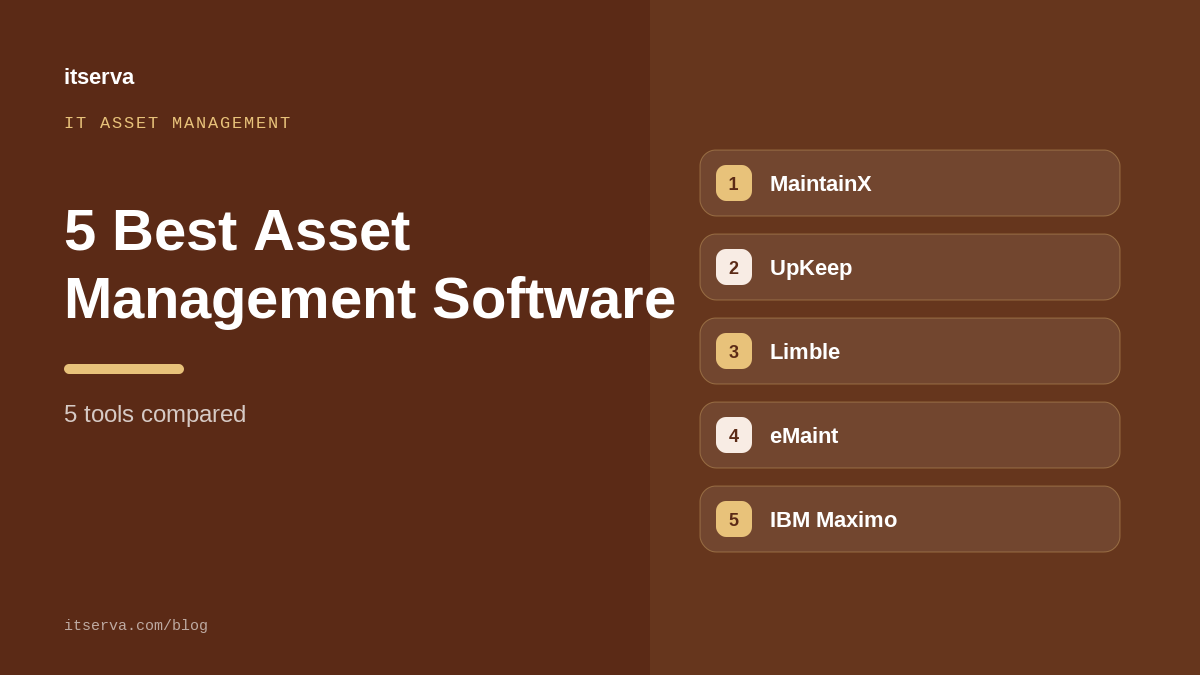
Quick comparison
| Tool | Best for | Starting price | Free plan |
|---|---|---|---|
| MaintainX | Best asset management software overall | $20/user/month (Essential, billed annually) | Yes (Basic free forever) |
| UpKeep | Best for regulated manufacturers | $24/user/month (Essential) | No (free trial) |
| Limble | Best for small teams with complex assets | $28/user/month (Standard) | Yes (Basic free plan) |
| eMaint | Best for mid-market plants using Fluke sensors | Custom pricing | No (free demo) |
| IBM Maximo | Best enterprise asset management suite | Custom pricing | No |
The 5 best asset management software tools
#1
MaintainX
- Best for
- Best asset management software overall
- Starting price
- $20/user/month (Essential, billed annually)
- Free plan
- Yes (Basic free forever)
MaintainX is a mobile-first maintenance platform that turns asset tracking, work orders and preventive maintenance into one phone-friendly system. Basic is free forever and covers unlimited work orders, unlimited requester users and real-time messaging, while Essential at $20 per user per month billed annually adds unlimited repeating work orders and 3 months of advanced analytics. Premium at $65 adds parts inventory, purchase orders, meter-based maintenance and an open API.
The trade-off is that the per-user bill grows with every technician, and the features growing teams need most, including parts inventory and the API, sit on Premium at $65 per user per month. Implementation for one site takes about 3 weeks, according to MaintainX, and requester accounts stay free on every plan. MaintainX fits maintenance teams that want technicians to actually use the system every day.
What we like
- Free Basic plan with unlimited work orders
- Mobile-first design technicians adopt quickly
- Requester accounts free on every plan
- Published prices with no quote needed to start
Watch out for
- Parts inventory and API need Premium at $65
- Per-user pricing compounds as teams grow
- Enterprise is custom-quoted
#2
UpKeep
- Best for
- Best for regulated manufacturers
- Starting price
- $24/user/month (Essential)
- Free plan
- No (free trial)
UpKeep is a mobile-first CMMS built around work orders, asset records and preventive maintenance, with audit-friendly documentation for regulated plants. Essential at $24 per user per month covers unlimited work orders, unlimited locations, asset management, barcode scanning and 250 Nova AI credits a month. Premium at $55 adds PM scheduling, custom checklists, parts and inventory management, and time and labor tracking.
The trade-off is that mobile offline mode, asset lifecycle tracking and signature capture need Professional, which is quote-only, and implementation packages cost $500 to $5,000 on top of the subscription. View-only, requester and third-party users are free, so only technicians and admins need paid seats. UpKeep fits regulated manufacturers that need a defensible audit trail.
What we like
- Unlimited work orders and locations on Essential
- Nova AI credits included on every plan
- Three free user types keep seat counts honest
- 24/7 live chat support
Watch out for
- Offline mode needs quote-only Professional
- Implementation packages cost $500 to $5,000 extra
- No free plan, only a trial
#3
Limble
- Best for
- Best for small teams with complex assets
- Starting price
- $28/user/month (Standard)
- Free plan
- Yes (Basic free plan)
Limble is an asset-first CMMS that organizes equipment into unlimited hierarchies, so components inside sub-assemblies inside machines stay linked to their history. Standard at $28 per user per month covers work orders, preventive maintenance scheduling, asset tracking and a mobile app, and a free Basic plan lets small teams start without paying. Every tier includes downtime reporting with MTBF and MTTR figures.
The trade-off is that parts inventory, time tracking and the open API sit on Premium+ at $69 per user per month, and the pricing page itself shows no figures, so buyers must confirm the rate from Limble's cost guide or a quote. Single sign-on is an add-on even on Premium+. Limble fits small maintenance teams that manage complex machinery across a few sites.
What we like
- Unlimited asset hierarchies on every tier
- Free Basic plan for small teams
- MTBF and MTTR reporting included
- Fast setup with minimal IT overhead
Watch out for
- Parts, time tracking and API need Premium+ at $69
- Pricing page shows no figures
- SSO costs extra on Premium+
#4
eMaint
- Best for
- Best for mid-market plants using Fluke sensors
- Starting price
- Custom pricing
- Free plan
- No (free demo)
eMaint is a configurable CMMS and EAM platform from Fluke that pairs maintenance software with Fluke condition monitoring sensors and vibration diagnostics. All three plans, Team, Professional and Enterprise, are custom-quoted, and Team starts at 3 users with standard features plus Fluke expert support and training. Professional adds advanced features and a dedicated account manager, while Enterprise adds a senior account manager.
The trade-off is that nothing has a published price, so budgeting means a sales conversation, and Professional and Enterprise subscriptions are prepaid annual commitments. Individual features are also available a la carte, which helps teams pay only for what they use. eMaint fits mid-market plants that already use Fluke sensors and want one reliability system.
What we like
- Native Fluke sensor and vibration integration
- Dedicated account manager on Professional and Enterprise
- A la carte features so teams pay only for what they use
Watch out for
- No published prices on any plan
- Prepaid annual commitment on Professional and Enterprise
- No free plan
#5
IBM Maximo
- Best for
- Best enterprise asset management suite
- Starting price
- Custom pricing
- Free plan
- No
IBM Maximo is the enterprise asset management suite against which other EAM platforms are measured, covering the full asset lifecycle from acquisition to disposal. It is sold as the Maximo Application Suite in Essentials, Standard and Premium packages, licensed through AppPoints credits, with maintenance, inspection and other modules available as options. IBM offers a price estimator and quotes rather than a flat per-user list price.
The trade-off is weight and cost: implementations are partner-led programs that run for months, and the suite only makes sense when the asset portfolio is large and complex enough to need it. Essentials covers up to 25 users in the estimator, while Standard adds asset performance management and reliability-centered maintenance. IBM Maximo fits large enterprises with complex asset portfolios and strict compliance needs.
What we like
- Deepest enterprise asset lifecycle coverage
- AppPoints licensing scales by use
- Predictive monitoring and reliability modules
- Runs as SaaS or client-managed software
Watch out for
- No flat per-user list price
- Partner-led implementations run for months
- Overkill for small maintenance teams
How we chose
We compared asset management and maintenance platforms that track assets, schedule preventive maintenance and manage work orders, ranking them by fit for different team sizes. We weighted a published starting price and a usable free plan first, then mobile adoption, asset hierarchy depth and audit-ready records. Quote-only enterprise suites were included only where they anchor the top of the market. Prices come from vendor pricing pages checked in November 2026. No vendor paid for placement, and we did not run hands-on tests; we compare published information.
Per-user pricing: the trap to price before you buy
Per-user pricing looks cheap at $20 to $28 a seat, but the bill is the seat count times the tier that holds the features you need. Parts inventory, offline mode and the API usually sit one or two tiers above the entry price, so a 10-person team can jump from $200 a month to $650 a month by moving one tier.
Count free users before you count paid seats. MaintainX requesters are free and UpKeep view-only, requester and third-party users are free, so supervisors and vendors may not need a license at all. Ask each vendor which roles need a paid seat, then price the team you actually have.
How to choose
Start with the size of your asset list and the size of your crew. A single site with under 50 assets and a handful of technicians can start on a free plan from MaintainX or Limble, while a multi-site operation with thousands of assets needs an enterprise suite or a quote-only CMMS.
Next, list the features you cannot work without. If parts inventory, purchase orders or offline mode are essential, price the tier that includes them, not the entry tier, because that is the real monthly cost. Regulated teams should also check signature capture, audit trails and compliance reporting before they shortlist.
Finally, trial two tools with real assets and real work orders. Check whether technicians complete jobs from their phones, whether the asset hierarchy matches your equipment, and whether reports show downtime and costs clearly.