
What does Linux patch management software actually do?
Linux patch management software finds missing operating system and application patches across a fleet, schedules their installation, and reports which machines are still behind. The hard parts are not the commands themselves: they are maintenance windows, reboots, failed patches, and proving compliance after the fact.
Most tools on this list also cover Windows and macOS, because few teams run Linux alone. The Linux-specific questions to ask are which distributions are supported, how kernel updates are handled, and whether patching works for servers that rarely reboot.
Quick comparison
| Tool | Best for | Starting price | Free plan |
|---|---|---|---|
| Automox | One patch policy for every operating system | $1/endpoint/month (Patch OS, annual commitment) | No (free trial) |
| Action1 | Free patching for fleets under 200 endpoints | Free for first 200 endpoints; custom quote above 200 | Yes (first 200 endpoints free) |
| NinjaOne | Patching inside unified endpoint management | $1.50-$3.75/device/month (by volume, exact rate by quote) | No (14-day trial) |
| JetPatch | Enterprises with legacy Unix and mixed estates | From $36.72/server/year (Server Patching) | No (free trial) |
| ManageEngine Endpoint Central | Teams standardizing on ManageEngine | $795/year for 50 endpoints (Professional, on-premises) | Yes (free edition up to 25 endpoints) |
| TuxCare | Servers that cannot afford reboot downtime | From $35.40/server/year (KernelCare, as low as) | No (30-day trial) |
| Atera | MSPs and lean IT teams | $129/technician/month (Pro, billed annually) | No (30-day trial) |
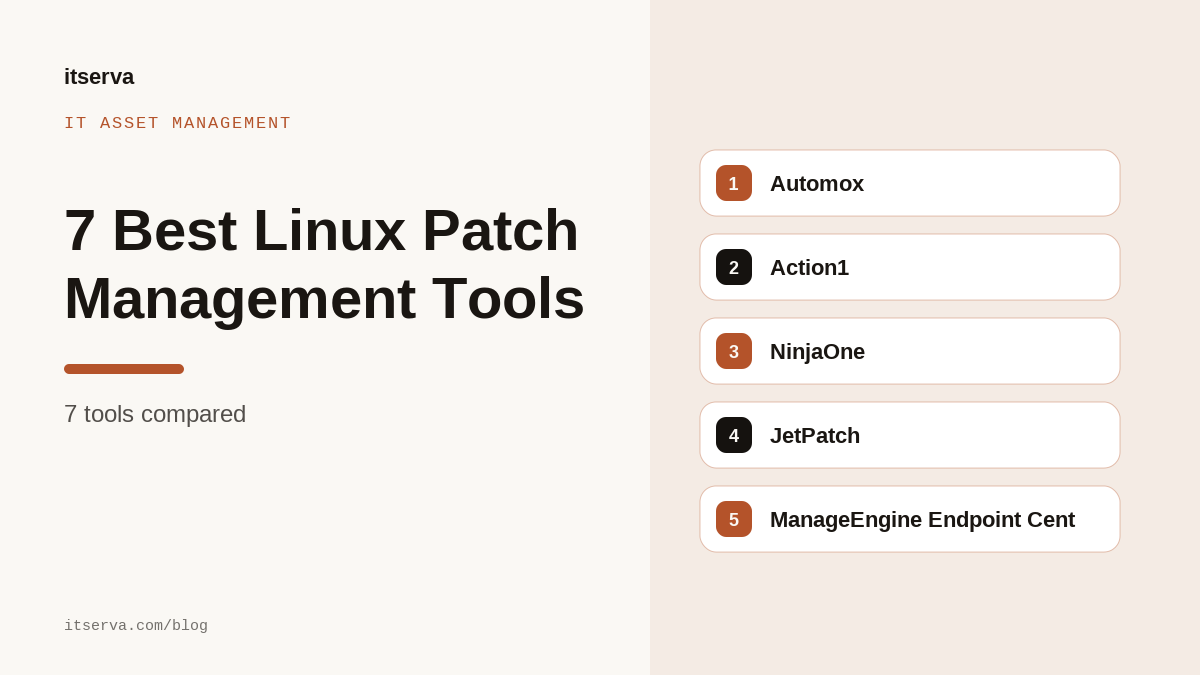
The 7 best Linux patch management tools
#1
Automox
- Best for
- One patch policy for every operating system
- Starting price
- $1/endpoint/month (Patch OS, annual commitment)
- Free plan
- No (free trial)
Automox is a cloud-native platform that patches Windows, macOS and Linux from one console. Patch OS costs $1 per endpoint per month with an annual commitment and covers operating system patching, while the Automate tiers add third-party application patching, software deployment and API access on a custom quote. One policy, one schedule and rollout rings cover every operating system, with reboot enforcement and catch-up for machines that missed a window.
The trade-off is that the low headline price covers operating system patching only, so teams that need application patching must budget for a quoted Automate tier. Automox is also cloud-only, which rules out air-gapped environments. Automox fits mixed-OS teams that want one patch policy for every machine and no on-premises patch server.
What we like
- One policy across Windows, macOS and Linux
- Patch OS from $1 per endpoint per month
- Worklets handle fixes with no patch yet
- No on-premises infrastructure to run
Watch out for
- Third-party patching needs a quoted tier
- Cloud-only, no air-gapped option
- No free plan
#2
Action1
- Best for
- Free patching for fleets under 200 endpoints
- Starting price
- Free for first 200 endpoints; custom quote above 200
- Free plan
- Yes (first 200 endpoints free)
Action1 is a cloud-native patch management platform that deploys pre-tested patches across Windows, macOS and Linux with no VPN, appliance or on-premises server. The first 200 endpoints are free forever with full functionality and no expiration, and vulnerability detection and remediation run in the same workflow as patching. Peer-to-peer distribution cuts bandwidth on large deployments, and ring-based rollouts with maintenance windows keep production stable.
The trade-off is pricing above the free tier, which is not published: fleets over 200 endpoints must request a quote, so larger teams cannot budget from the website. Action1 is also a younger vendor than the enterprise incumbents. Action1 fits small and mid-size teams that want serious Linux patching without a procurement project.
What we like
- First 200 endpoints free forever
- Full functionality on the free tier
- Set up in minutes with no infrastructure
- Vulnerability detection built in
Watch out for
- No published price above 200 endpoints
- Younger vendor than incumbents
- Free-tier support is community-based
#3
NinjaOne
- Best for
- Patching inside unified endpoint management
- Starting price
- $1.50-$3.75/device/month (by volume, exact rate by quote)
- Free plan
- No (14-day trial)
NinjaOne is a unified endpoint management platform that combines patching with device monitoring, automation, backup, remote control and mobile device management in one console. Its published per-device range runs from $3.75 per month at 50 or fewer endpoints down to $1.50 at 10,000 endpoints, with the exact rate set by quote and varying by region and products purchased. Autonomous patching uses Patch Intelligence to hold back bad updates and keep compliance reliable.
The trade-off is that patching is one module of a much larger platform, so teams wanting a dedicated patching specialist may prefer a narrower tool. Backup and mobile management are priced separately, and there is no free plan. NinjaOne fits IT teams that want to consolidate patching, monitoring and backup into one console.
What we like
- Patching, backup and remote control in one console
- Autonomous patching with Patch Intelligence
- Published per-device price range
- Free onboarding and training
Watch out for
- Exact rate comes only from a quote
- Add-on modules priced separately
- No free plan
#4
JetPatch
- Best for
- Enterprises with legacy Unix and mixed estates
- Starting price
- From $36.72/server/year (Server Patching)
- Free plan
- No (free trial)
JetPatch is an enterprise patch management platform that automates patching across more than 20 operating systems from one console, including legacy Unix systems such as Oracle Solaris and IBM AIX. Server patching starts at $36.72 per server per year, with agent management from $5.10 per agent per year and volume discounts at scale. Rollouts run in sequence from QA through staging to production, with predictive patch success scoring, automated rollback and compliance reporting.
The trade-off is scope: JetPatch is built for complex enterprises, so smaller Linux-only shops will find it heavier than they need. Final pricing still comes from a sales quote, and the per-device figures are starting points. JetPatch fits regulated enterprises with heterogeneous estates that no single-distribution tool can cover.
What we like
- Covers 20+ operating systems including Solaris and AIX
- Sequenced QA-to-production rollouts
- Automated rollback and compliance reporting
- Integrations with ServiceNow, Qualys and Tenable
Watch out for
- Enterprise positioning and quote-based final pricing
- More than smaller teams need
- No free plan
#5
ManageEngine Endpoint Central
- Best for
- Teams standardizing on ManageEngine
- Starting price
- $795/year for 50 endpoints (Professional, on-premises)
- Free plan
- Yes (free edition up to 25 endpoints)
ManageEngine Endpoint Central is a unified endpoint management platform that handles automated patch deployment, software distribution and compliance reporting across Windows, macOS and Linux. Professional costs $795 per year for 50 endpoints on-premises, or $1,045 per year in the cloud, with Enterprise, UEM and Security editions above it. A free edition manages up to 25 endpoints, and a 30-day trial unlocks the full Security edition.
The trade-off is the size of the ManageEngine catalog: with more than 60 IT management products, finding the right edition takes effort, and the interface reflects its on-premises heritage. Endpoint Central is also a broad suite rather than a patching specialist. ManageEngine Endpoint Central fits organizations already standardizing on ManageEngine products.
What we like
- Free edition for up to 25 endpoints
- Published per-edition pricing
- Patching plus software distribution and asset management
- 30-day trial of the full Security edition
Watch out for
- Broad catalog complicates edition choice
- Interface shows its on-premises heritage
- Higher editions needed for full mobile management
#6
TuxCare
- Best for
- Servers that cannot afford reboot downtime
- Starting price
- From $35.40/server/year (KernelCare, as low as)
- Free plan
- No (30-day trial)
TuxCare is a Linux security specialist built around live patching. KernelCare applies kernel security patches without rebooting, so production workloads stay up, and pricing starts as low as $35.40 per server per year. Its Endless Lifecycle Support keeps end-of-life distributions, runtimes and libraries protected with ongoing CVE patches long after upstream support ends, which matters for aging CentOS, AlmaLinux and Rocky Linux fleets.
The trade-off is specialization: TuxCare is not a general patch management console, so most teams pair it with a broader patching tool rather than replacing one. The low headline price also depends on volume. TuxCare fits uptime-critical Linux estates and teams running end-of-life systems.
What we like
- Kernel patches with no reboot
- Endless Lifecycle Support for end-of-life systems
- Low per-server starting price
- 30-day free trial
Watch out for
- Specialist scope, not a full patch console
- Lowest price depends on volume
- No free plan
#7
Atera
- Best for
- MSPs and lean IT teams
- Starting price
- $129/technician/month (Pro, billed annually)
- Free plan
- No (30-day trial)
Atera is an all-in-one IT platform priced per technician with unlimited endpoints, which makes the economics compelling for MSPs and lean internal teams. The Pro plan costs $129 per technician per month billed annually, and every plan bundles remote monitoring, patch management, helpdesk ticketing and an AI Copilot. Patching runs with automated deployment and policy control inside the same console as remote access and monitoring.
The trade-off is audience: Atera is built for MSPs and small-to-mid-size IT teams, so large enterprises with strict compliance workflows will want a heavier platform. Adding technicians is the only way the bill grows, which hurts teams with many part-time staff. Atera fits MSPs managing many clients' Linux servers from one console.
What we like
- Per-technician pricing with unlimited endpoints
- RMM, ticketing and patching in one console
- AI Copilot included on every plan
- 30-day free trial, no card required
Watch out for
- MSP-oriented, less depth for enterprise compliance
- Cost grows with technician count, not devices
- No free plan
How we chose
We compared Linux patch management tools across Linux servers and mixed fleets that cover multiple distributions and automate scheduling, rollouts and compliance reporting, ranking them by fit for different team sizes and estates. We weighted Linux distribution coverage first, then patch automation and reboot handling, then published pricing and free plans. Prices come from vendor pricing pages checked in November 2026, with quote-based tools listed as custom pricing. No vendor paid for placement, and we did not run hands-on tests; we compare published information.
How Linux patch pricing really works
Most tools on this list charge per endpoint or per device, and the per-device rate usually falls as the fleet grows: NinjaOne publishes $3.75 per device at 50 or fewer endpoints and $1.50 at 10,000. Per-technician pricing, as Atera uses, breaks that pattern entirely, since adding servers costs nothing until a new technician is hired.
Watch the gap between the headline price and the price for the features you need. Automox Patch OS at $1 per endpoint covers operating system patching only, third-party application patching sits in a quoted tier, and several tools price backup, mobile management or vulnerability remediation as separate modules.
How to choose
Start with your fleet, not the feature list. Count your Linux servers by distribution, note which ones cannot reboot, and check whether any run end-of-life releases, because those three facts alone narrow this list to two or three tools.
Next, price a realistic year. Add the per-endpoint or per-technician cost for your actual fleet size, then add any module that patching alone does not include, such as third-party application patching or vulnerability remediation. A free tier, such as Action1 for under 200 endpoints, changes the math completely for a small team.
Finally, trial two tools on a small group of non-production servers. Check that patches install cleanly on every distribution you run, that failed patches roll back, and that the compliance report shows exactly which machines are still behind.