
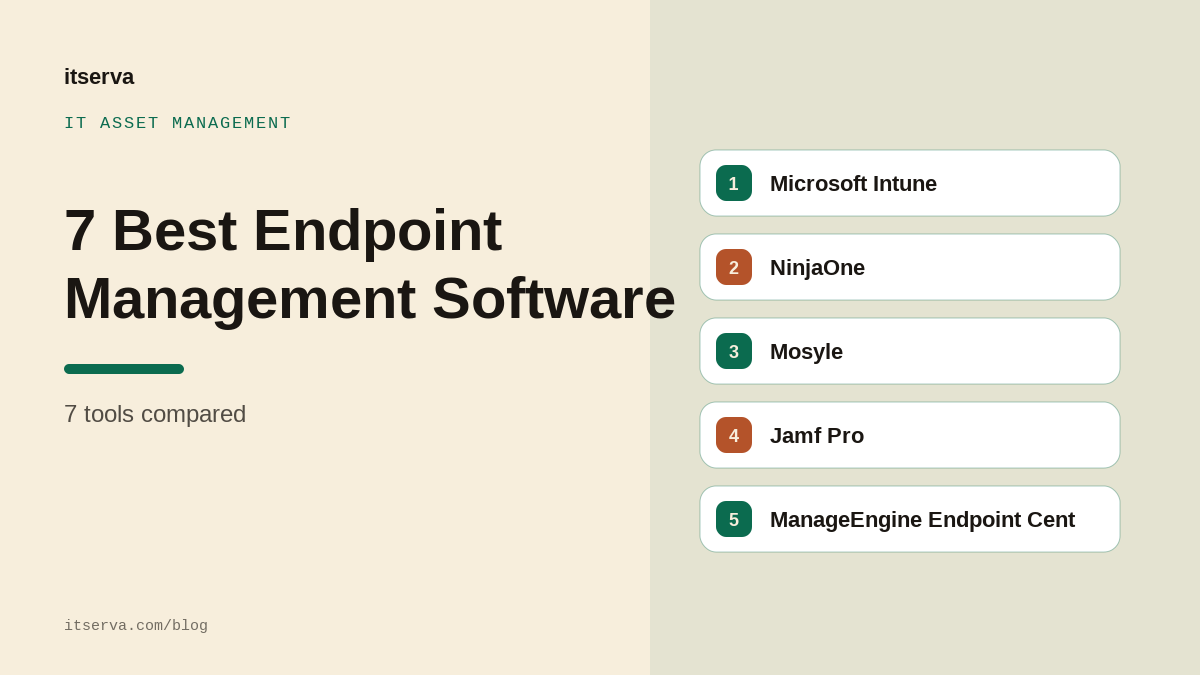
What does endpoint management software do?
Endpoint management software enrolls, configures, secures and updates every laptop, phone and tablet in an organization from one console. It pushes apps and patches, enforces passcodes and encryption, and can lock or wipe a lost device remotely.
The category now covers Windows, Mac, iOS, Android and Linux in one product, though Apple-only tools still go deeper on Macs and iPhones. Buying comes down to which devices you run, whether you pay per user or per device, and how much of the security stack is bundled in the base price.
Quick comparison
| Tool | Best for | Starting price | Free plan |
|---|---|---|---|
| Microsoft Intune | Microsoft 365 shops | $8/user/month (Plan 1, standalone) | No (free trial) |
| NinjaOne | MSPs and mid-market IT teams | $1.50-$3.75/endpoint/month (by volume) | No (14-day trial) |
| Mosyle | Budget Apple fleets | $1/device/month (Business Premium, annual) | Yes (up to 30 devices) |
| Jamf Pro | Large Apple-only fleets | $12.50/device/month (Jamf for Mac bundle, annual) | No (free trial) |
| ManageEngine Endpoint Central | Maximum features per dollar | $1.32/endpoint/month (Professional, starts at) | Yes (Free edition, 25 endpoints) |
| Hexnode UEM | Mixed-OS fleets on a budget | $2.20/device/month (Pro, annual) | No (free trial) |
| Miradore | Small teams starting free | $2.75/device/month (Premium, annual) | Yes (up to 50 devices) |
The 7 best endpoint management tools
#1
Microsoft Intune
- Best for
- Microsoft 365 shops
- Starting price
- $8/user/month (Plan 1, standalone)
- Free plan
- No (free trial)
Microsoft Intune is the default endpoint manager for organizations already paying for Microsoft 365. Plan 1 costs $8 per user per month standalone and is included in Business Premium, E3 and E5, covering device and app management across Windows, macOS, iOS, Android and Linux. Zero-touch enrollment through Autopilot and conditional access through Entra ID come with the platform.
The trade-off is depth outside Windows. Mac management lags the Windows experience, each user can enroll only 15 devices, and advanced features such as Remote Help and endpoint privilege management need the $10 Suite or an E5 license. Microsoft Intune fits organizations that already run Microsoft 365 and want endpoint management inside the licenses they own.
What we like
- Included in most Microsoft 365 licenses
- Zero-touch Autopilot enrollment
- Deep Entra ID and conditional access integration
- Covers Windows, Mac, iOS, Android and Linux
Watch out for
- Mac management lags Windows
- 15-device cap per user
- Advanced features need the $10 Suite
#2
NinjaOne
- Best for
- MSPs and mid-market IT teams
- Starting price
- $1.50-$3.75/endpoint/month (by volume)
- Free plan
- No (14-day trial)
NinjaOne is a cloud console built for speed across Windows, Mac and Linux. It publishes $1.50 per endpoint per month at 10,000 endpoints, rising to $3.75 at 50 or fewer, with volume discounts in between. Automated patching, maintenance and remediation run from one dashboard, and onboarding and support are free and unlimited.
The trade-off is that the headline range is not a fixed price. Backup, MDM and vulnerability scanning are separately priced modules, and very small fleets pay the top of the range with a soft 50-device minimum. NinjaOne fits MSPs and mid-market IT teams that manage hundreds of endpoints and want patching done fast.
What we like
- Clean, fast cloud console
- Strong cross-OS patching
- Free unlimited onboarding and support
- Published volume pricing
Watch out for
- Only a pricing range is published
- Backup and MDM are paid add-ons
- Soft 50-device minimum
#3
Mosyle
- Best for
- Budget Apple fleets
- Starting price
- $1/device/month (Business Premium, annual)
- Free plan
- Yes (up to 30 devices)
Mosyle is Apple-only device management at the lowest published price on this list. Business Premium costs $1 per device per month on annual billing with a 30-license minimum, and Business Free covers up to 30 devices at no cost. It handles enrollment, profiles, app deployment and compliance for Mac, iPhone and iPad.
The trade-off is scope. Mosyle manages Apple devices only, so a fleet with Windows or Android needs a second tool, and its Fuse security bundle costs $3 per Mac and $1.50 per iPhone or iPad. Mosyle fits schools, startups and small businesses that run Apple devices and want solid management for about a dollar per device.
What we like
- Free tier for up to 30 devices
- $1 per device Premium price
- Free personalized onboarding
- Apple security tools built in
Watch out for
- Apple devices only
- 30-license minimum on paid plans
- Fuse security costs extra
#4
Jamf Pro
- Best for
- Large Apple-only fleets
- Starting price
- $12.50/device/month (Jamf for Mac bundle, annual)
- Free plan
- No (free trial)
Jamf Pro is the Apple device management standard for large, regulated fleets. It now sells as the Jamf for Mac bundle at $12.50 per device per month on annual billing, packaging Jamf Pro with Jamf Connect for identity and Jamf Protect for endpoint security, with a 25-device minimum. It supports new Apple OS releases on day one.
The trade-off is price and platform. Jamf Pro manages Apple devices only, and onboarding programs can add thousands of dollars on top of the subscription, pushing total cost well above the list price. Jamf Pro fits large Apple-first organizations in regulated industries that need deep policy control and compliance workflows.
What we like
- Deepest Apple management available
- Same-day support for new Apple OS releases
- Identity and security bundled in
- Trusted in regulated industries
Watch out for
- Highest per-device price here
- Onboarding can add thousands
- Apple only
#5
ManageEngine Endpoint Central
- Best for
- Maximum features per dollar
- Starting price
- $1.32/endpoint/month (Professional, starts at)
- Free plan
- Yes (Free edition, 25 endpoints)
ManageEngine Endpoint Central is the broadest toolkit on this list for the money. Professional starts at $1.32 per endpoint per month, and a free edition covers 25 endpoints. It packs patching, software deployment, OS imaging, remote control and mobile device management for Windows, macOS, Linux, iOS and Android into one product.
The trade-off is configuration effort. The interface is dense next to NinjaOne, and useful pieces such as endpoint detection and response, ransomware protection and OS deployment are separately priced add-ons. ManageEngine Endpoint Central fits IT teams that have time to configure a deep tool and want the most features per dollar.
What we like
- Free edition for 25 endpoints
- Full tiered price list published
- On-prem or cloud deployment
- Widest feature set for the price
Watch out for
- Dense interface
- EDR and ransomware protection are add-ons
- Configuration takes real effort
#6
Hexnode UEM
- Best for
- Mixed-OS fleets on a budget
- Starting price
- $2.20/device/month (Pro, annual)
- Free plan
- No (free trial)
Hexnode UEM is a cross-platform manager for mixed fleets on a tight budget. Pro starts at $2.20 per device per month on annual billing, with a 15-device minimum, and it covers Windows, macOS, iOS, Android and tvOS from one console. App deployment, compliance policies and kiosk mode are included for locking down shared devices.
The trade-off is depth on Apple devices. Hexnode UEM cannot match Jamf Pro or Mosyle for Mac-specific policy control, and the cheapest plan leaves advanced automation and some integrations for higher tiers. Hexnode UEM fits small and mid-sized teams that manage a mix of Windows, Mac and mobile devices on one budget.
What we like
- Low price for mixed-OS fleets
- Kiosk mode included
- Monthly or annual billing
- Covers Windows, Mac, iOS, Android and tvOS
Watch out for
- Apple depth trails Jamf Pro and Mosyle
- Advanced automation needs higher tiers
- 15-device minimum
#7
Miradore
- Best for
- Small teams starting free
- Starting price
- $2.75/device/month (Premium, annual)
- Free plan
- Yes (up to 50 devices)
Miradore is the easiest free start on this list for a small mixed fleet. Its free plan covers up to 50 devices across Android, iOS, macOS and Windows, and Premium costs $2.75 per device per month on annual billing. Every account begins with a 14-day trial of Premium+, with no credit card required.
The trade-off is that the free plan is basic. App management, automation and full reporting need Premium, and native remote support plus integrations wait for Premium+ at $3.95 per device per month. Miradore fits small teams that want to manage up to 50 devices free and grow into paid plans without re-enrolling their fleet.
What we like
- Free for up to 50 devices
- 14-day Premium+ trial with no credit card
- Covers all four major platforms
- Simple per-device pricing
Watch out for
- Free plan leaves out app management and automation
- Remote support needs Premium+
- Minimum payment terms under 19 devices
How we chose
We compared endpoint management tools that cover at least two operating systems or dominate one, ranked by fit for the fleets that small and mid-sized teams actually run. We weighted published pricing first, then platform coverage, then free plans and trials, because the cheapest tool is often the one already inside a license you own. Prices come from vendor pricing pages checked in November 2026. No vendor paid for placement, and we did not run hands-on tests; we compare published information.
Per-user vs per-device pricing: the bill behind the headline
Per-user pricing looks cheap until you count devices, and per-device pricing looks cheap until you count users. Intune charges per user and covers up to 15 devices each, so a team with one laptop and one phone per person pays once, while NinjaOne and Mosyle charge per device, so a second device doubles that seat's cost.
Minimums matter just as much. Mosyle paid plans need 30 licenses, Jamf for Mac needs 25 devices and Hexnode needs 15, so a 10-device fleet pays for devices it does not have. Add the minimums to the headline price before you compare tools, and check whether security features such as endpoint protection are bundled or billed as add-ons.
How to choose
Start with the devices you actually manage. Count Windows, Mac, iOS and Android separately, then check whether your Microsoft 365 licenses already include Intune before you price anything else.
Next, price a realistic month. Multiply the per-device or per-user rate by your real device count, add the minimum license count, and include any security add-ons you need. A tool that looks cheapest per device can cost more once minimums and add-ons land.
Finally, trial two tools with real devices. Enroll a mix of laptops and phones, push a patch and an app, then test lock, wipe and compliance reporting before you commit the whole fleet.