
Why does ecommerce accounting differ from ordinary bookkeeping?
Selling online creates high transaction counts, and the money that lands in the bank rarely matches daily sales. Processors and marketplaces deduct fees, refunds and shipping before paying out, so a good setup separates gross sales, refunds, fees and sales tax liabilities to keep the profit and loss statement accurate.
Stock adds another layer. Many entry-level accounting tiers omit inventory tracking or multi-location stock, pushing growing stores toward higher tiers or dedicated reconciliation connectors. Promotional pricing also deserves care, since steep discounts for the first three to six months often renew at much higher regular rates.
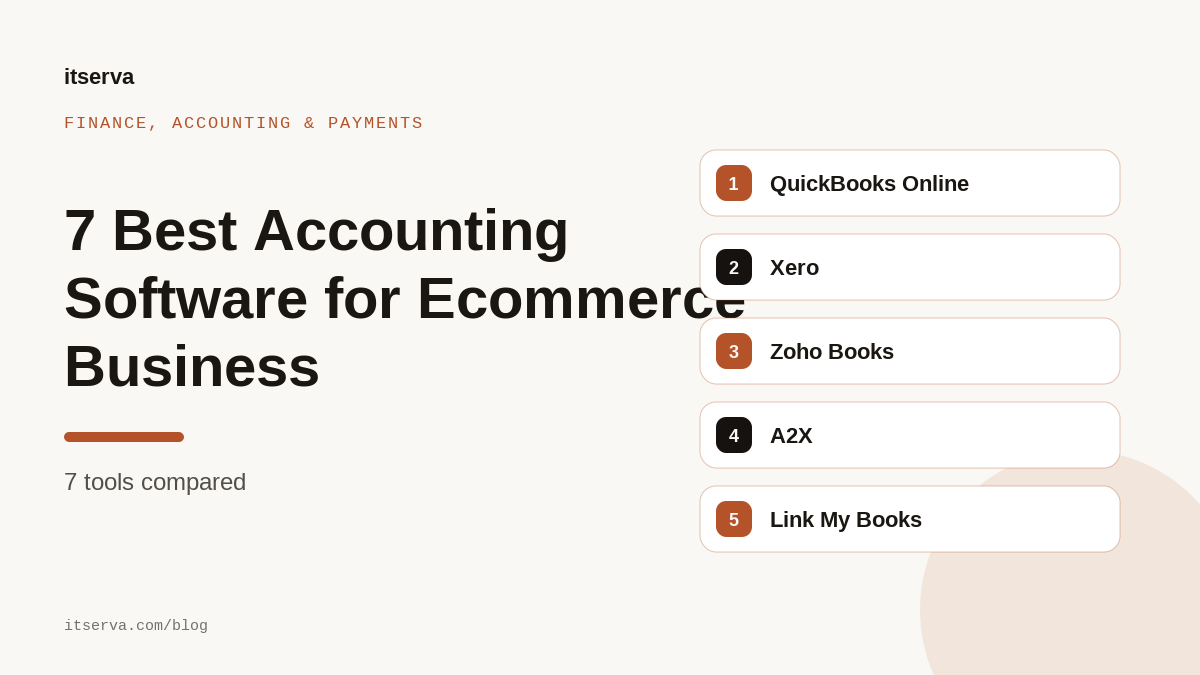
Quick comparison
| Tool | Best for | Starting price | Free plan |
|---|---|---|---|
| QuickBooks Online | Best accounting depth and accountant compatibility | $38/month (Simple Start) | No free plan |
| Xero | Best for teams wanting unlimited users on a core ledger | $27/month (Early) | No free plan |
| Zoho Books | Best value for budget-conscious small businesses | $20/month (Standard, monthly) | Yes (revenue under $50,000) |
| A2X | Best for automated marketplace payout reconciliation | $29/month (Amazon, Shopify, Etsy, eBay) | No free plan |
| Link My Books | Best for order-volume scaled payout syncing | $21/month (Starter, up to 200 orders) | No free plan |
| Wave | Best for free basic double-entry bookkeeping | $19/month (Pro) | Yes (Starter, $0) |
| Kashoo | Best for simple flat-rate accounting with unlimited users | $30/month (flat rate) | No free plan |
The 7 best accounting software for ecommerce business
#1
QuickBooks Online
4.3/5 on Capterra (8,546 reviews, checked Nov 2026)
- Best for
- Best accounting depth and accountant compatibility
- Starting price
- $38/month (Simple Start)
- Free plan
- No free plan
QuickBooks Online is a cloud ledger that covers bank feeds, expense sorting, invoicing and reporting from $38 per month on Simple Start in the US. Higher tiers add more users and features, with Essentials at $85, Plus at $140 and Advanced at $340 per month. Its large app ecosystem connects stores, payment processors and shipping tools to the books.
The trade-off is that stock tracking stays locked until Plus at $140 per month, so sellers holding inventory pay far more than the entry price. Prices have also climbed over time, and extra add-ons can push the monthly total higher still. QuickBooks Online fits online sellers who want deep reporting, broad integrations and an accountant who already knows the platform.
What we like
- Wide integration ecosystem for carts, gateways and apps
- Familiar to many US bookkeepers and CPAs
- Automated bank feeds and reporting from the entry tier
Watch out for
- Simple Start omits inventory tracking until Plus at $140 per month
- Frequent price increases and add-on costs
- Support delays are a recurring review complaint
#2
Xero
4.4/5 on Capterra (3,343 reviews, checked Nov 2026)
- Best for
- Best for teams wanting unlimited users on a core ledger
- Starting price
- $27/month (Early)
- Free plan
- No free plan
Xero is a cloud ledger built around bank reconciliation, invoicing, bill tracking and live financial reports. Early costs $27 per month in the US, with Growing at $59 and Established at $97 per month after the October 2026 price update. Every plan includes unlimited users, which keeps costs predictable as a team grows.
The trade-off is that the entry tier caps how many invoices and bills a store can send each month, so busy sellers may need Growing sooner than expected. Some users also report slow ticket support and occasional bank feed hiccups. Xero fits growing ecommerce teams that want unlimited seats and tidy reconciliation without per-user fees.
What we like
- Unlimited users across all plans
- Strong bank reconciliation and live reporting
- Connects with major ecommerce connectors and payment tools
Watch out for
- US rates rose in October 2026 to $27 per month on Early
- Entry plan limits monthly invoices and bills
- Some reviewers report slow ticket support
#3
Zoho Books
4.4/5 on Capterra (684 reviews, checked Nov 2026)
- Best for
- Best value for budget-conscious small businesses
- Starting price
- $20/month (Standard, monthly)
- Free plan
- Yes (revenue under $50,000)
Zoho Books is a cloud ledger with invoicing, expense tracking, journals and financial reports at a low entry price. Eligible businesses with revenue under $50,000 can use the free plan, while Standard costs $20 per month billed monthly or $15 per month billed annually. Higher tiers run from Professional at $50 to Ultimate at $275 per month.
The trade-off is that stock tracking and purchase orders sit above Standard, so sellers with inventory must pay for a higher tier. Bank feed matching can also be fiddly, and fewer US accountants work in Zoho Books than in QuickBooks. Zoho Books fits micro and small stores that want solid books at the lowest possible monthly cost.
What we like
- Free plan for eligible businesses under $50,000 revenue
- Low entry paid price at $20 per month or $15 annually
- Integrates with the wider Zoho business suite
Watch out for
- Inventory management needs an upgrade past Standard
- Some users report bank feed matching friction
- Smaller US accountant adoption than QuickBooks
#4
A2X
4.9/5 on Capterra (287 reviews, checked Nov 2026)
- Best for
- Best for automated marketplace payout reconciliation
- Starting price
- $29/month (Amazon, Shopify, Etsy, eBay)
- Free plan
- No free plan
A2X is a settlement tool that turns marketplace payouts into tidy accounting entries, splitting gross sales from refunds, fees and taxes. It starts at $29 per month for Amazon, Shopify, Etsy and eBay, with Walmart from $79 per month. It posts into QuickBooks Online, Xero or NetSuite rather than keeping its own ledger.
The trade-off is that A2X adds $29 per month on top of a separate accounting subscription, so the combined bill is higher than a ledger alone. Very low-volume side stores may find the cost hard to justify for a handful of payouts. A2X fits marketplace and Shopify sellers whose payouts mix fees, refunds and taxes in ways a bank feed cannot split.
What we like
- High 4.9 out of 5 rating across 287 Capterra reviews
- Separates fees, refunds, sales tax and settlements cleanly
- Supports Amazon, Shopify, Etsy, eBay and Walmart
Watch out for
- Needs an existing accounting platform such as QuickBooks or Xero
- Adds ongoing cost on top of the base accounting plan
- Can feel expensive for very low-volume side stores
#5
Link My Books
4.9/5 on Capterra (119 reviews, checked Nov 2026)
- Best for
- Best for order-volume scaled payout syncing
- Starting price
- $21/month (Starter, up to 200 orders)
- Free plan
- No free plan
Link My Books is a connector that posts payouts, tax breakdowns and cost of goods sold entries into Xero or QuickBooks. Starter costs $21 per month for up to 200 orders, rising to $41 at 1,000 orders and $176 at 20,000 orders. It covers Shopify, Amazon, Etsy, eBay, TikTok Shop and WooCommerce.
The trade-off is that the monthly price climbs with order volume, so a fast-growing store can outgrow the cheap tier quickly. It also needs a separate ledger, since it does not produce full financial statements on its own. Link My Books fits stores that want guided tax mapping and cost of goods sold sync across several sales channels.
What we like
- Low entry tier at $21 per month for up to 200 monthly orders
- Covers cost of goods sold, tax mapping and payout reconciliation
- Supports Shopify, Amazon, Etsy, eBay, TikTok Shop and WooCommerce
Watch out for
- Monthly cost rises as monthly order volume grows
- Needs Xero or QuickBooks for full financial statements
- Less suited to micro-sellers with almost no monthly orders
#6
Wave
4.4/5 on Capterra (1,726 reviews, checked Nov 2026)
- Best for
- Best for free basic double-entry bookkeeping
- Starting price
- $19/month (Pro)
- Free plan
- Yes (Starter, $0)
Wave is a small-business ledger with estimates, invoices, bills and basic double-entry bookkeeping on a $0 Starter plan. The US Pro plan costs $19 per month or $190 per year and adds automatic bank imports, auto-categorization and receipt capture. Receipt capture is also available as an $11 per month add-on.
The trade-off is that automatic bank feeds need the $19 per month Pro plan, so the free tier involves more manual entry. Wave also lacks deep inventory accounting, which limits it for stores with complex stock. Wave fits solo sellers who want simple, low-cost books without a monthly fee to start.
What we like
- Zero-cost Starter plan covers basic invoicing, bills and bookkeeping
- Affordable Pro plan at $19 per month or $190 per year
- Straightforward interface for solo business owners
Watch out for
- Automated bank imports are gated behind Pro at $19 per month
- Light feature set for multi-channel inventory and complex stock
- Support speed draws mixed user reviews
#7
Kashoo
4.5/5 on Capterra (132 reviews, checked Nov 2026)
- Best for
- Best for simple flat-rate accounting with unlimited users
- Starting price
- $30/month (flat rate)
- Free plan
- No free plan
Kashoo is a cloud ledger priced at a flat $30 per month in the US, with unlimited invoices, bank feeds, sales tax tracking and unlimited users included. It also covers multi-currency bookkeeping in a clean, lightweight interface. The focus stays on core bookkeeping rather than enterprise menus or heavy add-ons.
The trade-off is that Kashoo has no built-in inventory or warehouse stock controls, and no native marketplace settlement connectors. It also offers fewer native ecommerce integrations than QuickBooks or Xero, so some stores need extra tools. Kashoo fits small online businesses that want simple flat-rate accounting with unlimited users.
What we like
- Unlimited users and unlimited invoices at $30 per month
- Clean, lightweight interface for everyday bookkeeping
- Covers sales tax tracking, multi-currency and bank feeds
Watch out for
- No built-in ecommerce inventory or warehouse stock controls
- Fewer native ecommerce integrations than QuickBooks or Xero
- Some reviewers note occasional bank feed sync hiccups
How we chose
For this list, we compared established cloud ledgers and ecommerce payout connectors that actively serve online sellers, publish their prices and hold public review profiles on Capterra. We weighted ledger depth and ecommerce fit first, then regular US prices, free plans and review ratings. Prices are regular US list prices checked in November 2026, not short-term introductory discounts, and ratings come from Capterra with review counts. No vendor paid for placement, and we did not run hands-on tests; we compare published information.
Do you need a ledger, a payout connector, or both?
A ledger such as QuickBooks Online, Xero, Zoho Books, Wave or Kashoo holds the chart of accounts, expenses, bank balances and financial statements. Without one, a store has no complete set of books for taxes or lenders, no matter how neatly payouts arrive.
A payout connector such as A2X or Link My Books sits between sales channels and the ledger, splitting each payout into sales, refunds, fees and taxes. That split keeps ledger entries aligned with bank deposits, which rarely match daily sales because processors deduct fees before paying out.
How to choose
Start with your sales channels and payout structure. List where orders come from, such as Shopify, Amazon or Etsy, and decide whether a payout connector is needed to separate fees, refunds and sales tax from net deposits.
Next, check inventory and cost of goods sold needs. Confirm whether the plan tracks stock and margins, or whether a higher tier or add-on is needed as the catalog grows. Then compare regular US renewal rates rather than intro promos, watching for per-user or per-order jumps as sales scale.
Finally, confirm accountant compatibility and exports. Make sure a bookkeeper or tax preparer can work in the chosen platform and that clean reports can be exported whenever needed.