
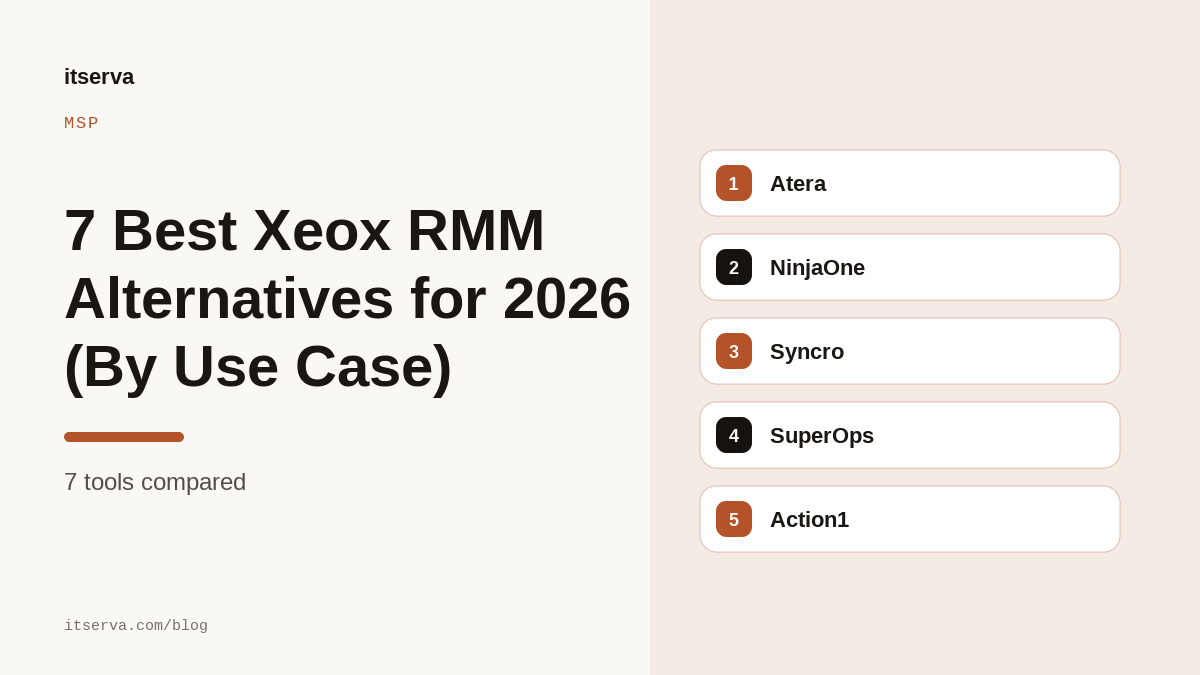
What should an Xeox RMM alternative do differently?
Xeox RMM buyers usually switch because they want clearer pricing, stronger automation or a fuller bundle of RMM and PSA features in one console. The tools here cover that range: per-technician plans for endpoint-dense shops, per-device plans for smaller fleets, and a free patching tier for tight budgets.
The biggest choice is the pricing model. Per-technician pricing stays flat as endpoints grow, per-device pricing scales with the fleet, and quote-only tools need a written figure before any real comparison is possible.
Quick comparison
| Tool | Best for | Starting price | Free plan |
|---|---|---|---|
| Atera | Best Xeox alternative overall | $149/technician/month | No (30-day free trial) |
| NinjaOne | Ease of use and automation | $1.50-$3.75/device/month | No (14-day free trial) |
| Syncro | All-in-one RMM plus PSA | $129/user/month (Core, billed annually) | No (14-day free trial) |
| SuperOps | Modern RMM plus PSA combo | Custom pricing | No (free trial) |
| Action1 | Free patching up to 200 endpoints | $0 (free up to 200 endpoints) | Yes (free up to 200 endpoints) |
| Pulseway | Mobile-first management | Custom pricing | No free plan listed |
| Datto RMM | Security depth and backup integration | Custom pricing | No (trial available) |
The 7 best Xeox RMM alternatives
#1
Atera
- Best for
- Best Xeox alternative overall
- Starting price
- $149/technician/month
- Free plan
- No (30-day free trial)
Atera is a per-technician RMM platform that charges $149 per technician per month, according to the price listed on its pricing page, with no charge per device no matter how many endpoints each technician manages. The platform bundles remote access, patching and ticketing into every plan, and its pricing page promises a 30-day free trial with no credit card required. Network discovery is sold as an add-on, and an AI agent called Robin is offered for autonomous support work.
The trade-off is that the bill rises with every technician you hire, so a large team pays far more than a small one managing the same endpoints. Add-ons such as network discovery also sit outside the base price, which makes the headline figure only part of the total cost. Atera fits MSPs with many endpoints per technician that want one flat per-technician bill.
What we like
- Per-technician pricing with unlimited endpoints
- Remote access, patching and ticketing included
- 30-day trial with no credit card
- AI agent for autonomous support
Watch out for
- Bill rises with every technician hired
- Network discovery is a paid add-on
- No free plan
#2
NinjaOne
- Best for
- Ease of use and automation
- Starting price
- $1.50-$3.75/device/month
- Free plan
- No (14-day free trial)
NinjaOne is a per-device endpoint management platform with published pricing from $1.50 per device per month at 10,000 endpoints to $3.75 per device per month at 50 or fewer endpoints. Its pricing page describes automated patching for operating systems and third-party apps, automated maintenance and reporting, plus free and unlimited support with no implementation fees. A 14-day free trial is offered, and partners can cancel with 60 days notice.
The trade-off is that per-device pricing climbs fast as the fleet grows, so a few thousand endpoints can cost far more than a per-technician plan. Backup, mobile device management and vulnerability scanning are separate paid modules rather than included features, which adds to the bill. NinjaOne fits MSPs with a modest endpoint count that value a fast console and strong automation.
What we like
- Published per-device pricing with volume discounts
- Automated patching for OS and third-party apps
- Free and unlimited support
- No implementation fees
Watch out for
- Per-device costs climb on large fleets
- Backup and MDM are paid add-ons
- No free plan
#3
Syncro
- Best for
- All-in-one RMM plus PSA
- Starting price
- $129/user/month (Core, billed annually)
- Free plan
- No (14-day free trial)
Syncro is an all-in-one RMM and PSA platform with published pricing: the Core plan costs $129 per user per month billed annually, or $159 month to month, while the Team plan costs $179 per user per month billed annually. Every plan includes unlimited endpoints, ticketing, scripting, automated patching and billing, and the Team plan adds Microsoft 365 security and identity management. A 14-day free trial needs no credit card.
The trade-off is that $129 per user per month is a real commitment for a small shop, and the Microsoft 365 security tools that many MSPs want sit only on the pricier Team plan. AI features are free only through January 2027, after which they run on usage-based credits. Syncro fits small MSPs that want RMM, ticketing and billing on one bill without a separate PSA.
What we like
- Full RMM plus PSA in every plan
- Published pricing with unlimited endpoints
- Billing and invoicing included
- 14-day trial with no credit card
Watch out for
- Microsoft 365 security needs the Team plan
- AI features move to credits after January 2027
- No free plan
#4
SuperOps
- Best for
- Modern RMM plus PSA combo
- Starting price
- Custom pricing
- Free plan
- No (free trial)
SuperOps is a per-endpoint RMM and PSA platform whose pricing page lists two plans, Prime and Prime Plus, without publishing a dollar figure, so buyers get a quote for their fleet. Prime covers endpoint management for Windows, macOS and Linux, automated patching, network monitoring and built-in ticketing, while Prime Plus adds mobile device management for Apple and Android devices. Each plan carries a minimum of 150 endpoints, and a free trial is offered.
The trade-off is that quote-only pricing makes it hard to compare SuperOps against published prices before talking to sales, and the 150-endpoint minimum rules out the smallest shops. The platform is also newer than long-established rivals, so its track record at large scale is shorter. SuperOps fits growing MSPs that want a modern all-in-one platform and can clear the endpoint minimum.
What we like
- Modern interface with RMM and PSA together
- Automated patch management included
- Mobile device management on Prime Plus
- Free onboarding and trial
Watch out for
- Quote-only pricing with no published figure
- 150-endpoint minimum on every plan
- Newer than long-established rivals
#5
Action1
- Best for
- Free patching up to 200 endpoints
- Starting price
- $0 (free up to 200 endpoints)
- Free plan
- Yes (free up to 200 endpoints)
Action1 is a cloud patching platform that is free for the first 200 endpoints with no feature limits and no expiry, which makes it the cheapest starting point on this list. Its pricing page states that the free tier is not a trial, and it covers patching for operating systems and third-party apps with remediation workflows and reporting. Community support runs through the Action1 Discord server, and fleets above 200 endpoints move to a quote.
The trade-off is that Action1 is patching-focused rather than a full RMM, so it does not replace monitoring, remote access or PSA features on its own. Teams that need those capabilities must pair it with another tool or choose a full platform instead. Action1 fits internal IT teams and small MSPs that mainly need reliable patching at zero cost for up to 200 endpoints.
What we like
- Free for the first 200 endpoints
- No feature limits and no expiry
- Cloud patching for OS and third-party apps
- Remediation workflows included
Watch out for
- Patching-focused, not a full RMM
- Quote needed above 200 endpoints
- Community support only on the free tier
#6
Pulseway
- Best for
- Mobile-first management
- Starting price
- Custom pricing
- Free plan
- No free plan listed
Pulseway is a mobile-first RMM platform built around a phone app that lets technicians receive alerts and take remote actions from anywhere. Its product pages describe monitoring and alerting for Windows, Mac, Linux and network devices, patch management for operating systems and third-party apps, scripting with auto-remediation, and unlimited remote control sessions. Add-ons cover antivirus, ransomware detection, ticketing and backup, and pricing is quote-based with no published figure.
The trade-off is that quote-only pricing means buyers cannot compare Pulseway against published prices without a sales conversation, and the wider ecosystem is smaller than those of long-established rivals. The mobile focus is a strength on the road but matters less for desk-bound teams. Pulseway fits MSPs whose technicians work on site and want to manage endpoints from a phone.
What we like
- Mobile app for alerts and remote actions
- Monitoring, patching and scripting in one tool
- Unlimited remote control sessions
- Security and backup add-ons available
Watch out for
- Quote-only pricing with no published figure
- Smaller ecosystem than long-established rivals
- No free plan listed
#7
Datto RMM
- Best for
- Security depth and backup integration
- Starting price
- Custom pricing
- Free plan
- No (trial available)
Datto RMM is a secure cloud-based RMM platform for MSPs, with no hardware to maintain and 99.99% availability stated on its product page. It offers a native Microsoft 365 management module for onboarding, offboarding and quarantining users, plus automated patch management, ransomware detection and network topology maps. Integration with Autotask PSA puts ticket and asset data in front of technicians, and support is available around the clock.
The trade-off is that Datto RMM pricing is quote-based, with no published figure on its product page, so buyers must request pricing before they can compare it. Datto is now part of Kaseya, which suits shops already in that ecosystem but may not suit buyers who want an independent vendor. Datto RMM fits MSPs that want security depth and backup integration alongside endpoint management.
What we like
- Native Microsoft 365 management module
- Ransomware detection built in
- 99.99% availability stated
- Autotask PSA integration
Watch out for
- Quote-only pricing with no published figure
- Part of Kaseya, not independent
- No free plan
How we chose
We compared seven RMM tools that MSPs commonly choose instead of Xeox, covering monitoring, patching, automation, remote access and PSA bundling for each use case. We weighted pricing transparency first, then fit for small to mid-size MSPs, then the breadth of included features. Prices and free plans come from vendor pricing pages checked in November 2026, and tools with no published price are listed as quote-based. No vendor paid for placement, and we did not run hands-on tests; we compare published information.
Per-technician or per-device: do the math first
A technician managing 200 endpoints pays $149 a month on Atera's per-technician plan, about $0.75 per endpoint, while the same 200 endpoints at $3.75 each on NinjaOne's top rate cost $750. Shops with many endpoints per technician usually save with per-technician pricing, while shops with few endpoints per technician usually save with per-device pricing.
Model your real numbers before signing, and get quote-only prices in writing. Count endpoints, count technicians, divide, and check contract length, minimums such as SuperOps' 150 endpoints, and whether backup or mobile management costs extra.
How to choose
Start with your endpoint count and technician count, then divide. If each technician manages hundreds of endpoints, shortlist per-technician tools such as Atera and Syncro; if the fleet is small, per-device tools such as NinjaOne and SuperOps may cost less.
Next, decide how much of the stack you want in one tool. Teams that want tickets, billing and monitoring together should compare Syncro and SuperOps, while teams that only need patching can start free with Action1 and add a full RMM later.
Finally, trial two tools with real endpoints. Check agent performance on your oldest hardware, test patching and remote access during the trial, and confirm the quote in writing before you commit.