
What does RMM software do for an MSP?
Remote monitoring and management software watches client endpoints, applies patches, sends alerts and lets technicians fix problems remotely without visiting each site. For an MSP, it is the daily operations layer that sits underneath every client contract and service level agreement.
Pricing models differ more than features do. Per-technician billing stays flat as endpoints grow, per-device billing falls with volume, and several vendors publish no price at all, so the quote matters as much as the feature list.
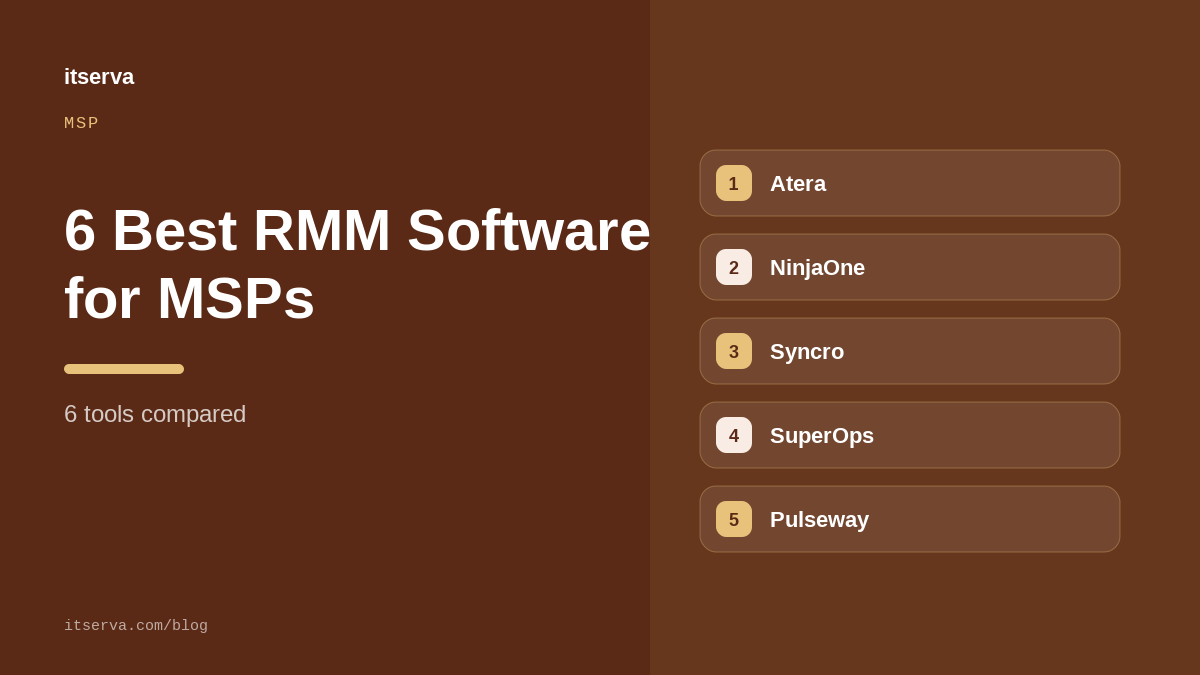
Quick comparison
| Tool | Best for | Starting price | Free plan |
|---|---|---|---|
| Atera | Best RMM for MSPs overall | $149/technician/month | No (30-day trial) |
| NinjaOne | Best automation and per-device pricing | $1.50-$3.75/device/month | No (14-day trial) |
| Syncro | Best all-in-one RMM and PSA | $129/user/month (Core, billed annually) | No (14-day trial) |
| SuperOps | Best modern RMM and PSA for larger fleets | Custom pricing | No (free trial) |
| Pulseway | Best mobile-first RMM | Custom pricing | No |
| Action1 | Best free start for small fleets | Free for first 200 endpoints | Yes (first 200 endpoints free) |
The 6 best RMM software for MSPs
#1
Atera
- Best for
- Best RMM for MSPs overall
- Starting price
- $149/technician/month
- Free plan
- No (30-day trial)
Atera is a per-technician RMM platform for MSPs, so the bill follows the number of technicians rather than the number of endpoints under management. Its pricing page lists a starting price of $149 per technician per month, with remote access, patch management and ticketing built into the platform rather than sold as separate modules. A 30-day trial needs no credit card and gives full access to the Expert plan.
The trade-off is that the entry price is higher than per-device rivals for a one-technician shop with a small fleet, and add-ons such as network discovery carry extra charges. The pricing page also focuses on IT departments, so MSPs should confirm the current MSP plan names and terms with sales before signing. Atera fits MSPs that want predictable per-technician billing and unlimited endpoints as their client base grows.
What we like
- Per-technician pricing with unlimited endpoints
- 30-day trial with no credit card
- Remote access, patching and ticketing built in
- No per-device charges as fleets grow
Watch out for
- Entry price is high for a one-technician shop
- Add-ons such as network discovery cost extra
- Pricing page focuses on IT departments, so confirm MSP terms
#2
NinjaOne
- Best for
- Best automation and per-device pricing
- Starting price
- $1.50-$3.75/device/month
- Free plan
- No (14-day trial)
NinjaOne is a per-device RMM platform with pricing that falls as endpoint volume rises, from $3.75 per device per month at 50 or fewer endpoints to $1.50 at 10,000 endpoints. Its pricing page states that support is free and unlimited, with no hidden fees, and that implementation carries no separate charge. The page also notes that pricing varies by region and by the products purchased, with volume discounts as endpoint counts rise.
The trade-off is that the exact bill still needs a quote, because the published figures are a range rather than a fixed plan price, and the page warns that promotions and commitments can change the rate. Volume discounts help large fleets, while a small fleet pays the highest per-device rate. NinjaOne fits MSPs that want a low starting per-device rate and can accept per-device billing tied to fleet size.
What we like
- Per-device rate falls to $1.50 at 10,000 endpoints
- Free and unlimited support with no hidden fees
- 14-day free trial
- No separate implementation charge
Watch out for
- Exact price needs a quote
- Small fleets pay the highest per-device rate
- Promotions and commitments can change the rate
#3
Syncro
- Best for
- Best all-in-one RMM and PSA
- Starting price
- $129/user/month (Core, billed annually)
- Free plan
- No (14-day trial)
Syncro is an all-in-one RMM and PSA platform billed per user, with unlimited endpoints on every plan. Core costs $129 per user per month when billed annually, or $159 month to month, and Team costs $179 per user per month billed annually. Both plans include ticketing, invoicing, recurring billing and automated Windows patch management, and a 14-day trial needs no credit card.
The trade-off is that remote access runs through Splashtop rather than a native tool, and the Microsoft 365 security features, including Entra ID sync and CIS-aligned baselines, sit only on the Team plan. AI features are free through January 2027 and then move to usage-based credits. Syncro fits MSPs that want RMM, PSA and billing on one per-user bill without a separate PSA purchase.
What we like
- RMM and PSA in every plan
- Unlimited endpoints per user
- Published pricing with no sales call needed
- 14-day trial with no credit card
Watch out for
- Microsoft 365 security features need the Team plan
- AI features move to usage-based credits after January 2027
- Remote access runs through Splashtop
#4
SuperOps
- Best for
- Best modern RMM and PSA for larger fleets
- Starting price
- Custom pricing
- Free plan
- No (free trial)
SuperOps is a per-endpoint RMM and PSA platform with two plans, Prime and Prime Plus, aimed at MSPs that want a modern console without legacy complexity. Prime covers endpoint management for Windows, macOS and Linux, remote troubleshooting, network monitoring, automated patch management and a built-in service desk. Prime Plus adds Apple and Android device management with zero-touch deployment.
The trade-off is that the pricing page gives no per-endpoint figure, so the exact price comes only from a quote, and each plan carries a minimum of 150 endpoints. Onboarding is free, but the exact monthly figure still depends on fleet size and plan. SuperOps fits MSPs above 150 endpoints that want RMM and PSA together in a modern interface.
What we like
- RMM and PSA in one modern console
- Prime covers Windows, macOS and Linux
- Prime Plus adds Apple and Android management
- Free trial before talking to sales
Watch out for
- No published per-endpoint price
- 150-endpoint minimum per plan
- Agents are listed as future add-ons
#5
Pulseway
- Best for
- Best mobile-first RMM
- Starting price
- Custom pricing
- Free plan
- No
Pulseway is a mobile-first RMM platform built around managing workstations, servers and network devices from anywhere. Its monitoring covers Windows, Mac and Linux, plus network devices and IoT, with real-time alerting and a mobile app for technicians on the move. Patch management covers operating systems and third-party applications, and scripting with auto-remediation handles routine fixes.
The trade-off is that the pricing page publishes no price and points visitors to a demo or a sales conversation, so budgeting needs a quote before any comparison is possible. Security, ticketing and backup are add-ons rather than part of the core platform, which can lift the real cost. Pulseway fits MSPs whose technicians work mostly from phones and manage many small sites.
What we like
- Mobile app for managing devices anywhere
- Monitoring for Windows, Mac, Linux and network devices
- Patching for operating systems and third-party apps
- Scripting with auto-remediation
Watch out for
- No published price
- Security, ticketing and backup are add-ons
- Budgeting needs a sales conversation first
#6
Action1
- Best for
- Best free start for small fleets
- Starting price
- Free for first 200 endpoints
- Free plan
- Yes (first 200 endpoints free)
Action1 is a platform that is free for the first 200 endpoints, with no feature limits and no expiry date. More than 200 endpoints need a quote, so larger fleets must complete a form and talk to sales before they can budget. Support on the free tier runs through the community Discord server.
The trade-off is that the free tier stops at 200 endpoints, and anything above that needs a quote, so costs for a growing fleet are unknown until sales replies. Support on the free tier runs through the community Discord server rather than a paid support channel. Action1 fits small MSPs that want a free start for up to 200 endpoints without a trial clock.
What we like
- Free for the first 200 endpoints
- No feature limits on the free tier
- Free tier never expires
- Community support on Discord
Watch out for
- Pricing above 200 endpoints needs a quote
- Free tier ends at 200 endpoints
How we chose
We compared six RMM platforms built for MSPs, ranking them by fit for different team sizes and billing models. We weighted published pricing first, then whether the price was per technician, per device or per endpoint, then free plans and trials. Prices come from vendor pricing pages checked in November 2026, and quote-only tools are labelled as custom pricing. We also noted minimum endpoint counts and add-on costs where the pricing page stated them. No vendor paid for placement, and we did not run hands-on tests; we compare published information.
Per-technician, per-device or per-endpoint: which billing model wins?
Per-technician billing, used by Atera and Syncro, costs the same whether a technician manages 50 endpoints or 500, so margins improve as fleets grow. Per-device billing, used by NinjaOne, rewards volume with lower rates at 10,000 endpoints but charges the highest rate for small fleets.
Quote-only pricing is the trap to watch. SuperOps, Pulseway and Action1 above 200 endpoints all need a sales conversation, so get the quote in writing, ask what is included, and check whether add-ons such as backup, security or PSA features carry separate charges before you compare totals.
How to choose
Start with your billing model, not the feature list. Count your technicians and your endpoints, then work out whether per-technician billing from Atera or Syncro, or per-device billing from NinjaOne, gives the lower monthly total for your fleet size.
Next, list the features you cannot buy separately. If you need PSA and billing in the same bill, shortlist Syncro or SuperOps, and if a free start matters most, Action1 covers the first 200 endpoints free while you decide.
Finally, get every quote-only price in writing before you sign. Ask SuperOps and Pulseway for the per-endpoint figure, the minimum commitment and the add-on costs, then compare the monthly totals side by side.