
What does resource management mean in PSA software?
Resource management is the discipline of matching people to work before problems happen: who is available, what skills they have, what they cost, and how full their week already is. A PSA platform adds that layer to project management, time tracking and billing, so staffing decisions draw on live capacity rather than a spreadsheet.
The useful test is forecasting. A strong tool shows utilization now, flags over-allocation before deadlines slip, and projects where the bench will be thin next quarter. That is what separates the tools on this list from generic project software.
Quick comparison
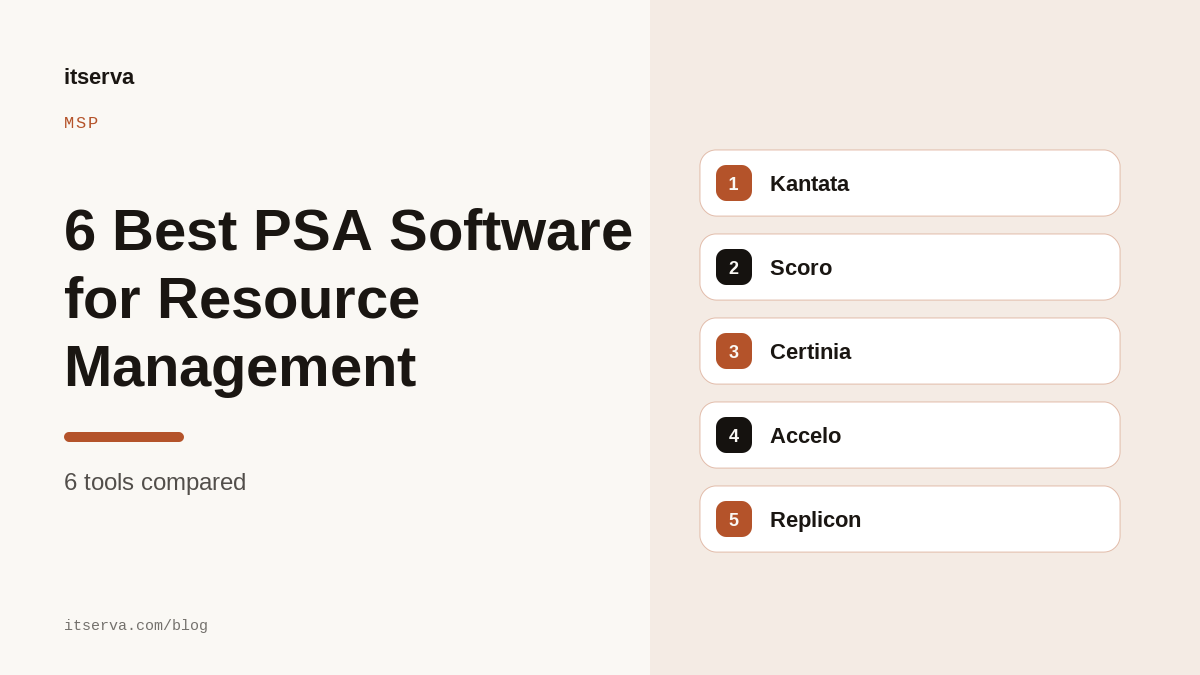
| Tool | Best for | Starting price | Free plan |
|---|---|---|---|
| Kantata | Best PSA for resource forecasting | Custom pricing | No |
| Scoro | Best published-price PSA for smaller firms | $29/user/month (Projects & Resources) | No (14-day free trial) |
| Certinia | Best PSA for Salesforce shops | Custom pricing | No (demo on request) |
| Accelo | Best PSA for retainer-based client work | Custom pricing | No |
| Replicon | Best PSA for global time and compliance needs | Custom pricing | No |
| BQE Core | Best PSA for architecture and engineering firms | Custom pricing | No |
The 6 best PSA software for resource management
#1
Kantata
- Best for
- Best PSA for resource forecasting
- Starting price
- Custom pricing
- Free plan
- No
Kantata is an AI-powered PSA platform built around resource forecasting for services firms. Its pricing page says plans are tailored to company size, goals and the way a team works, with a PSA advisor building the plan, and Kantata reports a 15% boost in service margins from operational efficiencies and better project management. Staffing draws on skills, availability and cost rates, while forecasting shows where the bench will run thin.
The trade-off is price transparency. No plan or per-user figure appears on the pricing page, so a firm cannot compare Kantata on cost without a sales conversation, and smaller teams may find the depth more than they need. Kantata fits mid-size and enterprise services firms where utilization and forecasting drive the business.
What we like
- Strong resource forecasting and skills matching
- Project financials tied to margin
- AI-powered PSA platform
- Plans tailored to the firm
Watch out for
- Custom pricing only, no published price
- Implementation takes planning
- Heavy for smaller firms
#2
Scoro
- Best for
- Best published-price PSA for smaller firms
- Starting price
- $29/user/month (Projects & Resources)
- Free plan
- No (14-day free trial)
Scoro is a modular PSA platform that sells eight core apps in combinations, starting at $17 per user per month for Time-billing. The Projects & Resources combination costs $29 per user per month and covers project planning, resource assignment, availability, time off, utilization and team performance reporting. Every combination needs at least 5 user seats, and a free 14-day trial needs no credit card.
The trade-off is the add-on bill. More than 35 extras and integrations are priced separately, and the End-to-end bundle reaches $57 per user per month, so the headline combination is a floor rather than a total. Scoro fits smaller agencies and consultancies that want projects, resources and finances in one view.
What we like
- Published prices for every combination
- Free 14-day trial, no credit card
- Resource planning with utilization reporting
- Eight core apps to mix and match
Watch out for
- 5-user minimum on every combination
- More than 35 extras priced separately
- End-to-end bundle reaches $57 per user
#3
Certinia
- Best for
- Best PSA for Salesforce shops
- Starting price
- Custom pricing
- Free plan
- No (demo on request)
Certinia is a Salesforce-native PSA suite, sold as its Professional Services Cloud, that runs resource planning, project accounting, time and expense, billing and revenue recognition on Salesforce data. Staffing connects to the sales pipeline, so projected demand appears as opportunities advance, and its Veda AI covers resource planning and customer health. Pricing is by custom quote, with no published plan or price.
The trade-off is the Salesforce prerequisite. A firm that does not run Salesforce cannot use Certinia at all, and it must also pay for Salesforce platform seats on top of the Certinia quote. Certinia fits services businesses already running on Salesforce that want PSA on the same platform.
What we like
- Native Salesforce architecture
- Resource demand tied to the sales pipeline
- Strong financials and revenue recognition
- Veda AI for resource planning
Watch out for
- Custom pricing only, no published price
- Requires Salesforce platform seats
- Enterprise-grade implementation effort
#4
Accelo
- Best for
- Best PSA for retainer-based client work
- Starting price
- Custom pricing
- Free plan
- No
Accelo is a PSA platform for client work that connects sales, projects, retainers, tickets and billing in one system. Its pricing page says pricing is based on team size and growth goals, with every plan tailored, and plans include implementation guidance, onboarding support and access to the full platform. Accelo says customers recover 3-7% of revenue leakage and reduce admin overhead by 30-35%.
The trade-off is that no price appears anywhere on the page. Buyers must request a custom quote and describe their team before they can compare Accelo with a published-price rival, and onboarding costs are not listed either. Accelo fits firms running retainer and recurring client work that want scheduling tied to delivery.
What we like
- Built for retainer and recurring work
- Resource scheduling tied to service delivery
- Implementation guidance included
- Profitability tracked per client
Watch out for
- Custom pricing only, no published price
- Onboarding costs not listed
- Per-team pricing needs a sales call
#5
Replicon
- Best for
- Best PSA for global time and compliance needs
- Starting price
- Custom pricing
- Free plan
- No
Replicon is Deltek's time and workforce platform, covering time tracking, attendance, expenses, leave and labor compliance for global project-based teams. Resource management sits on that time base, so staffing plans draw on the same hours and rules that govern pay and compliance. Deltek says 30,000 organizations use its software, and Replicon publishes no prices or plans.
The trade-off is evaluation effort. The breadth of time, attendance and compliance features makes a short trial hard to scope, and a quote is the only way to learn the cost. Replicon fits global organizations with complex time, attendance and resource needs.
What we like
- Global time and labor compliance
- Time tracking at enterprise scale
- Expenses and leave in one system
- Used by 30,000 organizations, per Deltek
Watch out for
- Custom pricing only, no published price
- Suite breadth complicates evaluation
- Implementation effort for full deployment
#6
BQE Core
- Best for
- Best PSA for architecture and engineering firms
- Starting price
- Custom pricing
- Free plan
- No
BQE Core is a PSA and firm-management platform for architecture and engineering firms, built around its all-in-one Foundations module. Foundations covers time and expense, billing and invoicing, project management, reporting and analytics, with real-time insight into utilization, realization and profitability. Accounting, CRM, HR and payroll are additional modules, and pricing is per user by custom quote.
The trade-off is specialization and price clarity. The accounting depth and architecture and engineering contract handling are overkill for firms with a separate finance system, and no dollar figure appears on the pricing page. BQE Core fits architecture and engineering firms that need PSA plus real accounting in one system.
What we like
- Native accounting replaces separate bookkeeping
- Phase-based project billing
- Real-time utilization and profitability insight
- Per-user pricing by module
Watch out for
- Custom pricing only, no published price
- A&E focus limits fit for other firms
- Accounting depth adds implementation weight
How we chose
We compared PSA platforms with real resource management depth: skills-based staffing, capacity planning, utilization reporting and forecasting, not generic project tools. We weighted resource planning capability first, then utilization and financial visibility, then price transparency. Prices come from each vendor's own pricing page, checked in November 2026; five of the six publish no price and sell by custom quote. We also noted trial availability and minimum user counts where the vendor states them. No vendor paid for placement, and we did not run hands-on tests; we compare published information.
Why most PSA prices are hidden
Five of the six tools on this list publish no price, which is normal for enterprise PSA. Vendors quote on user count, modules, contract length and implementation scope, so two firms can pay very different amounts for the same product.
Ask for the total first-year cost in writing, not just a per-user figure. Implementation, onboarding, training and any required platform seats, such as Salesforce for Certinia, all sit outside the headline quote.
How to choose
Start with your platform constraints. If your firm runs on Salesforce, shortlist Certinia; if it runs on NetSuite, look at NetSuite-native options instead; and if you need real accounting inside the PSA, BQE Core is the specialist pick.
Next, price a realistic year. Scoro is the only tool here with a published resource price, at $29 per user per month for Projects & Resources with a 5-user minimum, so use it as the benchmark and ask the other five for written quotes on the same team size and modules.
Finally, test forecasting, not just scheduling. Ask each vendor to show utilization next quarter, over-allocation warnings and a hiring scenario against your pipeline, because those views are where resource management pays for itself.