
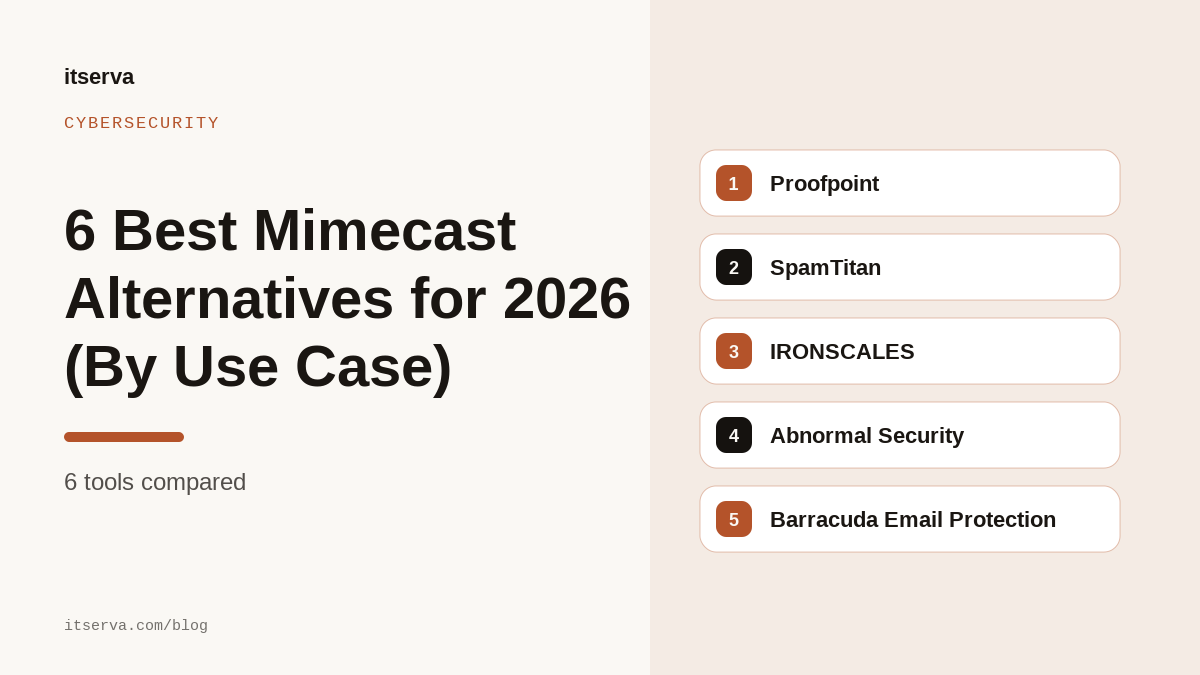
What does a Mimecast alternative need to replace?
Mimecast is a secure email gateway, so a replacement has to filter spam, phishing and malware before mail reaches the inbox, and also cover archiving, continuity and data loss prevention for teams that used those modules. The tools on this list split into two groups: gateways that sit in front of your mail flow, and API tools that connect to Microsoft 365 or Google Workspace without changing mail routing.
Pricing is the hardest part of this comparison. None of the six tools on this list publishes a starting price, so the real cost depends on user count, modules and contract length. Treat any per-user figure from another site with care and get a written quote for your exact mailbox count.
Quick comparison
| Tool | Best for | Starting price | Free plan |
|---|---|---|---|
| Proofpoint | Best overall Mimecast replacement | Custom pricing | No free plan |
| SpamTitan | Small business spam filtering | Custom pricing | No free plan |
| IRONSCALES | Phishing response automation | Custom pricing | No free plan (free trial available) |
| Abnormal Security | AI behavioral email defense | Custom pricing | No free plan |
| Barracuda Email Protection | All-in-one email security | Custom pricing | No free plan |
| Darktrace Email | AI-driven threat detection | Custom pricing | No free plan |
The 6 best Mimecast alternatives
#1
Proofpoint
- Best for
- Best overall Mimecast replacement
- Starting price
- Custom pricing
- Free plan
- No free plan
Proofpoint is the enterprise email security platform most often compared with Mimecast. Its core protection covers phishing, malware, business email compromise and impostor threats, and its packages add account takeover defense, supplier account protection and hosted DMARC, DKIM and SPF services. Proofpoint says it stops 110 million business email compromise attacks per year and is used by more than 80 of the Fortune 100.
The trade-off is cost and complexity. Pricing is quote-based, with budgetary pricing set by the number of user licences and the contract term, so smaller teams should get a written quote before judging value. Proofpoint fits large or regulated organizations that want broad email protection, deep reporting and one vendor for several security needs.
What we like
- Broad phishing, malware and BEC coverage
- Account takeover and supplier account defense
- Hosted DMARC, DKIM and SPF services
- Used by more than 80 of the Fortune 100
Watch out for
- Quote-based pricing with no published starting price
- Admin effort can overwhelm small teams
- No free plan
#2
SpamTitan
- Best for
- Small business spam filtering
- Starting price
- Custom pricing
- Free plan
- No free plan
SpamTitan is a cloud email security gateway that controls, cleans and protects mail against unwanted messages. Its pricing page says it blocks 99.9% of spam, phishing attacks and other email threats, covering spam, phishing and malware in one filter. Pricing is quote-based, through a form that asks for business details and promises a free quote with no obligation.
The trade-off is breadth. SpamTitan focuses on filtering, so archiving, advanced data loss prevention and large enterprise governance are thinner than in a full security suite. SpamTitan fits small and mid-sized businesses that mainly need cleaner inboxes and fewer phishing clicks.
What we like
- Blocks 99.9% of spam and phishing, per its pricing page
- Cloud gateway with a simple filtering focus
- Spam, phishing and malware in one filter
- Free quote with no obligation
Watch out for
- Quote-based pricing with no published starting price
- Thinner archiving and compliance than enterprise suites
- No free plan
#3
IRONSCALES
- Best for
- Phishing response automation
- Starting price
- Custom pricing
- Free plan
- No free plan (free trial available)
IRONSCALES is an email security platform that pairs protection with phishing simulation and automated incident response. Its Email Essentials plan includes AI-powered phishing, business email compromise and VIP impersonation detection, agentic AI autonomous remediation, dynamic email alert banners and a one-click Report Phishing add-in for Outlook. It deploys in minutes with no MX record changes and integrates with Microsoft 365 and Google Workspace.
The trade-off is price transparency. IRONSCALES publishes plan names and features but no per-user prices, so budgeting needs a sales conversation, and email encryption and data loss prevention need the higher Protect 360 plan. IRONSCALES fits teams whose main pain is phishing that slips through filters and the time spent cleaning it up.
What we like
- Autonomous phishing remediation
- Phishing simulation and training built in
- Deploys with no MX changes
- Free trial available
Watch out for
- No published per-user prices
- Encryption and DLP need Protect 360
- No free plan
#4
Abnormal Security
- Best for
- AI behavioral email defense
- Starting price
- Custom pricing
- Free plan
- No free plan
Abnormal Security is an AI-native email security platform that builds behavioral profiles of senders, vendors and employees, then flags messages that break those patterns even when they contain no known malware link. That approach targets business email compromise, credential phishing and account takeover. Abnormal Security says it is trusted by 5,000 organizations, including 30% of the Fortune 500.
The trade-off is enterprise pricing. Abnormal Security publishes no starting price, so budgeting needs a direct quote, and smaller teams with simple filtering needs will get less value from its behavioral AI. Abnormal Security fits organizations where sophisticated social engineering, not bulk spam, is the main risk.
What we like
- Behavioral AI catches BEC and account takeover
- Trusted by 5,000 organizations, including 30% of the Fortune 500
- 30-minute demo showing real attacks blocked
Watch out for
- No published starting price
- Not suited to very small teams
- No free plan
#5
Barracuda Email Protection
- Best for
- All-in-one email security
- Starting price
- Custom pricing
- Free plan
- No free plan
Barracuda Email Protection is a cloud email security service that detects, re-evaluates and automatically remediates evolving email threats after delivery, closing gaps that native protection misses. It comes in three plans: Integrated Email Protection, Premium and Premium Plus, and account takeover protection is included. Premium protects Microsoft 365 data across Entra ID, Exchange, OneDrive, SharePoint and Teams.
The trade-off is choice. The three plans cover different needs, Premium Plus adds user training and archiving for eDiscovery and regulatory compliance, and it asks for a customized price quote. Barracuda Email Protection fits mid-sized businesses that want one vendor for email security and Microsoft 365 data protection.
What we like
- Detects and remediates threats after delivery
- Account takeover protection included
- Premium protects Microsoft 365 data
- Premium Plus adds training and archiving
Watch out for
- Premium Plus needs a customized quote
- Three plans to compare before buying
- No free plan
#6
Darktrace Email
- Best for
- AI-driven threat detection
- Starting price
- Custom pricing
- Free plan
- No free plan
Darktrace Email is an AI email security product that uses Self-Learning AI to learn how each user and organization normally communicates, then intervenes when a message deviates. It says it blocks novel threats up to 13 days earlier and stops up to 58% more threats when added to native email security. It also covers inbound, outbound and lateral mail, plus Microsoft Teams, and integrates with Microsoft 365 and Microsoft Exchange.
The trade-off is cost and fit. Darktrace Email is an enterprise AI layer rather than a simple spam filter, so small businesses looking for basic filtering get more depth than they need. Darktrace Email fits organizations that already invest heavily in security and want AI detection as an extra layer.
What we like
- Blocks novel threats up to 13 days earlier
- Stops up to 58% more threats with native security
- Covers inbound, outbound and lateral mail
- Responds up to 30x faster, per its product page
Watch out for
- Enterprise AI layer, not a simple spam filter
- No published starting price
- No free plan
How we chose
We compared email security tools that replace Mimecast as a gateway or API layer, ranking them by fit for different team sizes, mail platforms and admin effort. We weighted threat coverage first, then deployment effort, then total cost for a typical team. Prices come from vendor pricing pages checked in November 2026, and every tool here publishes no starting price, so each is marked as custom pricing. No vendor paid for placement, and we did not run hands-on tests; we compare published information.
Why most email security pricing is quote-based
Email security vendors price by mailbox count, modules and contract length, so a single list price would mislead most buyers. A 50-person company buying gateway filtering pays far less per user than a 5,000-person enterprise adding archiving, data loss prevention and awareness training.
That is why all six tools on this list publish no starting price. Ask each vendor for a written quote scoped to your exact mailbox count and the modules you need, and compare the three-year total, including renewal uplifts, rather than the first-year figure.
How to choose
Start with your mail platform. Microsoft 365 teams should shortlist tools that integrate with it, such as IRONSCALES, Barracuda Email Protection and Darktrace Email, while Google Workspace teams should check IRONSCALES first, since its pricing page lists both platforms.
Next, list the Mimecast modules you actually use. If data loss prevention and compliance matter, IRONSCALES Protect 360 and Barracuda Email Protection Premium Plus deserve the first calls; if you only need filtering, a simpler gateway such as SpamTitan may cover the need.
Finally, trial two tools in monitor mode before changing mail flow. Compare detection on your real traffic, check false positives on legitimate mail, and confirm that allow lists, quarantine workflows and retention rules move across before you cut over.