
What is the difference between malware removal and antivirus protection?
Antivirus protection runs all the time and tries to stop an infection before it starts. Malware removal cleans a machine that is already infected, often after the main antivirus missed the threat or the malware switched it off.
The two jobs overlap, and many products do both. A free on-demand scanner is the right first step on an infected machine, while a paid suite or the free protection built into Windows covers the days after cleanup.
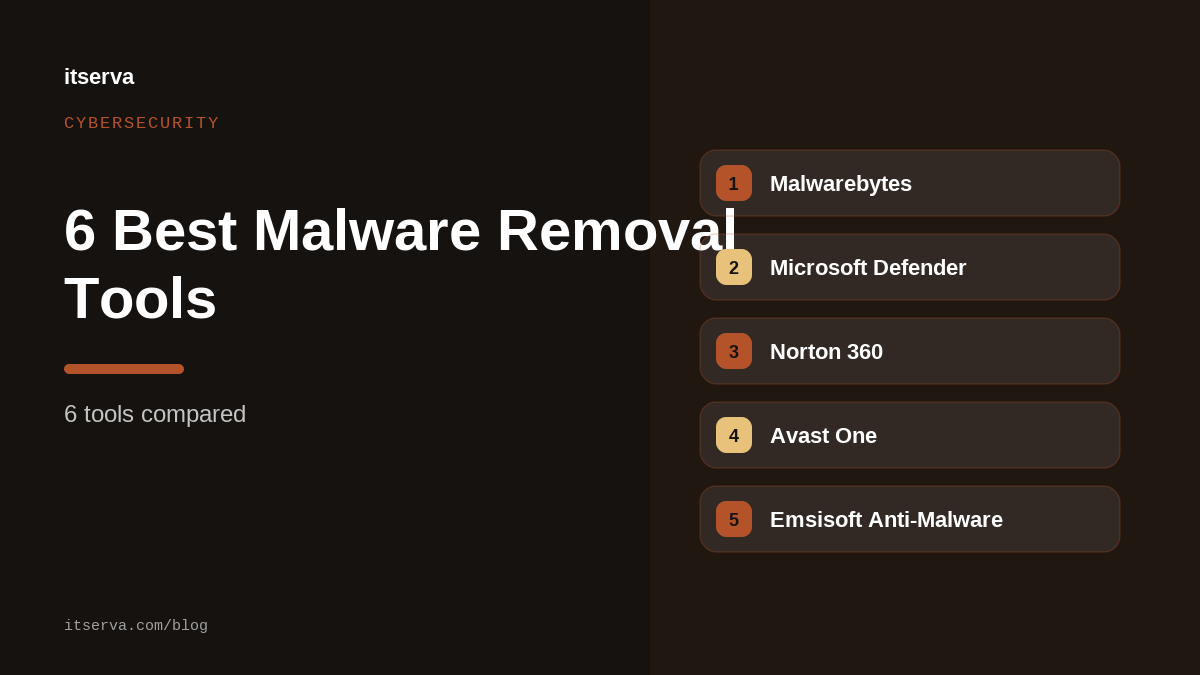
Quick comparison
| Tool | Best for | Starting price | Free plan |
|---|---|---|---|
| Malwarebytes | Best second-opinion cleanup | $59.99/yr (Standard, 3 devices) | Yes (free on-demand scanner) |
| Microsoft Defender | Best free baseline protection | Free (built into Windows 11) | Yes (included with Windows) |
| Norton 360 | Best full suite for households | $94.99/yr (360 Standard, first year) | No (60-day money-back guarantee) |
| Avast One | Best free suite option | $77.99/yr (Premium Security, renewal price) | Yes (free antivirus tier) |
| Emsisoft Anti-Malware | Best cleanup for advanced users | $39.95/yr (Anti-Malware Home, 1 PC) | No (30-day money-back guarantee) |
| Kaspersky Rescue Disk | Best rescue tool for unbootable machines | Free | Yes (free download) |
The 6 best malware removal tools
#1
Malwarebytes
- Best for
- Best second-opinion cleanup
- Starting price
- $59.99/yr (Standard, 3 devices)
- Free plan
- Yes (free on-demand scanner)
Malwarebytes is the first tool to reach for on a machine that may already be infected. Its free scanner finds and removes adware, spyware, trojans and other threats that a main antivirus often misses, and it installs alongside existing antivirus software without conflict. Standard, at $59.99 a year for 3 devices, adds real-time protection, safe web browsing with a scam and ad blocker, and Browser Guard.
The trade-off is that the free version only scans on demand, so it cleans an infection but does nothing to stop the next one. Real-time protection, ransomware layers and web blocking all sit on the paid plans, and the top tier adds identity protection that many buyers will not need. Malwarebytes fits anyone with a suspected infection who wants a trusted second opinion before deciding on a paid suite.
What we like
- Free scanner cleans infections on demand
- Runs alongside existing antivirus
- Real-time protection on Standard
- 60-day money-back guarantee
Watch out for
- Free version has no real-time protection
- Identity features sit on the top tier
- Paid plans are yearly only
#2
Microsoft Defender
- Best for
- Best free baseline protection
- Starting price
- Free (built into Windows 11)
- Free plan
- Yes (included with Windows)
Microsoft Defender is the antivirus already built into Windows 10 and 11, so most readers already have it and need nothing else to start. Microsoft describes it as real-time, always-on protection that comes with Windows 11 at no extra cost, and it updates through Windows Update. SmartScreen warns about malicious websites and downloads, and Windows Firewall blocks unwanted traffic from reaching the machine.
The trade-off is that Defender is a baseline, not a bundle. It has no VPN, no password manager and no cloud backup, and family controls are basic next to a paid suite. Households that want those extras, or cover Macs and phones as well, will need a second product. Microsoft Defender fits every Windows user as a free starting point before spending money on a suite.
What we like
- Free and already installed on Windows
- Real-time, always-on protection
- Updates through Windows Update
- No conflicts with a second-opinion scanner
Watch out for
- No VPN or password manager
- No cloud backup included
- Only covers Windows PCs
#3
Norton 360
- Best for
- Best full suite for households
- Starting price
- $94.99/yr (360 Standard, first year)
- Free plan
- No (60-day money-back guarantee)
Norton 360 is the broadest bundle on this list, pairing antivirus with extra tools in one subscription. Norton 360 Standard costs $94.99 for the first year and includes protection against viruses, malware, ransomware and hacking, plus Scam Protection, a password manager and cloud backup. The 100% Virus Protection Promise backs the antivirus, and a 60-day money-back guarantee covers the first subscription.
The trade-off is price and renewal. The $94.99 figure is a first-year price, so check the renewal price before the second year, when the cost may rise. Higher tiers add VPN, dark web monitoring and more backup, which pushes the bill up further for families. Norton 360 fits households that want antivirus, backup and a password manager in one subscription and accept a higher renewal price.
What we like
- Antivirus plus backup and password manager
- Scam Protection included
- 100% Virus Protection Promise
- 60-day money-back guarantee
Watch out for
- First-year price only; check the renewal price
- VPN needs a higher tier
- Higher tiers add cost for monitoring
#4
Avast One
- Best for
- Best free suite option
- Starting price
- $77.99/yr (Premium Security, renewal price)
- Free plan
- Yes (free antivirus tier)
Avast One is the most complete free option here, because its free antivirus tier adds a basic VPN, network checks and cleanup tools to standard protection. The paid Premium Security plan renews at $77.99 a year for 1 PC plus 1 mobile device, with a $49.08 first year, and adds ransomware protection, a firewall and a 30-day trial. Ultimate, at $109.99 a year on renewal, adds unlimited VPN, anti-tracking and cleanup tools.
The trade-off is upselling and renewal pricing. The free tier prompts users to upgrade, and the jump from a $49.08 first year to a $77.99 renewal is easy to miss at checkout. The fullest features, including unlimited VPN, sit on Ultimate rather than Premium Security. Avast One fits budget users who want a free suite with more than basic antivirus and accept upgrade prompts in exchange for no upfront cost.
What we like
- Free tier includes antivirus plus limited VPN
- Premium Security renews at $77.99 a year
- 30-day trial on paid plans
- Cleanup and network tools included
Watch out for
- Free tier prompts upgrades
- Renewal price is higher than the first year
- Unlimited VPN needs Ultimate
#5
Emsisoft Anti-Malware
- Best for
- Best cleanup for advanced users
- Starting price
- $39.95/yr (Anti-Malware Home, 1 PC)
- Free plan
- No (30-day money-back guarantee)
Emsisoft Anti-Malware is a dual-engine scanner built for stubborn infections that single-engine tools miss. Anti-Malware Home costs $39.95 a year for 1 PC, with larger seat counts up to 5 PCs, and includes real-time scanning, web protection, anti-phishing, a behavior blocker and anti-ransomware. Its Emergency Kit Maker builds a portable scanner for cleaning family and friends PCs, and a 30-day money-back guarantee applies.
The trade-off is that Emsisoft Anti-Malware assumes more knowledge than a consumer suite. Its interface exposes quarantine, logs and scan settings that casual users may never touch, and consumer extras such as a VPN are absent. Support is by email and live chat rather than phone. Emsisoft Anti-Malware fits advanced users and technicians who want strong dual-engine cleanup and behavior blocking without bundle extras.
What we like
- Dual-engine scanner with behavior blocker
- Portable Emergency Kit Maker
- Anti-ransomware protection included
- Low starting price for 1 PC
Watch out for
- Interface suits advanced users
- No VPN or consumer extras
- No free plan
#6
Kaspersky Rescue Disk
- Best for
- Best rescue tool for unbootable machines
- Starting price
- Free
- Free plan
- Yes (free download)
Kaspersky Rescue Disk is the tool for machines that will not boot or where malware blocks every scanner. It is a free download from Kaspersky that runs from a USB drive, so it scans and cleans before Windows starts and bypasses malware hiding inside a running system. That makes it the last resort before reinstalling Windows on a badly infected machine.
The trade-off is that using it needs comfort with technical steps. Creating the USB drive and changing boot settings takes more effort than running a normal scanner, and the disk offers no ongoing protection once the machine is clean. Kaspersky Rescue Disk fits technicians and advanced users facing a badly infected or unbootable machine as a rescue step before a reinstall.
What we like
- Free rescue environment
- Cleans before Windows boots
- Bypasses malware that blocks scanners
Watch out for
- Needs a USB drive and boot changes
- Technical interface
- No ongoing protection
How we chose
We compared malware removal tools that clean infected machines, from free second-opinion scanners to full paid suites and a rescue disk. We weighted cleanup strength first, then free options, then the total cost of ongoing protection for a household. Prices come from vendor pricing pages checked in November 2026, and we used each vendor's regular or renewal price rather than first-year offers where both were shown. No vendor paid for placement, and we did not run hands-on tests; we compare published information.
Why first-year prices can mislead
Most paid tools on this list show a low first-year price and a higher renewal price. Malwarebytes Standard lists $59.99 a year with a $29.99 offer beside it, Norton 360 Standard is $94.99 for the first year, and Avast One Premium Security renews at $77.99 after a $49.08 first year.
Check the renewal price and the renewal date before you buy, and set a calendar reminder for the month before renewal. A tool that looks cheapest in year one can be the most expensive by year two, so compare renewal prices side by side.
How to choose
Start with your situation. If the machine is infected now, run a free second-opinion scanner such as Malwarebytes Free or a rescue disk first, since they clean without conflicting with the antivirus already installed.
Next, decide on ongoing protection. A free scanner cleans on demand but does not block new threats in real time, so pair it with Microsoft Defender or a paid suite for continuous cover. Compare renewal prices, not first-year offers, and count how many devices each plan covers.
Finally, verify the cleanup after removal. Check that browsers open normally, that no unknown programs launch at startup, and that Windows Update works, then change passwords for email and banking from a clean device.