
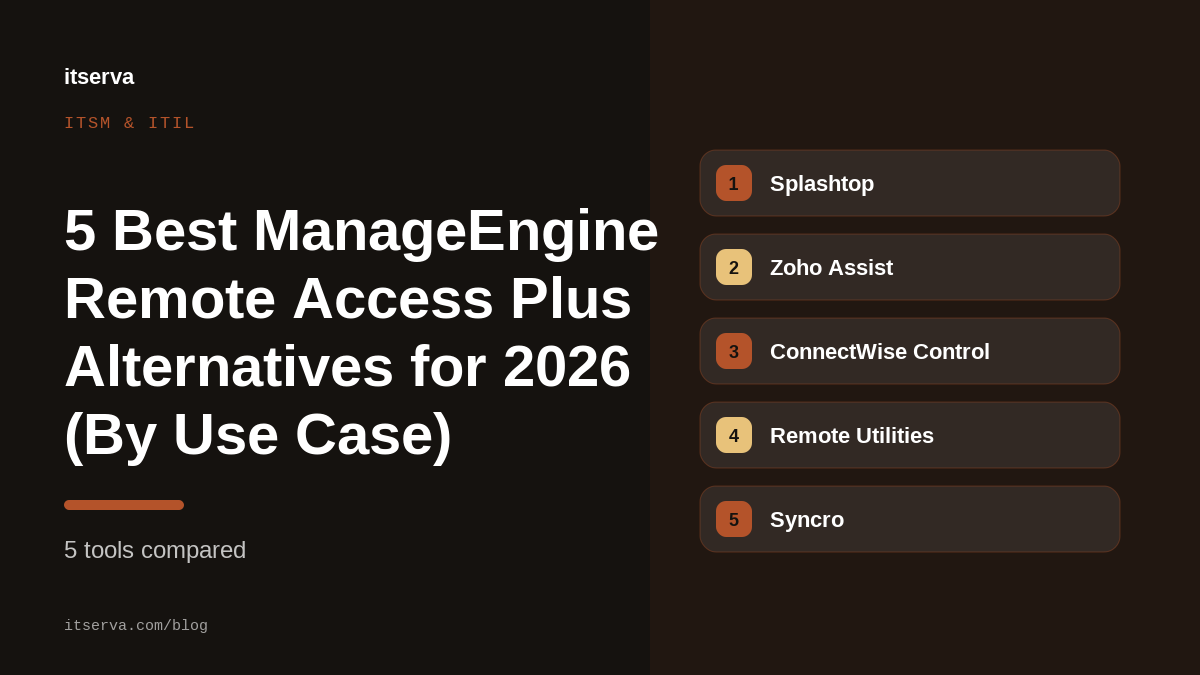
What does Remote Access Plus do, and what replaces it?
ManageEngine Remote Access Plus combines remote control with endpoint management, so a replacement has to cover two jobs: reaching a machine and managing it. Some tools on this list do only the remote session, while others add ticketing, patching or asset management.
Pricing is where the alternatives diverge most. You will see per-user, per-technician, per-device and one-time pricing, and the cheapest headline rarely means the cheapest month once your fleet size is counted. Compare each tool on your own technician and device counts.
Quick comparison
| Tool | Best for | Starting price | Free plan |
|---|---|---|---|
| Splashtop | Best overall value for support teams | $6/month (Solo, billed annually) | No (free trial) |
| Zoho Assist | Best budget pick with a free plan | $10/technician/month (Standard, billed yearly) | Yes (free edition) |
| ConnectWise Control | Best for MSPs and large device fleets | $30/month (One, billed annually) | No (free trial) |
| Remote Utilities | Best one-time license with a free tier | $99/user one-time (Starter) | Yes (free license, 10 devices) |
| Syncro | Best all-in-one RMM for MSPs | $129/user/month (Core, billed annually) | No (14-day free trial) |
The 5 best ManageEngine Remote Access Plus alternatives
#1
Splashtop
- Best for
- Best overall value for support teams
- Starting price
- $6/month (Solo, billed annually)
- Free plan
- No (free trial)
Splashtop is the lowest-cost way to replace Remote Access Plus for most teams. Solo starts at $6 per month billed annually and covers unattended access, file transfer and remote printing for one user. Teams that support other people should look at SOS, which starts at $22 per month per concurrent technician and adds on-demand sessions by code, session recording and multi-monitor support.
The trade-off is the split product line. Remote access plans (Solo, Pro and Performance) and remote support plans (SOS and Enterprise) are priced separately, so a team that needs both pays for both. Enterprise security features such as SSO and SIEM logging also sit behind a custom quote. Splashtop fits small and mid-sized support teams that want fast, cheap remote sessions without an enterprise platform.
What we like
- Solo starts at $6 per month
- SOS support from $22 per technician
- Unattended access and file transfer included
- Session recording on Pro and SOS
Watch out for
- Remote access and support are separate products
- Enterprise features need a custom quote
- No free plan
#2
Zoho Assist
- Best for
- Best budget pick with a free plan
- Starting price
- $10/technician/month (Standard, billed yearly)
- Free plan
- Yes (free edition)
Zoho Assist is the cheapest supported way to run remote support sessions. Its free edition costs nothing, and the Standard remote support plan is $10 per technician per month billed yearly, covering file transfer, multi-monitor navigation, reboot and reconnect, and integrations with Zendesk, ServiceNow and Jira. Unattended access is priced separately at $10 per computer per month billed yearly.
The trade-off is depth at scale. Reporting, auditing and large fleet administration are thinner than on the enterprise platforms, and the Professional plan at $15 per technician is needed for session recording and scheduled reports. Zoho Assist fits small IT teams and Zoho shops that want low-cost remote support with a free starting point.
What we like
- Free edition available
- Standard at $10 per technician
- Integrations with Zendesk and Jira
- Unattended access from $10 per computer
Watch out for
- Session recording needs Professional
- Thinner reporting than enterprise tools
- 15-day free trial on paid plans
#3
ConnectWise Control
- Best for
- Best for MSPs and large device fleets
- Starting price
- $30/month (One, billed annually)
- Free plan
- No (free trial)
ConnectWise Control is the professional-grade replacement for Remote Access Plus in MSP and large IT environments. The One plan costs $30 per month billed annually for a single license with 10 unattended access agents, multi-monitor support, file transfer and remote printing. Standard at $47 per concurrent technician per month adds Backstage, session recording and unlimited unattended agents.
The trade-off is that pricing climbs with scale and the top tier is custom. Premium costs $57 per concurrent technician per month, and Enterprise pricing needs a sales conversation rather than a checkout page. The interface is also a technician's tool, dense for occasional users. ConnectWise Control fits MSPs and IT teams that manage large fleets and need strong permissions and auditing.
What we like
- Unlimited unattended agents on Standard
- Backstage and session recording
- Video auditing on Premium
- Up to 10 sessions per tech on Premium
Watch out for
- Enterprise is quote-only
- Dense interface for casual users
- One plan limited to 1 session
#4
Remote Utilities
- Best for
- Best one-time license with a free tier
- Starting price
- $99/user one-time (Starter)
- Free plan
- Yes (free license, 10 devices)
Remote Utilities is the only tool here you buy once instead of renting every month. The Starter license costs $99 per user as a one-time payment and covers 20 controlled devices, while Plus at $199 covers 50 devices and Pro at $499 covers unlimited devices. A free license covers 10 devices for business and personal use with no session time limit.
The trade-off is that you pay for the current major version only. Minor updates are free, but a future major version needs a new license, so the long-run cost depends on how often you upgrade. There is also no built-in ticketing or asset management layer. Remote Utilities fits small teams and solo technicians that want to own their remote access tool outright.
What we like
- One-time payment, no subscription
- Free license for 10 devices
- 30-day money-back guarantee
- Volume discounts for more users
Watch out for
- Major upgrades cost extra
- No ticketing or asset management
- Per concurrent user pricing
#5
Syncro
- Best for
- Best all-in-one RMM for MSPs
- Starting price
- $129/user/month (Core, billed annually)
- Free plan
- No (14-day free trial)
Syncro is the platform answer to Remote Access Plus: remote access inside a full RMM and PSA suite. The Core plan costs $129 per user per month billed annually and includes unlimited managed endpoints, ticketing, billing automation and remote access through Splashtop. The Team plan at $179 adds Microsoft 365 security management, session recording and advanced automation.
The trade-off is that you buy a platform, not just remote access. Teams that only need sessions will pay for ticketing, billing and monitoring they may not use, and the per-technician price is the highest on this list. Syncro fits MSPs that want one per-technician bill covering remote access, endpoints, tickets and billing.
What we like
- Unlimited endpoints per technician
- RMM and PSA in every plan
- Remote access via Splashtop included
- 14-day free trial, no credit card
Watch out for
- Highest per-technician price here
- Platform, not a standalone tool
- Team plan needed for session recording
How we chose
We compared remote access tools that cover the same ground as Remote Access Plus: unattended access, on-demand support sessions, file transfer and session recording. We weighted published starting prices first, then free plans and trial terms, then how each tool charges — per user, per technician, per device or one-time. Prices come from vendor pricing pages checked in November 2026. Tools whose pricing pages did not show a checkable price were left out. No vendor paid for placement, and we did not run hands-on tests; we compare published information.
How remote access pricing really works
Remote access tools charge in four different ways: per user, per technician, per device and one-time. A per-technician plan suits a small team covering many machines, while per-device pricing suits a large fleet with few technicians. Compare the same unit before you compare the headline number.
Watch the first-year discount. Several vendors cut the first year and charge the full rate on renewal, so read the regular price on the pricing page. Also check what counts as a device: some plans count every managed computer, while others count only concurrent sessions.
How to choose
Start with your session profile. Ad-hoc support for outside users rewards easy starts and a recognized name, while unattended fleets reward agent quality, grouping and permissions. Regulated work should let audit and recording requirements choose the tool.
Next, do the arithmetic for your own counts. Price the same month three ways: per technician, per device and per user, and add any recording or SSO add-on. A free tier or free license can cover genuinely light use, but check its device and session limits before you commit.
Finally, trial two tools on your worst connection and your least technical user. Check how fast sessions start, whether file transfer and reboot-and-reconnect work cleanly, and whether session logs give you the audit trail you need.