
What counts as IT documentation software?
IT documentation software stores the facts an IT team needs to run and rebuild systems: credentials, assets, configurations and processes. A good system keeps those facts linked, searchable and access-controlled, so a technician can find the right password or runbook in seconds.
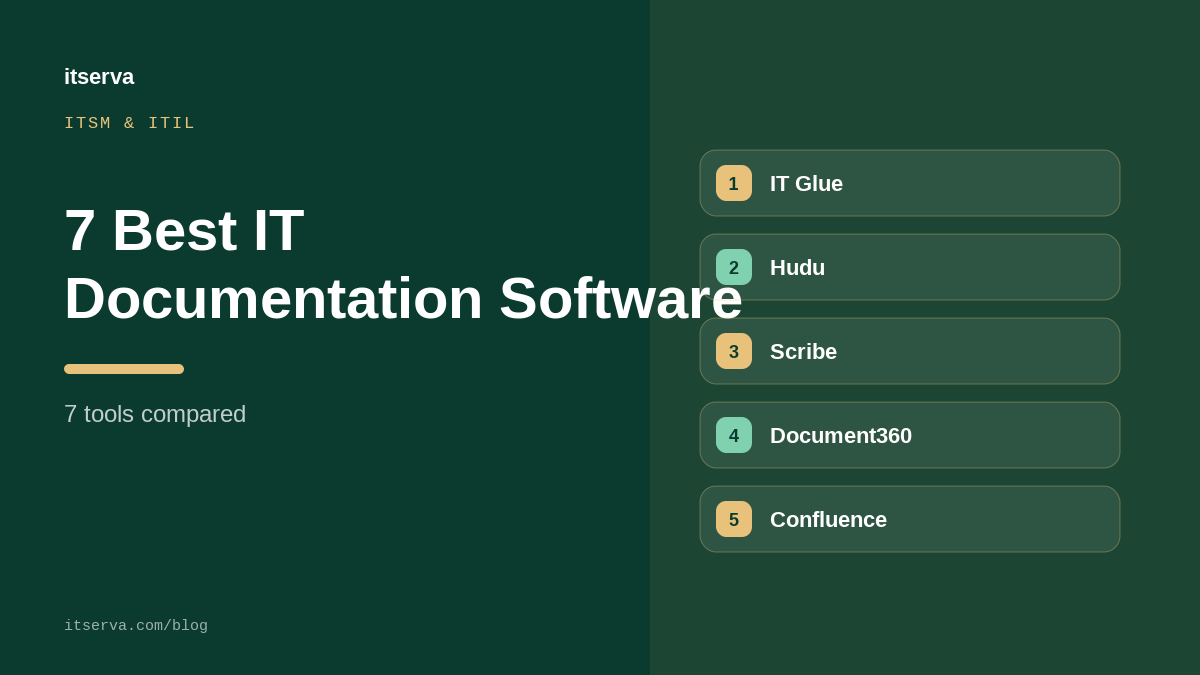
The category splits in two. Purpose-built platforms such as IT Glue and Hudu model credentials and assets directly, while general wikis such as Confluence and Notion handle processes and knowledge well but need extra setup for the rest.
Quick comparison
| Tool | Best for | Starting price | Free plan |
|---|---|---|---|
| IT Glue | Best IT documentation software for MSPs | Custom pricing | No (free trial) |
| Hudu | Best all-in-one IT documentation | From $27 per user per month (billed annually) | No (14-day free trial) |
| Scribe | Best for auto-generated SOPs | From $13 per seat per month (Pro Team, billed annually) | Yes |
| Document360 | Best for customer-facing knowledge bases | Custom pricing | No (free trial) |
| Confluence | Best team wiki for Atlassian shops | Standard from $5.78 per user per month (billed annually) | Yes |
| Notion | Best flexible wiki for small IT teams | Plus from $10 per member per month (billed annually) | Yes |
| GitBook | Best for technical documentation | Essential from $65 per site per month (billed annually), plus $12 per user per month | Yes |
The 7 best IT documentation tools
#1
IT Glue
- Best for
- Best IT documentation software for MSPs
- Starting price
- Custom pricing
- Free plan
- No (free trial)
IT Glue is a structured documentation platform built for managed service providers. It links credentials, assets, configurations and runbooks for each client, so technicians can find what they need without digging through shared drives or chat history. It also connects with common PSA and RMM tools to keep client data current.
The trade-off is scope and cost. Pricing is quote-based, and the platform is designed around multi-client MSP work, so a small internal team may find it more than it needs. IT Glue fits MSPs that document many clients and want one system of record.
What we like
- Built for multi-client MSP work
- Credentials, assets and runbooks linked
- PSA and RMM integrations
- Structured, searchable records
Watch out for
- Quote-based pricing
- More than most internal teams need
- Part of the Kaseya group
#2
Hudu
- Best for
- Best all-in-one IT documentation
- Starting price
- From $27 per user per month (billed annually)
- Free plan
- No (14-day free trial)
Hudu is an all-in-one documentation platform for IT teams and MSPs. It combines structured documentation with asset tracking, password management, knowledge base articles and checklists for standard procedures, plus a client portal for sharing selected records. Pricing is a flat $27 per user per month when billed annually, with no minimums or contracts, and a 14-day free trial needs no credit card.
The trade-off is ecosystem depth. Its integration catalogue is smaller than the longest-established rival, and some newer features are still maturing. Hudu fits IT teams that want docs, passwords and assets in one place without joining a larger vendor group.
What we like
- Docs, passwords and assets in one place
- 14-day trial with no credit card
- Client portal for sharing
- Checklists for procedures
Watch out for
- Smaller integration catalogue than IT Glue
- Newer features still maturing
- MSP-focused feature set
#3
Scribe
- Best for
- Best for auto-generated SOPs
- Starting price
- From $13 per seat per month (Pro Team, billed annually)
- Free plan
- Yes
Scribe is a documentation tool that turns work into written guides. Its browser extension records what a person does on screen and generates step-by-step instructions with screenshots, redacting sensitive data along the way, while paid plans add desktop capture. The Basic plan is free for up to 10 guides, while Pro Team starts at $13 per seat per month when billed annually, with a five-seat minimum.
The trade-off is that Scribe writes guides, not system records. It does not store passwords, track assets or map networks, so most IT teams pair it with a structured platform. Scribe fits teams that need clear how-to guides produced quickly and consistently.
What we like
- Guides generated automatically from work
- Screenshots included in each step
- Sensitive data redacted
- Free plan available
Watch out for
- Not a password or asset store
- No network documentation
- Best paired with a structured platform
#4
Document360
- Best for
- Best for customer-facing knowledge bases
- Starting price
- Custom pricing
- Free plan
- No (free trial)
Document360 is a knowledge base platform for internal and customer-facing documentation. It covers authoring, search, security and self-service, with analytics that show which articles readers actually use. Pricing is customised to each setup, with a quote based on team accounts, workspaces, languages and AI usage.
The trade-off is focus. It is built for knowledge bases rather than IT operations, so it does not model credentials or assets the way a dedicated IT platform does. Document360 fits teams whose documentation audience includes customers or end users, not only technicians.
What we like
- Purpose-built knowledge base
- Search and analytics included
- Internal and public docs in one place
- Support-tool integrations
Watch out for
- No password management
- No asset tracking
- Priced for knowledge-base use
#5
Confluence
- Best for
- Best team wiki for Atlassian shops
- Starting price
- Standard from $5.78 per user per month (billed annually)
- Free plan
- Yes
Confluence is Atlassian's team workspace for documentation, knowledge and collaboration. Pages, whiteboards, databases and videos cover most documentation formats, and the Jira integration ties docs to tickets naturally. The free plan covers up to 10 users, and the Standard plan starts at $5.78 per user per month when billed annually.
The trade-off is that Confluence is a general wiki, not an IT system of record. Password storage, asset tracking and network documentation need marketplace apps or manual setup. Confluence fits teams already using Jira and Atlassian tools that mainly need shared processes and knowledge.
What we like
- Free plan for small teams
- Deep Jira integration
- Many documentation formats
- AI help for drafting and search
Watch out for
- Not purpose-built for IT operations
- Passwords and assets need add-ons
- Can sprawl without governance
#6
Notion
- Best for
- Best flexible wiki for small IT teams
- Starting price
- Plus from $10 per member per month (billed annually)
- Free plan
- Yes
Notion is a flexible workspace that many small IT teams use as a wiki. Linked databases let a team build runbooks, asset inventories and onboarding checklists in one place, and AI features help draft and summarise pages. Its free plan covers individuals, and the Plus plan starts at $10 per member per month when billed annually, while Business starts at $20.
The trade-off is that Notion is a general tool, so structured IT documentation is a do-it-yourself project. It has no built-in password vault or asset model, and credentials need careful handling. Notion fits small teams that want flexible process docs and already work in Notion daily.
What we like
- Free plan is genuinely useful
- Flexible databases for runbooks
- Familiar to most new hires
- AI drafting and summaries
Watch out for
- No built-in password vault
- No asset model
- Security needs care with credentials
#7
GitBook
- Best for
- Best for technical documentation
- Starting price
- Essential from $65 per site per month (billed annually), plus $12 per user per month
- Free plan
- Yes
GitBook is a documentation platform for technical teams that treat docs like code. It syncs with repositories, supports branching and merging for documentation changes, and flags content that has drifted from the product. The free plan covers individuals, and Essential starts at $65 per site per month when billed annually, plus $12 per user per month.
The trade-off is audience and cost structure. GitBook is built for documenting products and APIs, not for running IT operations, so it has no asset or password management, and paid sites start at $65 per site per month plus $12 per user per month when billed annually. Readers never count as paid collaborators, and page views are unlimited. GitBook fits development and platform teams whose documentation lives next to their code.
What we like
- Git sync for docs-as-code workflows
- Branching and merging for docs
- AI flags outdated content
- Clean public documentation sites
Watch out for
- Not built for IT operations
- No asset or password management
- Per-seat pricing adds up
How we chose
We compared documentation tools that IT teams and MSPs actually use, ranking them by fit for their main job: structured IT records, SOPs, knowledge bases or technical docs. We weighted purpose-built IT structure first, then ease of keeping docs current, then cost and free options. Prices in this guide come from each vendor's own pricing page, checked in November 2026. Two vendors use quote-based pricing, so their entries say custom pricing instead of a starting figure. No vendor paid for placement, and we did not run hands-on tests; we compare published information.
The four things good IT documentation must cover
Complete IT documentation covers credentials, assets, configurations and processes. Credentials need secure storage with access controls, assets need a record of every device, licence and vendor, configurations need enough detail to rebuild a system, and processes need steps anyone can follow.
Purpose-built platforms model all four. General wikis handle processes well and the other three poorly, so teams using a wiki should decide early where passwords and assets will live.
How to choose
Start with who the documentation serves. MSPs need multi-client separation and PSA links, internal IT teams need one system of record for their own environment, and product teams need docs beside code.
Next, check the four pillars for each shortlisted tool: secure credentials, asset records, configuration detail and repeatable processes. If a tool covers only processes, plan where the other three will live before you commit.
Finally, trial two tools with real records, not sample data. Add a client or system, store a credential, write a runbook and test search, then see which one your technicians actually open first.