
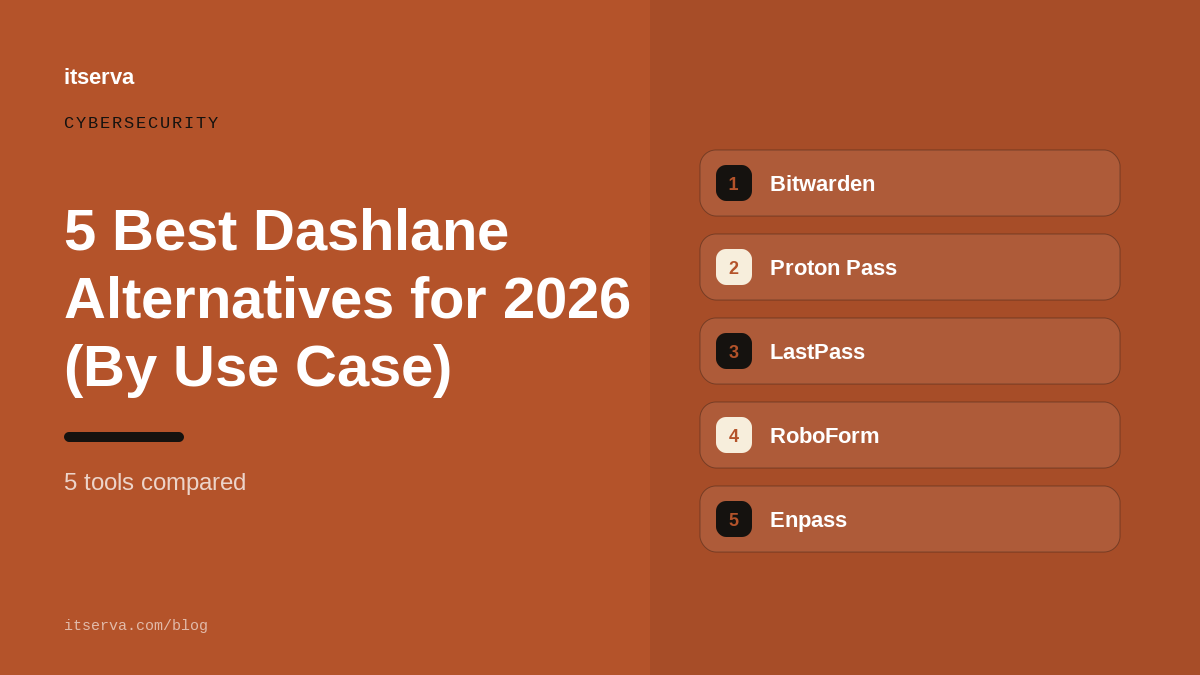
What should a Dashlane alternative do differently?
A password manager stores logins, passkeys and cards in an encrypted vault, fills them in automatically and warns about weak or reused passwords. The switch usually comes down to price, a free plan, or where the vault itself lives.
Compare the regular price, not the first-year offer, and check what the free plan actually limits: devices, items or sharing. The five tools below cover the main reasons people switch: lower cost, stronger privacy, family sharing, better form filling and full control of the vault.
Quick comparison
| Tool | Best for | Starting price | Free plan |
|---|---|---|---|
| Bitwarden | Lowest-cost premium plan and best free plan | $1.65/month (Premium, billed annually) | Yes (unlimited passwords and devices) |
| Proton Pass | Privacy and unlimited email aliases | $2.99/month (Pass Plus, billed annually) | Yes (unlimited logins, 10 aliases) |
| LastPass | Cheapest family sharing | $3/month (Premium, billed annually) | Yes (one device type) |
| RoboForm | Form filling on a budget | $2.49/month (Premium, billed annually) | Yes (one device) |
| Enpass | Offline-first vaults you control | $1.99/month (Premium, billed annually) | Yes (25 items, one vault) |
The 5 best Dashlane alternatives
#1
Bitwarden
- Best for
- Lowest-cost premium plan and best free plan
- Starting price
- $1.65/month (Premium, billed annually)
- Free plan
- Yes (unlimited passwords and devices)
Bitwarden is an open-source password manager with the cheapest premium plan on this list and the most generous free plan. Premium costs $1.65 a month billed annually at $19.80 a year, and adds a built-in authenticator, 5 GB of encrypted file attachments, emergency access and vault health reports. The free plan stores unlimited passwords and passkeys on unlimited devices, and the code is independently audited with a self-hosted option for full control.
The trade-off is polish. The apps and browser extensions work well but look plainer than pricier rivals, and personal plans are billed annually only, with no monthly option. Families costs $3.99 a month for six users when you need to share with a whole household. Bitwarden fits anyone who wants the lowest-cost premium vault and a free plan with no device limits.
What we like
- Free plan with unlimited passwords and devices
- Lowest premium price here at $1.65 a month
- Open source and independently audited
- Built-in authenticator and 5 GB file storage
- Self-hosted option
Watch out for
- Plainer apps than pricier rivals
- Annual billing only for personal plans
#2
Proton Pass
- Best for
- Privacy and unlimited email aliases
- Starting price
- $2.99/month (Pass Plus, billed annually)
- Free plan
- Yes (unlimited logins, 10 aliases)
Proton Pass is a password manager from Proton, the Swiss company behind Proton Mail and Proton VPN, built around privacy and email aliases. Pass Plus costs $2.99 a month billed annually at $35.88 a year, after a first year at $1.99 a month, and adds unlimited hide-my-email aliases, a built-in two-factor authenticator, dark web monitoring and emergency access. The free plan covers unlimited logins and passkeys on unlimited devices, with 10 hide-my-email aliases.
The trade-off is the renewal jump. The first year costs $23.88, then the price rises to $35.88 a year, a 50 percent increase that buyers should budget for. Pass Family costs $4.99 a month for six accounts, so larger households pay more than with LastPass Families. Proton Pass fits privacy-focused buyers who want unlimited email aliases and a strong free tier.
What we like
- Unlimited hide-my-email aliases on Plus
- Built-in two-factor authenticator
- Strong free plan with 10 aliases
- 30-day money-back guarantee
Watch out for
- Price rises from $23.88 to $35.88 after year one
- Family plan costs more than LastPass Families
#3
LastPass
- Best for
- Cheapest family sharing
- Starting price
- $3/month (Premium, billed annually)
- Free plan
- Yes (one device type)
LastPass is the most familiar password manager on this list, and its family pricing is the cheapest shared option here. Premium costs $3 a month billed annually at $36 a year, and covers one user on all devices with one-to-many sharing, emergency access, 1 GB of file storage and personal support. Families costs $4 a month billed annually at $48 a year for six Premium accounts, and both plans start with a 30-day free trial.
The trade-off is the free plan. LastPass Free works on one device type only, phones or computers, not both, and sharing is limited to one password with one person at a time. Hardware security keys and passwordless sign-in with FaceID or TouchID need a paid plan. LastPass fits families that want six full accounts for $4 a month and already know the product.
What we like
- Families covers six people for $4 a month
- 30-day free trial on personal plans
- Emergency access and 1 GB file storage on Premium
- Hardware key support on Premium
Watch out for
- Free plan limited to one device type
- One-to-one sharing only on Free
#4
RoboForm
- Best for
- Form filling on a budget
- Starting price
- $2.49/month (Premium, billed annually)
- Free plan
- Yes (one device)
RoboForm is a password manager built around one-click login and form filling, with a password generator and secure cloud backup. Premium costs $2.49 a month billed annually and renews at $29.88 a year, adding access on all devices, web access, secure shared folders, emergency access and data breach monitoring. The free plan stores unlimited passwords on a single device, and paid plans carry a 30-day money-back guarantee.
The trade-off is the first-year price. New users pay a discounted first year, then the price rises to the regular $29.88 a year at renewal, so the headline rate is not the long-term rate. The Family plan costs $3.98 a month billed annually for five Premium accounts, which is more than LastPass Families. RoboForm fits people who fill in many web forms and want a low, stable renewal price.
What we like
- Strong one-click login and form filling
- Free plan with unlimited passwords
- Priority 24/7 support on Premium
- 30-day money-back guarantee
Watch out for
- First-year discount rises to $29.88 at renewal
- Family plan costs more than LastPass Families
#5
Enpass
- Best for
- Offline-first vaults you control
- Starting price
- $1.99/month (Premium, billed annually)
- Free plan
- Yes (25 items, one vault)
Enpass is an offline-first password manager that stores your vault in your own cloud storage instead of on company servers. Premium costs $1.99 a month billed annually, with a lifetime option at $99.99 paid once, and the vault syncs through iCloud, Google Drive, OneDrive, Dropbox or Box. The free plan stores up to 25 items in one vault, and the Family plan costs $3.99 a month for up to six people.
The trade-off is the free plan's limit. Twenty-five items cover a light user, but most people will outgrow it quickly and need Premium for unlimited items. Sync depends on the cloud service you choose, so setup takes a little more work than a hosted vault. Enpass fits anyone who wants full control of where their vault lives and no company-held copy.
What we like
- Vault stored in your own cloud, never on Enpass servers
- Lifetime option at $99.99 paid once
- Family plan for six people at $3.99 a month
Watch out for
- Free plan limited to 25 items in one vault
- Sync setup needs your own cloud account
How we chose
We compared password managers that replace Dashlane for individuals and families, starting from the tools listed on a rival roundup and checking each vendor's own pricing page in November 2026. We weighted the regular annual price first, then the free plan's limits, then family pricing and standout features such as aliases or offline vaults, before choosing a winner for each use case. Prices here are regular rates, not first-year offers. No vendor paid for placement, and we did not run hands-on tests; we compare published information.
Why the renewal price matters more than the first-year price
Several tools on this list sell the first year cheaply and renew higher. Proton Pass Plus costs $23.88 for the first 12 months and renews at $35.88, while RoboForm Premium renews at $29.88 a year after a discounted first year. Bitwarden and LastPass charge the same price every year, so their headline rate is the rate you keep paying.
Before you buy, read the renewal line on the pricing page and work out the two-year total. A $1.99 first-year rate that renews at $2.99 costs $71.76 over two years, not $47.76. Multi-year and lifetime options, such as Enpass at $99.99 paid once, can beat a cheap first year if you plan to stay.
How to choose
Start with what you refuse to give up. If a free plan matters, shortlist Bitwarden or Proton Pass; if family sharing matters, compare LastPass Families at $4 a month with Proton Pass Family at $4.99 a month.
Next, check the renewal price, not the first-year offer. Add the second-year cost to the first and compare the two-year totals, then check what the free plan limits: devices, items or sharing. If you want your vault outside company servers, Enpass is the only option here that stores it in your own cloud.
Finally, trial two tools with your real logins. Check that autofill works on the sites you use most, that passkeys save cleanly, and that you can export your vault before you commit to a year.