
What does web filter software actually block?
Web filter software decides which websites people on a network can reach. Most tools on this list filter at the DNS layer, blocking malware, phishing and unwanted content categories before a connection is made, while a secure web gateway can also inspect page content and scan downloads.
The practical difference is price and setup. DNS filtering takes minutes to switch on by pointing DNS at the vendor, while a gateway needs agents or certificates on each device. Small teams usually start with DNS filtering and only move to a gateway when they need URL-level control.
Quick comparison
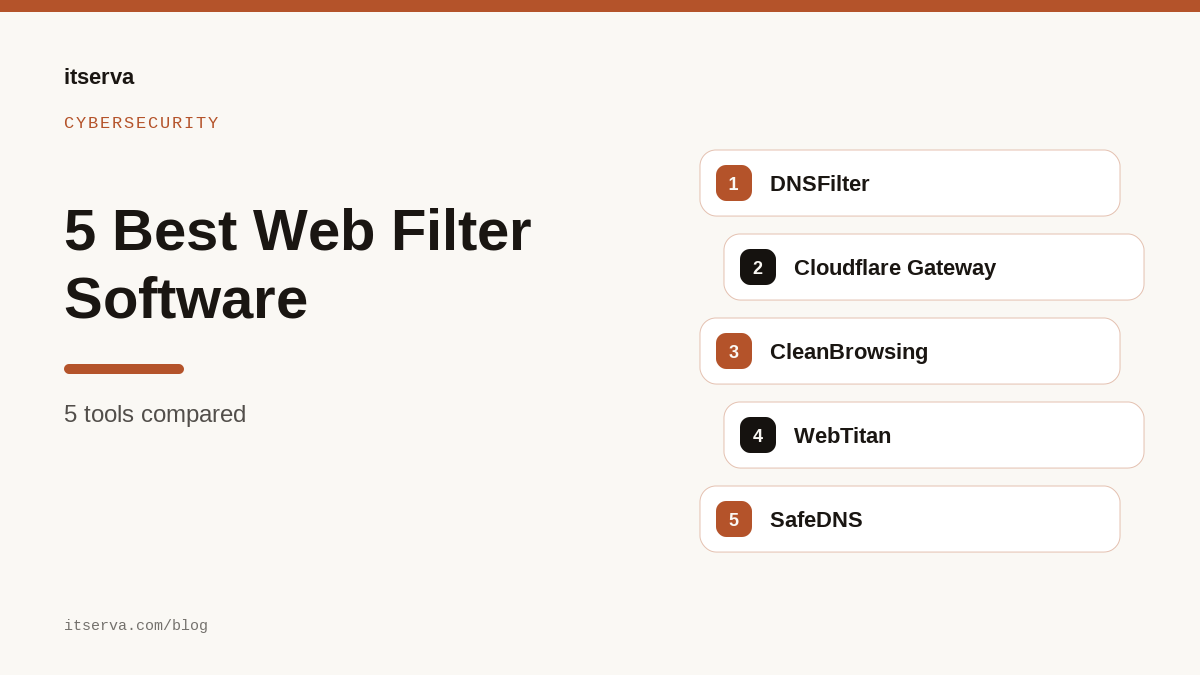
| Tool | Best for | Starting price | Free plan |
|---|---|---|---|
| DNSFilter | Best web filter overall | $1.00/license/month (Core, annual) | No (14-day trial) |
| Cloudflare Gateway | Best free web filter | $0 (free plan, up to 50 users; $7/user/month pay-as-you-go) | Yes (up to 50 users) |
| CleanBrowsing | Best web filter for schools and small offices | $8.99/month (Basic; $75/year) | Yes (free DNS filters) |
| WebTitan | Best web filter for MSPs | €2.51/user/month (paid annually, 25-user minimum) | No free plan |
| SafeDNS | Cheapest web filter per user | $0.90/user/month (Basic, annual) | No (free trial) |
The 5 best web filter software tools
#1
DNSFilter
- Best for
- Best web filter overall
- Starting price
- $1.00/license/month (Core, annual)
- Free plan
- No (14-day trial)
DNSFilter is a cloud DNS filtering service that blocks malware, phishing and unwanted content categories before a connection is made. Core costs $1.00 per license per month on annual billing, or $1.15 billed monthly, with a $240 yearly minimum, and Plus at $2.25 adds roaming clients for laptops away from the office. A 14-day trial opens the generally available features, and managed service providers can start a partner plan at $150 per month.
The trade-off is that DNS filtering works at the domain level, so it cannot inspect the contents of an allowed page or block one bad page on an otherwise fine site. Add-ons also add up: SecureTransit costs $2.00 per license per month and data export to a SIEM costs $0.25. DNSFilter fits IT teams that want published prices, fast setup and clear per-license billing.
What we like
- Published per-license pricing
- 14-day free trial
- Roaming clients on Plus
- MSP partner plan from $150 a month
Watch out for
- DNS layer only, no page inspection
- $240 yearly minimum on Core
- Add-ons cost extra
#2
Cloudflare Gateway
- Best for
- Best free web filter
- Starting price
- $0 (free plan, up to 50 users; $7/user/month pay-as-you-go)
- Free plan
- Yes (up to 50 users)
Cloudflare Gateway is the secure web gateway inside Cloudflare Zero Trust, and it filters DNS and HTTP traffic from one dashboard. The free plan costs $0 for up to 50 users and includes DNS filtering, while the pay-as-you-go plan at $7 per user per month adds longer log retention and more locations. Devices connect through the WARP client, and offices can forward DNS from a configured location.
The trade-off is that the free plan keeps logs for only 24 hours and offers community support only, with no uptime guarantee. Full HTTPS inspection also needs the Cloudflare root certificate installed on managed devices. Cloudflare Gateway fits small teams and schools that want real filtering free and a path into zero trust.
What we like
- Free plan for up to 50 users
- DNS and HTTP filtering in one place
- WARP client for roaming devices
- Paid plan from $7 per user
Watch out for
- Free logs kept only 24 hours
- No support SLA on the free plan
- Certificate setup for full inspection
#3
CleanBrowsing
- Best for
- Best web filter for schools and small offices
- Starting price
- $8.99/month (Basic; $75/year)
- Free plan
- Yes (free DNS filters)
CleanBrowsing is a DNS filtering service that charges by device count instead of per user, which changes the maths for a small office. Basic costs $8.99 per month, or $75 per year, and covers up to 25 devices or 3.75 million requests a month, with 26 or more custom filters, 3 profiles and 500 blocked domains. Pro 100 at $30 per month covers up to 100 devices and adds API access.
The trade-off is that plans are capped by devices or monthly requests, so a device-heavy office outgrows them fast. The free filters offer only three preset levels, with no custom policies and no roaming agent for laptops away from the network. CleanBrowsing fits schools, libraries and small offices that want simple category filtering at a flat price.
What we like
- Flat price, not per user
- Free filters with no account needed
- Encrypted DNS options
- Pro 100 adds API access
Watch out for
- Device and request caps
- Only 3 preset levels free
- No roaming agent
#4
WebTitan
- Best for
- Best web filter for MSPs
- Starting price
- €2.51/user/month (paid annually, 25-user minimum)
- Free plan
- No free plan
WebTitan is the DNS filtering product from TitanHQ, sold as a standalone product or inside TitanHQ bundles. The pricing page lists WebTitan at €2.51 per user per month when paid annually, with a minimum of 25 users, and buyers can view prices in dollars, euros, pounds, Canadian dollars or Australian dollars. It is built for businesses that want DNS-layer filtering across offices and remote workers.
The trade-off is that the 25-user minimum shuts out the smallest teams, and the headline figure is shown in euros, so dollar buyers should check the converted price before budgeting. Buying also runs through TitanHQ sales for quotes and bundles rather than a self-serve checkout. WebTitan fits managed service providers and multi-site businesses that buy filtering for at least 25 users.
What we like
- Published per-user price
- Standalone or bundle purchase
- Five currency options on the pricing page
Watch out for
- 25-user minimum
- Price shown in euros
- No free plan
#5
SafeDNS
- Best for
- Cheapest web filter per user
- Starting price
- $0.90/user/month (Basic, annual)
- Free plan
- No (free trial)
SafeDNS is a cloud DNS filtering service with business, education and home plans priced per user. Basic costs $0.90 per user per month on annual billing, or $1.00 billed monthly, and covers phishing, malware and other threats with a web filter, DNS encryption and TLS. Pro at $1.50 adds AppBlocker and scheduling, while home plans start at $25.95 per year.
The trade-off is that the Basic plan is the most limited tier, with AppBlocker, scheduling and detailed per-user reports sitting on higher plans. The education plan costs $300 per year, and larger deployments are priced by user count. SafeDNS fits budget-conscious small offices and homes that want low per-user filtering without a quote.
What we like
- Lowest per-user price here
- Home plans from $25.95 a year
- Agents for Windows, macOS, iOS and Android
- DNS encryption included
Watch out for
- Basic tier is the most limited
- Detailed per-user reports need Pro or higher
How we chose
We compared web filter software that blocks unwanted sites at the DNS layer or through a secure web gateway, ranked by fit for small and mid-size teams. We weighted published pricing first, then free plans and trials, then how simply each tool deploys across offices and roaming devices. Prices come from vendor pricing pages checked in November 2026, and tools without a published price on their own page were left out. No vendor paid for placement, and we did not run hands-on tests; we compare published information.
DNS filtering versus a full web gateway
DNS filtering blocks at the domain lookup stage, so it is fast, cheap and needs no software on each device. It can block a whole bad domain, but it cannot block one bad page on an otherwise fine site, and it cannot scan downloads.
A full web gateway proxies the traffic itself, so it can inspect page content, block specific URLs, scan files and enforce data loss prevention. That control costs more and needs agents or certificates, so buy it only when category blocking alone leaves a gap you can name.
How to choose
Start with your headcount and device count, because that decides the billing model. Teams under 50 users should try Cloudflare Gateway free first, while offices with many shared devices may pay less on CleanBrowsing device-based plans than on per-user tools.
Next, check what you actually need to block. Malware, phishing and adult content are covered by every tool here, but if you need to block specific pages, inspect downloads or enforce data rules, shortlist a gateway rather than a DNS-only filter.
Finally, price a full year, not a month. Add the yearly minimum, any roaming or reporting add-ons, and the cost of the next tier up, then trial the shortlist on a real network before you commit.