
What does web blocking software actually block?
Web blocking software stops users reaching sites that are malicious, inappropriate, or simply off limits at work. DNS filters block the domain before a connection is made, while endpoint tools control the browser, the application, and the device itself.
The scale is large. SafeDNS says it blocks more than 73,000,000 threats a day, and WebTitan says 72% of businesses have experienced a DNS attack. A filter that only covers the office network leaves remote laptops and phones exposed, so check coverage for every device.
Quick comparison
| Tool | Best for | Starting price | Free plan |
|---|---|---|---|
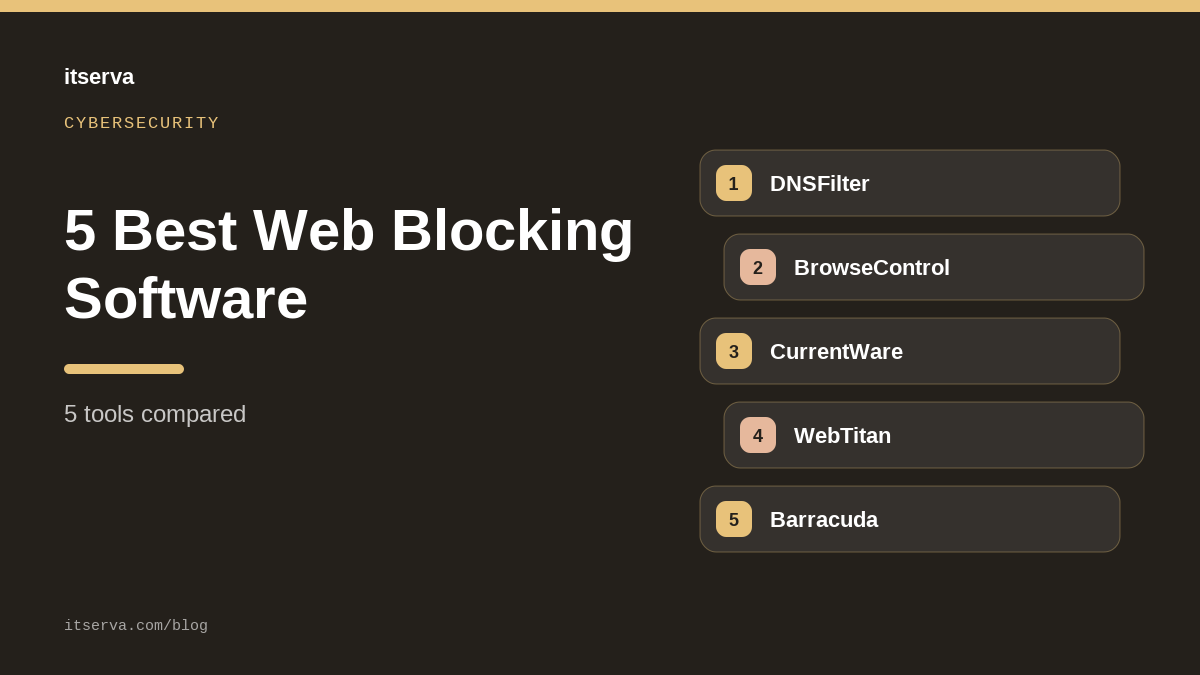
| DNSFilter | Best web blocking software overall | $23/month (Core, minimum spend) | No (14-day trial) |
| BrowseControl | Simple web blocking for small offices | $6/user/month | No (14-day trial) |
| CurrentWare | Full endpoint control for offices | $20/user/month (Suite) | No (14-day trial) |
| WebTitan | DNS filtering for MSPs and mid-market teams | Custom pricing | No (free trial) |
| Barracuda | Web blocking inside a broader security suite | Custom pricing | No (free trial) |
The 5 best web blocking tools
#1
DNSFilter
- Best for
- Best web blocking software overall
- Starting price
- $23/month (Core, minimum spend)
- Free plan
- No (14-day trial)
DNSFilter is a DNS-layer filter that blocks malicious domains before a connection is made. Core starts at a $23 monthly minimum, Plus starts at $62.50 a month, and a 14-day trial opens all generally available capabilities. Education pricing starts at $4 per year for each student and staff member, with a 125-user minimum, and MSP pricing starts at $150 a month.
The trade-off is that the headline figures are monthly minimums, not per-user prices, so a small team should confirm what its own user count costs before budgeting. Enterprise pricing is available only on request, and some capabilities cost extra as add-ons. DNSFilter fits small and mid-sized teams that want fast DNS filtering without hardware or a long deployment.
What we like
- 14-day trial on all generally available capabilities
- Education plan from $4 per user per year
- MSP pricing from $150 a month
- Roaming clients for iOS and Android
Watch out for
- Prices are monthly minimums, not per-user rates
- Enterprise pricing is quote only
- Some capabilities cost extra as add-ons
#2
BrowseControl
- Best for
- Simple web blocking for small offices
- Starting price
- $6/user/month
- Free plan
- No (14-day trial)
BrowseControl is an endpoint web filter from CurrentWare that blocks sites by URL and category, blocks applications, and sets time controls on each computer. It costs $6 per user per month for SaaS and on-premises use, and it can allow approved AI tools while blocking unapproved ones. A custom block message can point staff to the company policy.
The trade-off is that every computer needs the agent installed, so unmanaged and personal devices are harder to cover than with a DNS filter. Reporting is narrower than the full CurrentWare Suite, and the price is per user, so costs rise with headcount. BrowseControl fits small offices that want simple, scheduled web blocking on managed PCs.
What we like
- URL and category filtering for $6 per user
- Application blocking and time controls
- AI tool allowlisting and blocking
- Custom block messages
Watch out for
- An agent is needed on every computer
- Narrower reporting than the full suite
- Per-user price rises with headcount
#3
CurrentWare
- Best for
- Full endpoint control for offices
- Starting price
- $20/user/month (Suite)
- Free plan
- No (14-day trial)
CurrentWare is a suite of four endpoint products that covers web filtering, usage reporting, USB and file control, and PC power management. The full Suite costs $20 per user per month and adds AI usage reports, alerts, and an in-product AI assistant. A 14-day trial runs on up to 10 computers with no credit card required, and the vendor says more than 100,000 professionals use it across 55 countries.
The trade-off is cost and complexity. Buying the whole Suite costs more than three times the price of BrowseControl alone, and the lowest starting contract is $1,440 a year. Small teams may find the reporting and power tools more than they need. CurrentWare fits offices that want web, application, USB, and power control from one endpoint agent.
What we like
- Four endpoint products in one Suite
- AI usage reports and alerts included
- 14-day trial on up to 10 computers
- On-premises or cloud deployment
Watch out for
- Suite costs $20 per user per month
- Lowest starting contract is $1,440 a year
- More tools than a small team may need
#4
WebTitan
- Best for
- DNS filtering for MSPs and mid-market teams
- Starting price
- Custom pricing
- Free plan
- No (free trial)
WebTitan is a cloud DNS filter from TitanHQ that blocks malicious and unwanted sites before a connection is made. It offers 53 predefined categories, categorises 60,000 malware and spyware domains a day, and draws on more than 500 million visited URLs for its threat corpus. A fully supported free trial can be running in 5 minutes, with no hardware to install.
The trade-off is that no list price is published, so budgeting needs a quote, and MSP pricing is handled separately from direct business pricing. It is a DNS filter, not a full proxy gateway, so it cannot inspect the contents of encrypted pages. WebTitan fits MSPs and mid-market teams that want multi-tenant DNS filtering with strong reporting.
What we like
- 53 predefined categories
- 60,000 malware and spyware domains categorised a day
- Free trial running in 5 minutes
- Multi-tenant console for MSPs
Watch out for
- No list price is published
- MSP pricing is handled separately
- Cannot inspect encrypted page contents
#5
Barracuda
- Best for
- Web blocking inside a broader security suite
- Starting price
- Custom pricing
- Free plan
- No (free trial)
Barracuda is a broad cybersecurity platform that covers email, applications, networks, and data in one BarracudaONE system. The vendor says hundreds of thousands of customers use its products, most of which can be set up in minutes, and support is available 24 hours a day, 7 days a week, with no phone queues. Free trials are offered across its product range.
The trade-off is that web filtering is one part of a much larger suite, so buyers who only need web blocking may pay for breadth they never use. No list price is published, so the cost comes from a quote or a partner, and the exact web filtering tier needs confirming. Barracuda fits organisations that already use Barracuda products and want web blocking inside one platform.
What we like
- Email, network, data, and application protection in one platform
- Hundreds of thousands of customers
- 24x7 support with no phone queues
- Most products set up in minutes
Watch out for
- No list price is published
- Web filtering is one part of a large suite
- Exact web filtering tier needs confirming
How we chose
We compared web blocking tools that filter by DNS or by endpoint agent, ranked by fit for different team sizes and use cases. We weighted published pricing first, then deployment effort, policy control, and reporting. Prices come from vendor pricing pages and vendor homepages checked in November 2026, and tools without a published price are shown as custom pricing. We also checked trial terms, minimum spends, and whether a tool needed an agent on every device. No vendor paid for placement, and we did not run hands-on tests; we compare published information.
DNS filtering versus endpoint control
DNS filtering works at the network level. Change the DNS settings, and every device on that network is covered without installing software, but the filter sees the destination, not the page itself. It suits remote teams and mixed devices, and it also protects phones and laptops that roam off the office network when a roaming client is used.
Endpoint control works on the device itself. An agent can block applications, USB drives, and sites by schedule, which a DNS filter cannot do, but every managed computer needs that agent installed and kept up to date. Many organisations use both: DNS filtering as the network baseline, and endpoint control for managed office PCs.
How to choose
Start with your fleet. If staff work remotely or on personal devices, shortlist a DNS filter such as DNSFilter or WebTitan, and if most work happens on managed office PCs, shortlist an endpoint tool such as BrowseControl or CurrentWare.
Next, count the real cost. Add the monthly minimum or the per-user price, multiply by your user count, and ask what a quote covers for tools without a published price. A $6 per-user tool can cost more than a $23 monthly minimum once you pass a handful of users.
Finally, trial the shortlist with real policies. Block a test category, request an exception, and check the reports, because a filter that is hard to adjust will either block real work or be switched off within weeks.