
What does a vulnerability assessment tool actually do?
A vulnerability assessment tool scans systems, networks and web applications for known weaknesses, then ranks what it finds so teams fix the dangerous items first. It checks operating systems, software versions, open ports and configuration mistakes against a feed of known flaws.
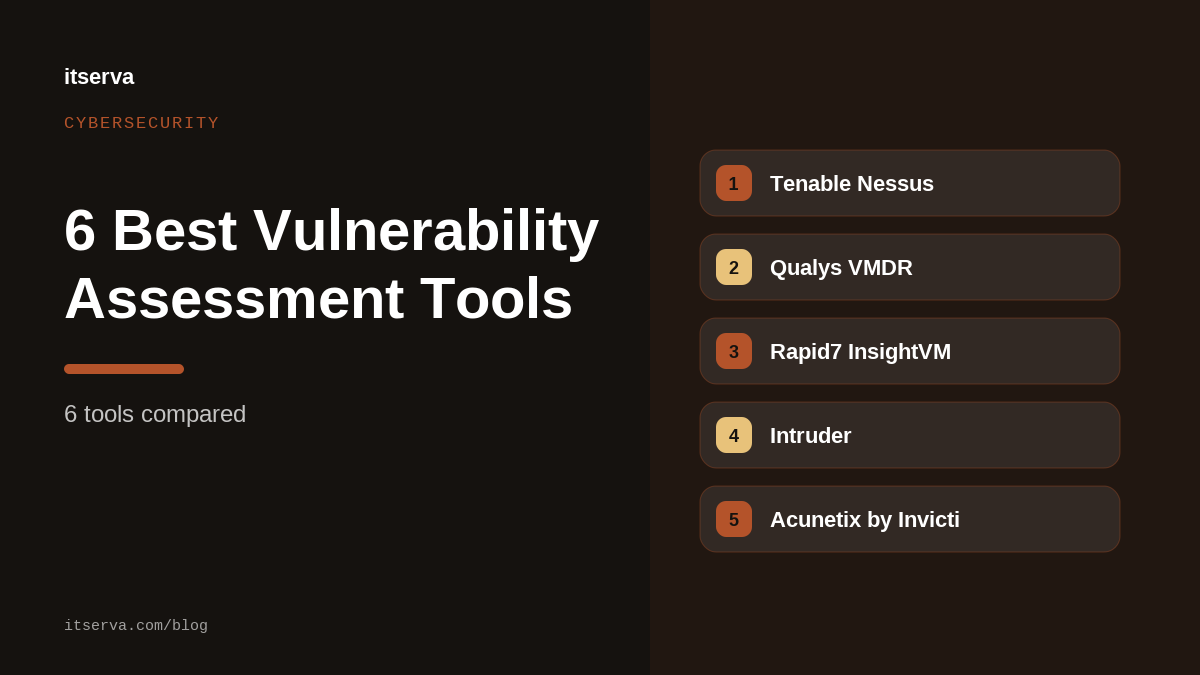
The tools here split into two groups. Infrastructure scanners such as Nessus, Qualys VMDR and InsightVM cover servers, endpoints and networks, while Acunetix focuses on web applications and APIs. Many teams run one of each, so count both kinds of asset before you compare prices.
Quick comparison
| Tool | Best for | Starting price | Free plan |
|---|---|---|---|
| Tenable Nessus | Best vulnerability assessment tool overall | $4,790/year (Professional) | Yes (Nessus Essentials, free, up to 5 IPs) |
| Qualys VMDR | Enterprise assessment with patching attached | Custom pricing | No (free trial) |
| Rapid7 InsightVM | Risk-based prioritisation at scale | $1.62/asset/month (at 500 assets) | No |
| Intruder | Continuous scanning without infrastructure | Custom pricing | Yes (Free plan, $0) |
| Acunetix by Invicti | Deep web application scanning | Custom pricing | No (proof-of-concept licence available) |
| ManageEngine Vulnerability Manager Plus | Budget on-premises assessment | $695/year (Professional, 100 computers) | Yes (free edition, 20 workstations) |
The 6 best vulnerability assessment tools
#1
Tenable Nessus
- Best for
- Best vulnerability assessment tool overall
- Starting price
- $4,790/year (Professional)
- Free plan
- Yes (Nessus Essentials, free, up to 5 IPs)
Tenable Nessus is the reference scanner for infrastructure vulnerability assessment. Professional costs $4,790 for a one-year licence for a single scanner with unlimited assessments, and it covers operating systems, network devices, databases and cloud configurations with credentialed scans. Expert costs $6,790 per year and adds web application scanning and external attack surface discovery.
The trade-off is that Nessus is a scanner rather than a full management platform. Prioritisation across a large estate, centralised reporting and patch workflows need Tenable's platform products, which are priced separately. Tenable Nessus fits consultants and security teams that want a proven scanner with a published price and no per-asset billing.
What we like
- Published $4,790 yearly price
- Unlimited assessments per scanner
- Credentialed scans and compliance templates
- Free Essentials tier for up to 5 IPs
Watch out for
- No built-in patch management
- Platform features cost extra
- Essentials is non-commercial only
#2
Qualys VMDR
- Best for
- Enterprise assessment with patching attached
- Starting price
- Custom pricing
- Free plan
- No (free trial)
Qualys VMDR is a cloud platform that runs vulnerability assessment as a continuous loop. Agents and network scanners discover assets, scan them, prioritise findings with threat context and hand fixes to patch management from the same console. That closed loop suits regulated organisations with estates spread across offices, cloud services and remote workers.
The trade-off is pricing and onboarding. VMDR is sold per asset on a quote, with no published list price on Qualys's subscription page, and adding modules such as patching moves the total quickly. Qualys VMDR fits large organisations that want assessment, prioritisation and patching in one platform and can run a sales-led rollout.
What we like
- Continuous scanning with agents
- Asset inventory built in
- Patching from the same console
- Threat-based prioritisation
Watch out for
- Quote-based pricing only
- No free plan
- Onboarding is a project, not a download
#3
Rapid7 InsightVM
- Best for
- Risk-based prioritisation at scale
- Starting price
- $1.62/asset/month (at 500 assets)
- Free plan
- No
Rapid7 InsightVM is a vulnerability management product that scores findings by the risk attackers actually pose, rather than by raw severity counts. It starts at $1.62 per asset per month for 500 assets, which works out to about $9,720 per year at that size. Live dashboards track remediation projects, and the same platform family covers cloud and container environments.
The trade-off is that InsightVM now sits inside Rapid7's Exposure Command packages, which are quote-only, so the published $1.62 figure is a starting point rather than a final quote. Asset counts also drive the total, and undiscovered devices stay unscored. Rapid7 InsightVM fits mid-size and large teams that want risk-based prioritisation with a published per-asset starting price.
What we like
- Risk-based scoring from real exploit data
- Published per-asset starting price
- Remediation dashboards and goals
- Cloud and container coverage
Watch out for
- Current packages are quote-only
- No free plan
- Total climbs with asset count
#4
Intruder
- Best for
- Continuous scanning without infrastructure
- Starting price
- Custom pricing
- Free plan
- Yes (Free plan, $0)
Intruder is a cloud service that scans external infrastructure, web applications, APIs and cloud accounts continuously, with no scanner appliance to run. Its free plan costs $0 and includes weekly external scans, weekly cloud checks for 1 account and scans for 2 container images. Paid Cloud and Pro plans add daily checks, web application testing and agent-based internal scanning.
The trade-off is that Intruder's pricing page shows no fixed monthly price for its paid plans, so the cost is quoted per target and needs a careful count of targets before you commit. Internal scanning also needs the Pro plan. Intruder fits small teams and startups that want continuous cloud scanning without running any infrastructure.
What we like
- Free $0 plan with weekly scans
- No appliance to install or maintain
- Cloud, web and API scanning in one console
- 14-day trial of Cloud features
Watch out for
- Paid prices are quoted, not published
- Internal scanning needs Pro
- Per-target pricing rises with estate size
#5
Acunetix by Invicti
- Best for
- Deep web application scanning
- Starting price
- Custom pricing
- Free plan
- No (proof-of-concept licence available)
Acunetix by Invicti is a web application and API scanner, now sold as Invicti Web + API. It crawls modern web applications, tests for injection and access-control flaws, and uses proof-based scanning to verify many findings before reporting them, which cuts false positives. Its Agentic Pentest option is capped at $500 per pentest, with an audit-ready report delivered within 24 hours.
The trade-off is scope and pricing. Acunetix is a web specialist, so network and infrastructure assessment needs a second tool beside it, and the main Web + API subscription is quote-based with no published list price. Acunetix by Invicti fits development and security teams that need deep scanning of web applications and APIs in their delivery pipeline.
What we like
- Proof-based scanning cuts false positives
- Web application and API coverage
- Agentic Pentest capped at $500
- CI/CD automation and SSO
Watch out for
- Quote-based subscription pricing
- No free plan
- Needs a second tool for networks
#6
ManageEngine Vulnerability Manager Plus
- Best for
- Budget on-premises assessment
- Starting price
- $695/year (Professional, 100 computers)
- Free plan
- Yes (free edition, 20 workstations)
ManageEngine Vulnerability Manager Plus is the budget pick for assessment plus patching on premises. Professional starts at $695 per year for 100 computers with 1 technician, and the cloud version starts at $895 per year for the same size. It scans endpoints, servers and network devices, checks configurations against security baselines and deploys patches from the same console.
The trade-off is polish and scale. The interface feels more utilitarian than the enterprise platforms, very large estates push past its comfort zone, and servers are priced separately from computers. ManageEngine Vulnerability Manager Plus fits small businesses, especially Windows-heavy ones, that want scanning and patching at a low published price.
What we like
- Low $695 yearly starting price
- Patching from the same console
- Free edition for 20 workstations
- On-premises or cloud deployment
Watch out for
- Servers priced separately
- Utilitarian interface and reporting
- Thinner depth outside Windows
How we chose
We compared six vulnerability assessment tools that cover infrastructure, web applications or both, and that are in active sale in November 2026. We weighted published pricing first, then the breadth of scanning, then whether a free plan or trial lets a team start without a quote. Prices come from each vendor's own pricing page, checked in November 2026, and quote-based tools are shown as custom pricing rather than guessed figures. No vendor paid for placement, and we did not run hands-on tests; we compare published information.
Why per-asset pricing changes the whole comparison
Most enterprise tools charge per asset, not per user, so the device count decides the bill. A 500-asset estate at $1.62 per asset per month costs about $9,720 a year before discounts, while a scanner licensed per device, such as Nessus Professional at $4,790 a year, costs the same whether it scans 50 hosts or 5,000.
Count every asset you will scan, including cloud workloads, remote laptops and network devices, before you ask for a quote. Ask each vendor to state the asset count, the term and what counts as one asset in writing, because definitions differ and an undiscovered device is an unscanned device.
How to choose
Start with what you need to scan. Infrastructure-heavy estates should shortlist Nessus, Qualys VMDR and InsightVM, while teams whose main risk is a web application should start with Acunetix and add an infrastructure scanner beside it.
Next, count your assets and price a realistic year. Add the per-asset or per-target total, any patching or platform module, and the cost of the time needed to run the tool. A free plan such as Intruder's $0 tier or Nessus Essentials can prove the workflow on a small estate before you commit.
Finally, run a pilot on one network segment with written permission. Check how many findings are real, how clearly the tool ranks them by risk, and whether the fix can be verified with a rescan before the next report lands.