
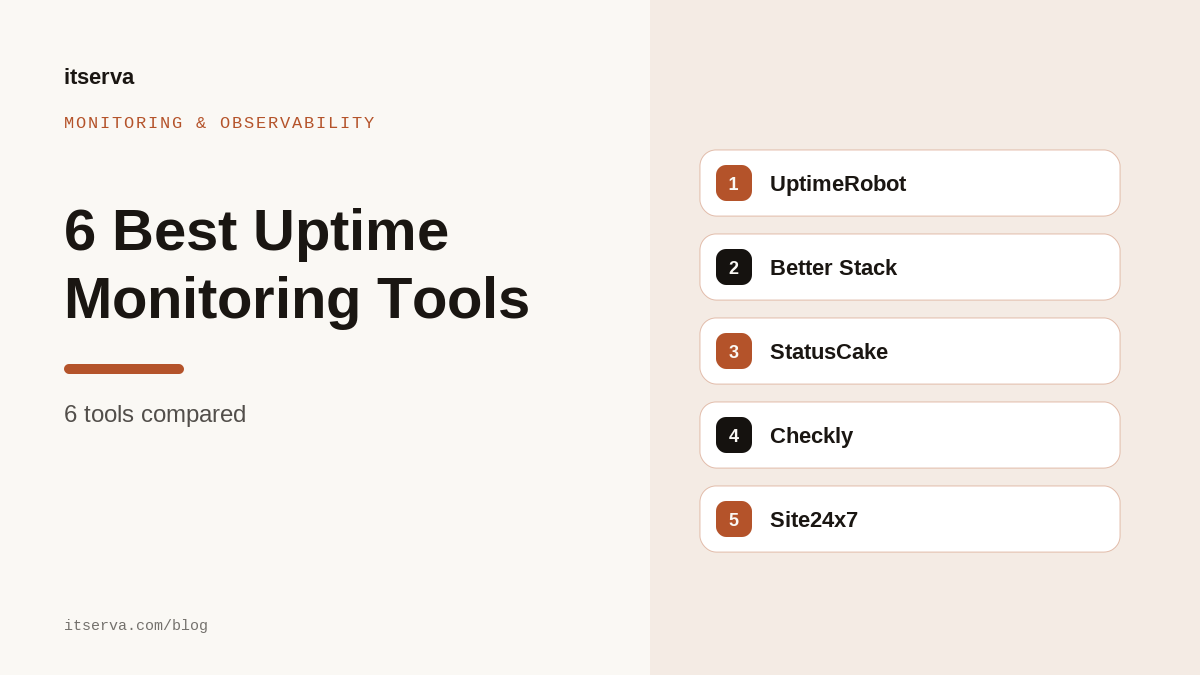
What does an uptime monitoring tool actually check?
An uptime monitoring tool asks a website to respond at regular intervals and alerts you when it does not. The key differences are how often it checks, how many locations it checks from, and how it alerts you when a site goes down.
Most tools also add related checks, such as SSL certificate expiry, domain expiry, keyword checks and page speed. Free plans are usually enough for a few personal sites, while paid plans add faster checks, more monitors and status pages.
Quick comparison
| Tool | Best for | Starting price | Free plan |
|---|---|---|---|
| UptimeRobot | Cheap monitoring for many sites | $12/month (Solo, yearly) | Yes (50 monitors) |
| Better Stack | All-round pick for small teams | $29/month (starting, yearly) | Yes (10 monitors) |
| StatusCake | Budget alerts with broad coverage | $20.41/month (Superior, yearly) | Yes (10 monitors) |
| Checkly | Developer-friendly API and browser checks | $24/month (Starter) | Yes (10 monitors) |
| Site24x7 | One platform for uptime and servers | $9/month (Web Uptime, yearly) | Yes (free plan, up to 50 resources) |
| Uptime Kuma | Free self-hosted monitoring | Free (open source, self-hosted) | Yes (free, self-hosted) |
The 6 best uptime monitoring tools
#1
UptimeRobot
- Best for
- Cheap monitoring for many sites
- Starting price
- $12/month (Solo, yearly)
- Free plan
- Yes (50 monitors)
UptimeRobot is a low-cost way to watch many websites at once. Its free plan covers 50 monitors with checks every 5 minutes, plus keyword, DNS and SSL monitoring and basic status pages. Solo costs $12 per month on yearly billing, cuts checks to 60 seconds, covers 10 monitors and adds 3 status pages with a custom domain.
The trade-off is that the free plan is slow to spot short outages, since a site can be down for up to 5 minutes before a check runs. Solo also covers fewer monitors than the free plan, and SMS and voice alerts use paid credits. UptimeRobot fits small teams and site owners who want broad, low-cost coverage of many sites.
What we like
- Free plan covers 50 monitors
- Solo starts at $12 per month
- Keyword, DNS and SSL checks included
- Status pages on every plan
Watch out for
- Free checks run only every 5 minutes
- Solo covers fewer monitors than free
- SMS and voice alerts use paid credits
#2
Better Stack
- Best for
- All-round pick for small teams
- Starting price
- $29/month (starting, yearly)
- Free plan
- Yes (10 monitors)
Better Stack is an all-in-one platform that pairs uptime monitoring with incident management, on-call scheduling and status pages. Its free plan covers 10 monitors and heartbeats, plus 1 status page and Slack and email alerts. Paid plans start at $29 per month on yearly billing and add 30-second checks, unlimited phone call alerts for responders and Playwright transaction monitoring.
The trade-off is that Better Stack is a broad platform, so teams that only need simple URL checks pay for incident and on-call features they may never use. Its paid pricing is also built around responder licences, which can raise the bill as more people join on-call rotations. Better Stack fits small teams that want monitoring, incident response and status pages in one account.
What we like
- Uptime, incidents and status pages in one place
- Free plan with 10 monitors
- 30-second checks on paid plans
- On-call scheduling included
Watch out for
- Paid pricing is built around responder licences
- More platform than simple URL checks need
#3
StatusCake
- Best for
- Budget alerts with broad coverage
- Starting price
- $20.41/month (Superior, yearly)
- Free plan
- Yes (10 monitors)
StatusCake is a budget monitoring service that covers uptime, page speed, domains and SSL certificates in one account. Its free plan includes 10 uptime monitors at 5-minute intervals, plus 1 page speed, 1 domain and 1 SSL monitor. Superior costs $20.41 per month on yearly billing and raises the limit to 100 uptime monitors with 1-minute checks, 15 page speed monitors and 50 domain monitors.
The trade-off is speed on the cheaper tiers, since 30-second checks need the Business plan at $66.66 per month, and status pages are a separate product on some plans. The free plan also limits alerts to integrations rather than built-in email. StatusCake fits agencies and small teams that want domain and SSL expiry alerts alongside uptime checks at a low price.
What we like
- Free plan with 10 uptime monitors
- Page speed, domain and SSL checks included
- 100 monitors on Superior
- 7-day free trial on paid plans
Watch out for
- 30-second checks need the Business plan
- Status pages are separate on some plans
#4
Checkly
- Best for
- Developer-friendly API and browser checks
- Starting price
- $24/month (Starter)
- Free plan
- Yes (10 monitors)
Checkly is a developer-focused monitoring platform that runs API checks and Playwright browser checks from code. Its free Hobby plan covers 10 uptime monitors with checks every 2 minutes, plus 10,000 API check runs and 1,000 browser check runs per month. Starter costs $24 per month and covers 50 uptime monitors with 1-minute checks, 25,000 API runs and 3,000 browser runs.
The trade-off is that browser runs are a consumable quota, so short intervals and many locations can burn through the monthly allowance quickly. Lower tiers also run browser checks from one location at a time, which limits regional coverage. Checkly fits developer teams that monitor APIs and login or checkout flows, not just homepages.
What we like
- API and Playwright browser checks in code
- Free Hobby plan with 10 monitors
- No credit card needed for Hobby
- Checks as code fit developer workflows
Watch out for
- Browser runs burn through quotas fast
- One browser-check location on lower tiers
#5
Site24x7
- Best for
- One platform for uptime and servers
- Starting price
- $9/month (Web Uptime, yearly)
- Free plan
- Yes (free plan, up to 50 resources)
Site24x7 is a broad monitoring platform whose Web Uptime plan focuses on website availability. It costs $9 per month on yearly billing, covers 25 websites with 1-minute polling from 1 location, and includes 3 status pages and third-party integrations. A free forever plan monitors the uptime of up to 50 resources, and the Web Performance plan at $36 per month adds transaction monitors and 8 locations.
The trade-off is breadth against simplicity, since Site24x7 is a large platform and setup takes longer than a single-purpose uptime checker. Real user monitoring and transaction checks also sit on higher tiers, so the entry plan only covers basic uptime. Site24x7 fits teams that already need server, API and network monitoring alongside website uptime.
What we like
- Web Uptime starts at $9 per month
- Free forever plan for up to 50 resources
- 3 status pages on the entry plan
- Covers servers and APIs too
Watch out for
- Setup takes longer than single-purpose tools
- Transactions and real user monitoring need higher tiers
#6
Uptime Kuma
- Best for
- Free self-hosted monitoring
- Starting price
- Free (open source, self-hosted)
- Free plan
- Yes (free, self-hosted)
Uptime Kuma is a free, open-source monitoring tool that you install and run on your own server. Its homepage gives a single Docker command to start it, and there is no monthly fee or per-monitor charge. Because you host it yourself, your monitoring data stays on your own infrastructure rather than a vendor's servers.
The trade-off is that you take on the work a hosted service normally handles, including updates, backups and keeping the monitor itself online. It also needs a separate server from the sites it watches, or an outage can take the monitor down too. Uptime Kuma fits technical teams that want free monitoring with full control over their own setup.
What we like
- Completely free and open source
- No monthly fee or per-monitor charge
- Runs with a single Docker command
- Monitoring data stays on your own server
Watch out for
- You host and maintain it yourself
- Needs a separate server from your product
How we chose
We compared uptime tools that check website availability and send alerts when a site goes down, ranking them by fit for different teams and budgets. We weighted check frequency first, then free-plan limits, then starting price and the breadth of extra checks such as SSL, domain and API monitoring. We also checked whether each tool offers status pages and SSL or domain alerts. Prices and plan limits come from vendor pricing pages checked in November 2026. No vendor paid for placement, and we did not run hands-on tests; we compare published information.
Why check frequency matters more than the headline price
A 5-minute check can miss a 3-minute outage entirely, while a 30-second check catches it in under a minute. For a revenue-critical site, that gap is worth paying for, since every minute of downtime can mean lost orders.
For a personal blog or a staging site, the same gap costs nothing, so a free 5-minute plan is the better buy. Match the interval to the cost of an outage, not to the cheapest plan on the page.
How to choose
Start with check frequency and locations. A revenue-critical site needs 1-minute or faster checks from several locations, while a personal site is fine with a free 5-minute plan from one location.
Next, count your monitors and alert channels. A tool that looks cheap can cost more once you add monitors, SMS alerts or status pages, so price the plan that covers your real monitor count rather than the entry tier.
Finally, test the alert path before you rely on it. Trigger a test outage, confirm the alert reaches the right person, and check that the status page updates, since an alert that goes to spam is no alert at all.