
What does remote monitoring and management software actually do?
Remote monitoring and management software, or RMM, is the console an MSP or internal IT team uses to watch every endpoint, push patches, run scripts and open remote sessions. It raises alerts when a disk, service or server fails, so technicians fix problems before users call.
The main buying decision is the billing model. Per-endpoint tools charge for every device, per-technician tools charge for every seat with unlimited endpoints, and several vendors publish no price at all. Count your technicians and your devices first, then compare the totals.
Quick comparison
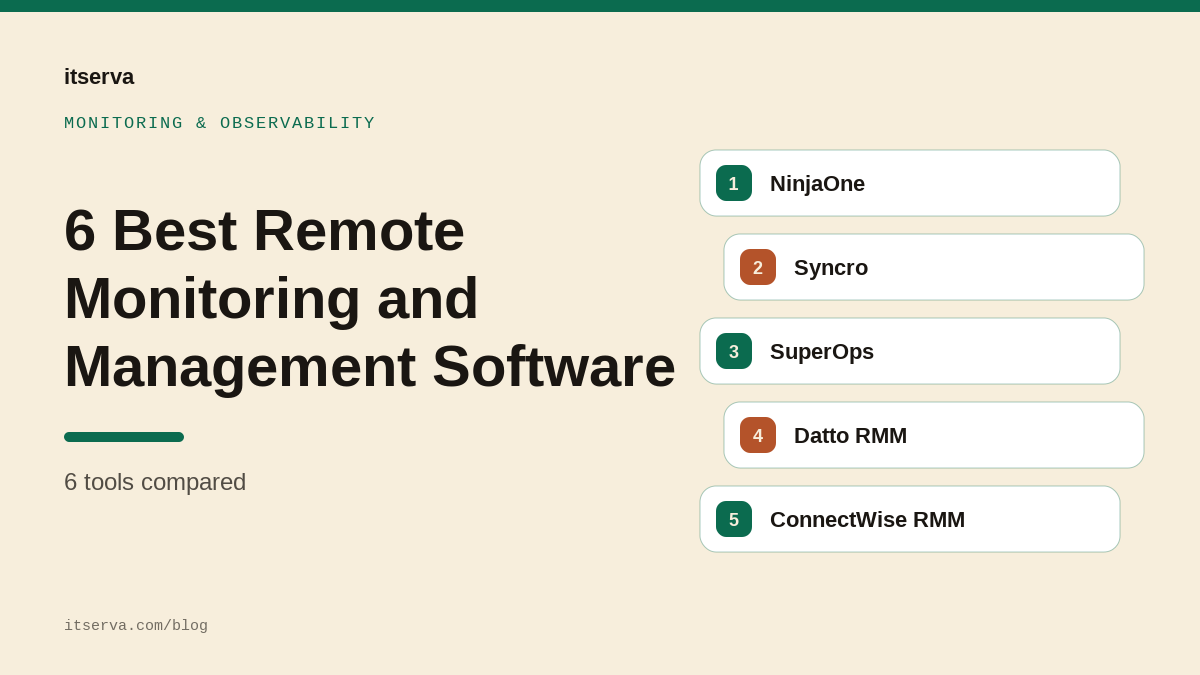
| Tool | Best for | Starting price | Free plan |
|---|---|---|---|
| NinjaOne | Best RMM overall for MSPs and IT teams | $1.50-$3.75/endpoint/month | No (free trial) |
| Syncro | Best RMM and PSA on one bill | $129/user/month (Core, annual) | No (14-day trial, no credit card) |
| SuperOps | Best modern unified PSA and RMM | Custom pricing | No (free trial) |
| Datto RMM | Best RMM for Datto and Kaseya shops | Custom pricing | No (demo available) |
| ConnectWise RMM | Best RMM for ConnectWise PSA shops | Custom pricing | No (free trial) |
| Tactical RMM | Best free self-hosted RMM | $0 self-hosted (Starter $55/month) | Yes (free self-hosted core) |
The 6 best remote monitoring and management tools
#1
NinjaOne
- Best for
- Best RMM overall for MSPs and IT teams
- Starting price
- $1.50-$3.75/endpoint/month
- Free plan
- No (free trial)
NinjaOne is a cloud console for endpoint management that covers remote monitoring, patching, backup, mobile device management and IT asset management in one place. Its pricing page publishes a per-endpoint range of $1.50 per month at 10,000 endpoints, rising to $3.75 at 50 or fewer, with the exact rate set by quote. Autonomous patch management, vulnerability management and endpoint security sit alongside the core RMM tools.
The trade-off is that only the two ends of the price range are published, so a fleet between 50 and 10,000 endpoints needs a sales quote before the budget is final. Backup and mobile device management are also licensed as separate modules, which can add to the per-device bill. NinjaOne fits MSPs and internal IT teams that manage hundreds to thousands of endpoints and want one polished console for them.
What we like
- Published per-endpoint price range
- Patching, backup and MDM in one console
- Autonomous patch and vulnerability tools
- Free trial available
Watch out for
- Exact rate needs a sales quote
- Backup and MDM are separate modules
- Price varies by region and products
#2
Syncro
- Best for
- Best RMM and PSA on one bill
- Starting price
- $129/user/month (Core, annual)
- Free plan
- No (14-day trial, no credit card)
Syncro is an all-in-one platform that puts remote monitoring, PSA ticketing, scripting and invoicing under one per-user price. Core costs $129 per user per month on annual billing, or $159 month to month, with unlimited endpoints and no per-device fees. Remote access and control, patching and a 14-day free trial with no credit card are included, and Team adds Microsoft 365 security.
The trade-off is that the per-user model gets expensive when many technicians share a small fleet, since every seat costs $129 or more. Advanced ticket automation and Microsoft 365 security also need the Team plan at $179 per user per month on annual billing. Syncro fits small to mid-size MSPs that want RMM and PSA on a single bill with no contracts.
What we like
- RMM and PSA in every plan
- Unlimited endpoints per user
- 14-day trial, no credit card
- No contracts
Watch out for
- Pricey when many technicians share few devices
- Microsoft 365 security needs Team
- Less configurable than dedicated PSA tools
#3
SuperOps
- Best for
- Best modern unified PSA and RMM
- Starting price
- Custom pricing
- Free plan
- No (free trial)
SuperOps is a unified PSA and RMM platform with endpoint monitoring, automated patch management, remote troubleshooting and network monitoring in one console. Its pricing page lists plans for MSPs and internal IT teams, including Prime for unified endpoint management, but asks buyers to request pricing for a quote. A free trial is available, and its Monica AI assistant triages alerts and creates tickets.
The trade-off is price transparency: the current pricing page shows no published rates, so two MSPs cannot compare SuperOps against a fixed-price rival without a sales conversation. The platform is also younger than the legacy RMM tools, with a smaller community and fewer integrations. SuperOps fits newer MSPs and IT teams that want a modern, unified console and AI-assisted triage.
What we like
- Unified PSA and RMM in one product
- Automated patching and network monitoring
- Monica AI triages alerts
- Free trial available
Watch out for
- No published rates on the pricing page
- Younger platform, smaller community
- Third-party patching catalog is thinner
#4
Datto RMM
- Best for
- Best RMM for Datto and Kaseya shops
- Starting price
- Custom pricing
- Free plan
- No (demo available)
Datto RMM is the monitoring and management tool in the Datto and Kaseya family, sold alongside Autotask PSA, IT Glue documentation and Datto backup products. Its pricing page offers no public rate card and asks partners to request pricing, so the cost depends on fleet size and the bundle. A demo is available, and the product is aimed at MSPs that already run Datto backup or Autotask.
The trade-off is that budgeting starts with a sales call, not a price list, and the strongest case for Datto RMM is inside the wider Datto and Kaseya stack. Teams outside that stack may find a simpler standalone tool easier to price and to adopt. Datto RMM fits mid-size MSPs already invested in Datto backup, Autotask or IT Glue.
What we like
- Tight fit with Autotask and IT Glue
- Backup products from the same vendor
- Built for multi-client MSPs
- Demo available
Watch out for
- No public price list
- Best value inside the Datto and Kaseya stack
- Annual commitments are common
#5
ConnectWise RMM
- Best for
- Best RMM for ConnectWise PSA shops
- Starting price
- Custom pricing
- Free plan
- No (free trial)
ConnectWise RMM is the monitoring and management module of the ConnectWise platform, described on its pricing page as behind-the-scenes device monitoring and management. It sits beside ConnectWise PSA, ScreenConnect remote access and backup and disaster recovery tools, all under one vendor. Pricing is by quote, with a form that asks for business details before a price is given.
The trade-off is complexity and opacity: modules are licensed separately, setup can take time on larger estates, and there is no published starting price to compare. The depth only pays off when an MSP uses several ConnectWise products together. ConnectWise RMM fits established MSPs already running ConnectWise PSA that want one vendor for monitoring, ticketing and remote access.
What we like
- ScreenConnect remote access in the family
- PSA, RMM and backup under one vendor
- Deep automation options
- Trials available
Watch out for
- No published starting price
- Modules licensed separately
- Setup can take weeks on large estates
#6
Tactical RMM
- Best for
- Best free self-hosted RMM
- Starting price
- $0 self-hosted (Starter $55/month)
- Free plan
- Yes (free self-hosted core)
Tactical RMM is a source-available, self-hosted RMM that you install on your own server, with remote control, a remote shell, scripting, patching and automated checks for CPU, disk, memory and services. The core software costs $0 to self-host, and Starter sponsorship costs $55 per month for up to 199 endpoints, or $600 a year. A hosted option starts at $65 per month for up to 100 endpoints.
The trade-off is that you own the server, the security, the backups and the upgrades, and code-signed Windows agents, Linux and macOS agents and single sign-on need a paid sponsorship. Support below the higher tiers is community-only, and there is no built-in PSA, ticketing or billing. Tactical RMM fits technical MSPs and IT teams that want full control of their data and a near-zero software bill.
What we like
- $0 core software to self-host
- Remote control, scripting and patching included
- Hosted option from $65 per month
- No per-endpoint license fee
Watch out for
- You run and secure the server
- Mac and Linux agents need sponsorship
- No built-in PSA or ticketing
How we chose
We compared remote monitoring and management tools from the established MSP market, ranked by overall fit for MSPs and internal IT teams. We weighted a published price first, then the breadth of monitoring, patching and remote access in the base product, then the billing model. We also noted whether each vendor publishes a price or asks buyers to request a quote. Prices come from vendor pricing pages checked in November 2026. No vendor paid for placement, and we did not run hands-on tests; we compare published information.
Per-endpoint or per-technician: which billing model fits your fleet?
Per-endpoint pricing charges for every device, so the bill grows with each laptop and server you add. It suits teams with many technicians and a modest fleet, where the per-device rate stays low.
Per-technician pricing charges for every seat and covers unlimited endpoints, so the bill stays flat as client device counts grow. It suits lean teams with large fleets, but it punishes a shop with many technicians and few devices.
How to choose
Start with your technician-to-device ratio. Count your technicians and your managed endpoints, then price each shortlisted tool on both models before you compare headline rates.
Next, check what the base price leaves out. Backup, mobile device management, PSA ticketing and remote access are separate modules on several tools here, so add those costs before you choose. If your team also needs a service desk, read our guide on AI help desk software before you commit.
Finally, trial two tools with real devices. Patch a mixed fleet, run a script, open a remote session from a phone, and confirm that alerts, reporting and handover to a ticket all work the way your team expects.