
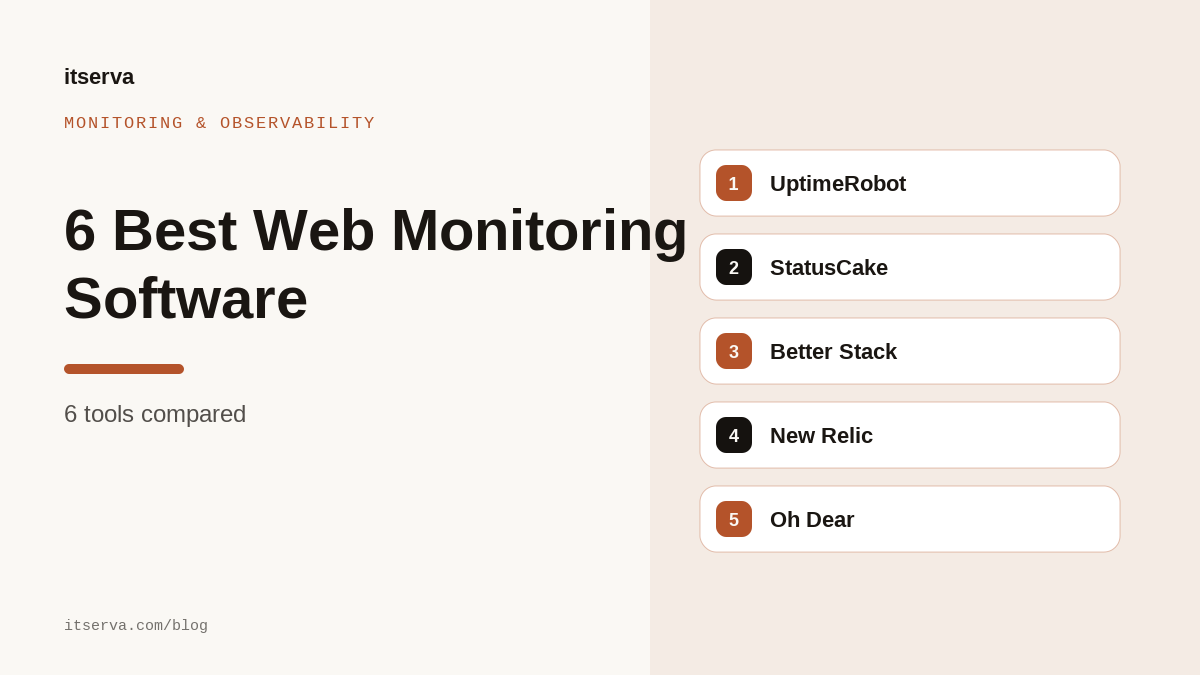
What does web monitoring software actually watch?
Web monitoring software checks your site from the outside, on a schedule, and alerts you when something stops working. The basic version is an uptime check: the tool asks for a page and reports whether it answers.
Stronger tools go further. They check SSL certificates before they expire, watch DNS records and domain expiry, run scripted logins and checkouts, and track how real visitors experience page speed. The right tool depends on which failure would hurt you most.
Quick comparison
| Tool | Best for | Starting price | Free plan |
|---|---|---|---|
| UptimeRobot | Best free uptime monitoring | $12/month (Solo, annual billing) | Yes (50 monitors free) |
| StatusCake | Best free plan for small businesses | $20.41/month (Superior, annual billing) | Yes (10 monitors free) |
| Better Stack | Best modern uptime and on-call bundle | $29/responder/month (annual billing) | Yes (10 monitors free) |
| New Relic | Best free entry to full observability | Usage-based; $0.40/GB after 100 GB free/month | Yes (100 GB/month free, no credit card) |
| Oh Dear | Best for agencies managing client sites | $17/month (Solo, 2 sites) | No (10-day trial, no credit card) |
| Site24x7 | Best for IT teams that want one suite | $9/month (Web Uptime, annual billing) | Yes (free plan up to 50 resources) |
The 6 best web monitoring software
#1
UptimeRobot
- Best for
- Best free uptime monitoring
- Starting price
- $12/month (Solo, annual billing)
- Free plan
- Yes (50 monitors free)
UptimeRobot is a straightforward uptime monitor with the most generous free plan on this list. The free plan covers 50 monitors at 5-minute intervals with no credit card required, and it includes HTTP, port, ping, keyword and API checks plus basic status pages. Solo starts at $12 per month on annual billing for 10 monitors, with 60-second checks, SSL and DNS monitoring, 3 status pages on your own domain and 12-month data retention.
The trade-off is speed on the free plan. Five minutes between checks means an outage can run for several minutes before an alert arrives, and SMS and voice alerts cost extra as credits rather than being included. Team seats also sit on higher plans, so a group that needs shared access pays more. UptimeRobot fits anyone who wants reliable uptime monitoring at no cost and a low-priced upgrade when faster checks matter.
What we like
- 50 monitors free with no credit card
- 60-second checks on Solo
- SSL and DNS monitoring on paid plans
- Status pages on your own domain
Watch out for
- Free checks run every 5 minutes
- SMS and voice alerts cost extra as credits
- Team seats need higher plans
#2
StatusCake
- Best for
- Best free plan for small businesses
- Starting price
- $20.41/month (Superior, annual billing)
- Free plan
- Yes (10 monitors free)
StatusCake is a long-running uptime monitor that bundles several check types into one account. The free plan covers 10 uptime monitors at 5-minute intervals, plus 1 page speed monitor, 1 domain monitor and 1 SSL monitor. Superior costs $20.41 per month on annual billing and raises the limit to 100 uptime monitors at 1-minute intervals, with 15 page speed monitors and 50 domain and SSL monitors.
The trade-off is that status pages are a separate product. The monitoring plans do not include a status page in the headline price, so a team that wants public status communication pays for that separately. The interface also feels older than newer rivals, although the checks themselves are dependable. StatusCake fits small businesses that want a free start and a simple paid step up to faster, broader checks.
What we like
- Free plan covers uptime, page speed, domain and SSL
- 100 monitors on Superior
- 1-minute checks on Superior
- 7-day free trial with no credit card
Watch out for
- Status pages are billed separately
- Interface feels dated next to newer tools
#3
Better Stack
- Best for
- Best modern uptime and on-call bundle
- Starting price
- $29/responder/month (annual billing)
- Free plan
- Yes (10 monitors free)
Better Stack is a modern monitor that combines uptime checks with on-call paging, status pages and log management. The free plan covers 10 monitors and heartbeats, 1 status page and Slack and email alerts, with 3 GB of logs and traces kept for 3 days. Paid access starts at $29 per responder per month on annual billing, with unlimited phone and SMS alerts, on-call schedules and incident management.
The trade-off is that the bill has several parts. Each responder needs a licence, extra monitors come in packs of 50 for $21 per month on annual billing, and telemetry is charged by volume, so a busy log stream adds cost. The integration list is also smaller than the largest platforms. Better Stack fits modern teams that want uptime, paging and status pages in one place without usage-based surprises on the core monitor.
What we like
- Free plan with 10 monitors and a status page
- Unlimited phone and SMS alerts for responders
- On-call schedules and incident management included
- Extra monitors in packs of 50
Watch out for
- Each responder needs a paid licence
- Telemetry is charged by volume
- Smaller integration list than the largest platforms
#4
New Relic
- Best for
- Best free entry to full observability
- Starting price
- Usage-based; $0.40/GB after 100 GB free/month
- Free plan
- Yes (100 GB/month free, no credit card)
New Relic is a full observability platform that includes synthetic monitoring alongside application performance, infrastructure and log monitoring. The free tier gives 100 GB of data ingest per month, 1 full platform user, unlimited basic users and 500 synthetic checks, with no credit card required. Beyond the free allowance, original data costs $0.40 per GB, and data is retained for at least 8 days by default.
The trade-off is breadth and usage billing. A team that only needs to know when a site is down will find far more product than it needs, and a high-volume log stream can push ingest well past the free 100 GB. Only 1 full platform user is free, so extra full users add cost. New Relic fits teams that want observability and web monitoring in one platform and can start free while they learn the usage pattern.
What we like
- 100 GB free ingest every month
- 500 synthetic checks on the free tier
- 50+ platform capabilities included
- No credit card required to start
Watch out for
- Usage billing can rise with log volume
- Only 1 full platform user is free
- Far more product than a simple uptime check needs
#5
Oh Dear
- Best for
- Best for agencies managing client sites
- Starting price
- $17/month (Solo, 2 sites)
- Free plan
- No (10-day trial, no credit card)
Oh Dear is a website monitor built for people who look after client sites. Solo costs $17 per month for 2 sites, and every plan includes the same checks, so there is no feature tier to climb. It checks uptime every minute and also watches SSL certificates, DNS changes, broken links, cron jobs and Lighthouse performance, with monthly client reports and status pages included.
The trade-off is that there is no free plan. A 10-day trial with no credit card is the only free start, and the price rises with each site-count step, so a large portfolio adds up quickly. That per-site model is still easy to explain to a client. Oh Dear fits agencies and freelancers who manage client sites and want one predictable price with every check included.
What we like
- Every check included on every plan
- Uptime checks every minute
- Monthly client reports included
- Unlimited users on every plan
Watch out for
- No free plan beyond the 10-day trial
- Price rises with each site-count step
#6
Site24x7
- Best for
- Best for IT teams that want one suite
- Starting price
- $9/month (Web Uptime, annual billing)
- Free plan
- Yes (free plan up to 50 resources)
Site24x7 is an all-in-one monitoring suite from ManageEngine that puts website checks beside server, network and cloud monitoring. Web Uptime costs $9 per month on annual billing and covers 25 websites with 1-minute polling, 1 monitoring location, transaction monitors and 3 status pages. A free plan monitors up to 50 resources, and paid accounts start with a 30-day free trial.
The trade-off is complexity. The suite covers far more than website monitoring, so the interface is busier than a single-purpose uptime tool, and the website plans are only one part of a larger product family. A small team may never use the server or network modules it is paying to have available. Site24x7 fits IT teams that want website, server and network monitoring from one vendor and one console.
What we like
- 25 websites on the entry website plan
- 1-minute polling
- Transaction monitors included
- Free plan up to 50 resources
Watch out for
- Busier interface than single-purpose tools
- Website monitoring is one part of a large suite
How we chose
We compared web monitoring tools that watch sites from the outside, ranked by fit for different teams and site portfolios. We weighted a usable free plan first, then check speed, the breadth of checks and the total monthly cost for a small site portfolio. Prices come from vendor pricing pages checked in November 2026, and we used the regular annual price where monthly and annual rates differed. No vendor paid for placement, and we did not run hands-on tests; we compare published information.
Uptime, synthetic and real-user checks are not the same thing
An uptime check asks whether a page answers. A synthetic check goes further and runs a scripted journey, such as a login or a checkout, in a real browser. Real-user monitoring watches actual visitors and reports how fast pages load for them.
Most small sites only need uptime, SSL and domain checks. Buy synthetic checks when a broken checkout or login would cost money before anyone notices, and add real-user monitoring when page speed varies by location or device.
How to choose
Start with the failure you fear most. If a site going down is the risk, pick a free uptime monitor with fast checks. If a broken checkout is the risk, shortlist tools with scripted transaction monitoring.
Next, count what you will actually monitor. A homepage, an API, a checkout, an SSL check and a DNS check can use 5 monitors before you add staging, so a 10-monitor free plan fills fast. Price the next tier, not just the free one.
Finally, check the alert path before you pay. Confirm who gets woken up, which channels are included, and whether SMS or phone alerts cost extra, because an alert nobody sees is the same as no monitoring at all.