
What counts as real redaction?
Real redaction permanently removes the underlying text, image, or audio data from a file, including hidden metadata, so it cannot be recovered by copying text or stripping a layer. Drawing a black box over content in a viewer is not redaction, because the original data stays in the file. Every tool on this list removes the marked data rather than covering it.
The right tool depends on what you redact and how often. PDF editors suit teams that redact documents occasionally, AI platforms suit teams with large volumes of documents, video, or audio, and law enforcement tools suit evidence disclosure. Match the tool to your file types first, then compare price and audit trails.
Quick comparison
| Tool | Best for | Starting price | Free plan |
|---|---|---|---|
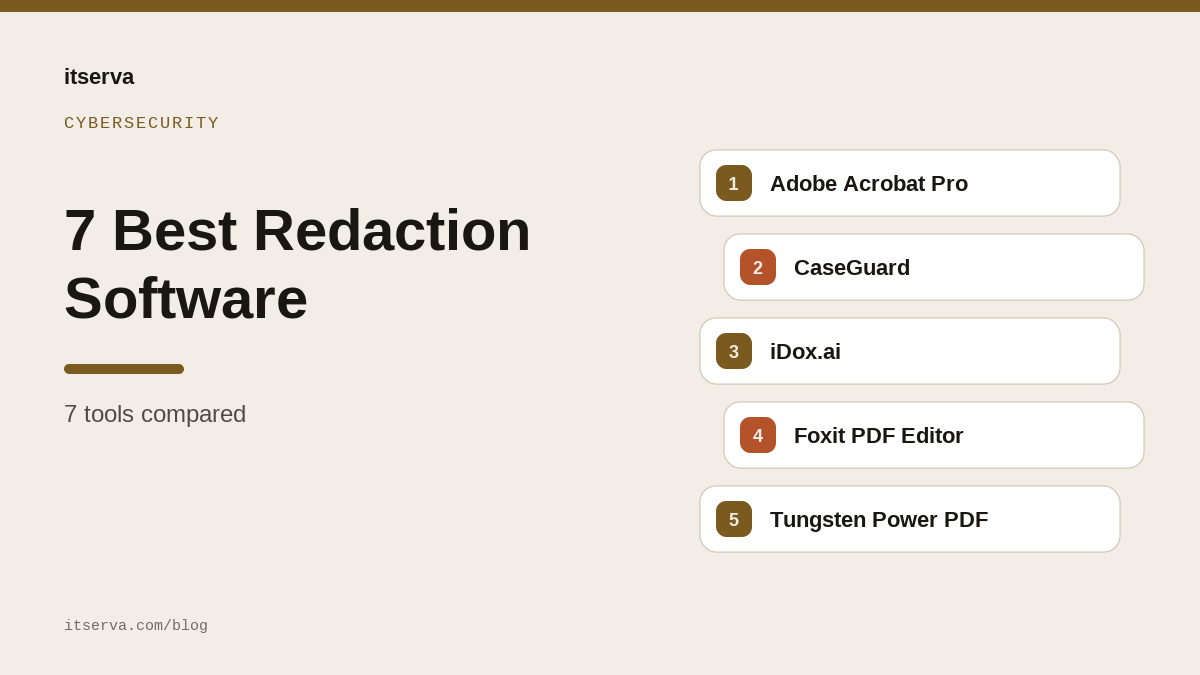
| Adobe Acrobat Pro | Best redaction inside a PDF workflow | $19.99/month (Pro, annual plan billed monthly) | No (7-day trial) |
| CaseGuard | Best AI redaction for video, audio and documents | $279/user/month (Doc Suite, billed annually) | No |
| iDox.ai | Best AI document redaction with anonymization | $39/month (Suite Starter, billed monthly) | No (free trial, up to 20 pages) |
| Foxit PDF Editor | Best affordable PDF editor with redaction | $129.99/user/year (PDF Editor) | No (14-day trial) |
| Tungsten Power PDF | Best one-time license PDF editor | $129 one-time (Standard); $179 one-time (Advanced) | No (free trial) |
| Objective Redact | Best automated redaction for disclosure teams | $274/user/year (Team) | No (trial available) |
| Veritone Redact | Best redaction for law enforcement video evidence | Custom pricing | No (demo only) |
The 7 best redaction software
#1
Adobe Acrobat Pro
- Best for
- Best redaction inside a PDF workflow
- Starting price
- $19.99/month (Pro, annual plan billed monthly)
- Free plan
- No (7-day trial)
Adobe Acrobat Pro is the most widely used PDF editor with redaction built in, and it suits teams that already work in PDFs all day. Pro costs $19.99 per month on an annual plan billed monthly, or $29.99 month to month, and it permanently removes marked text and images while scrubbing metadata. Redaction sits beside e-signatures, form tools, and 100GB of cloud storage, so a redacted file moves straight into review or filing.
The trade-off is that redaction in Acrobat Pro is largely manual and pattern-based, so staff must mark each item to remove, which takes time on long files. There is no automatic detection of faces or spoken names, and the annual plan carries a cancellation fee after 14 days. Adobe Acrobat Pro fits legal, HR, and compliance teams that redact documents as one task among many PDF jobs.
What we like
- Redaction inside the standard PDF workflow
- Permanently removes text, images, and metadata
- E-signatures and forms in the same tool
- 100GB of cloud storage included
Watch out for
- No AI auto-detection of faces or spoken names
- Annual plan has a cancellation fee after 14 days
- Subscription cost adds up across a team
#2
CaseGuard
- Best for
- Best AI redaction for video, audio and documents
- Starting price
- $279/user/month (Doc Suite, billed annually)
- Free plan
- No
CaseGuard is an AI redaction platform that covers video, audio, documents, images, and email in one on-premise system. The Doc Suite costs $279 per user per month billed annually and covers unlimited document and image redaction, while the Media Suite at $299 adds video and audio redaction with transcription and translation. The Ultimate Suite at $379 combines both, and the platform removes data from every file layer, including metadata, with audit reports.
The trade-off is price and scope. At $279 per user per month for the document suite alone, CaseGuard costs far more than a PDF editor, and there is no free plan or free trial listed on its pricing page. Setup and training also take more effort than a desktop tool. CaseGuard fits law enforcement, legal, healthcare, and government teams with heavy redaction volume across mixed media.
What we like
- One platform for video, audio, documents, and images
- AI detection with audit reports
- On-premise deployment for sensitive files
- Unlimited document and image redaction on Doc Suite
Watch out for
- Steep per-user price for small teams
- No free plan or free trial listed
- Setup takes more effort than a desktop tool
#3
iDox.ai
- Best for
- Best AI document redaction with anonymization
- Starting price
- $39/month (Suite Starter, billed monthly)
- Free plan
- No (free trial, up to 20 pages)
iDox.ai is a cloud platform that pairs AI document redaction with data masking and anonymization for teams that share files outside their organization. The Suite Starter plan costs $39 per month billed monthly and covers more than 47 file types, with a free trial that includes up to 20 pages. Premium costs $89 per month billed monthly, or $890 per year, and adds team review for up to 5 users plus customizable compliance templates.
The trade-off is that pricing is page-volume based, so a team with large files must watch its allowance, and Enterprise plans carry a minimum of 3 users with custom pricing. The platform also bundles AI guardrail tools that document-only teams may not need. iDox.ai fits legal, government, and healthcare teams that want redaction plus data protection for shared documents.
What we like
- Redaction, masking, and anonymization in one workflow
- More than 47 file types supported
- Team review and compliance templates on Premium
- Free trial covering up to 20 pages
Watch out for
- Page-volume pricing needs watching at scale
- Enterprise plans need at least 3 users
- Bundled AI guardrail tools may be more than document teams need
#4
Foxit PDF Editor
- Best for
- Best affordable PDF editor with redaction
- Starting price
- $129.99/user/year (PDF Editor)
- Free plan
- No (14-day trial)
Foxit PDF Editor is a full PDF editor with secure redaction, encryption, and permission controls at a lower price than Acrobat Pro. The base plan costs $129.99 per user per year, or $10.99 per user per month on the annual plan, and every subscription starts with a 14-day free trial. The Editor+ plan at $159.99 per user per year adds AI Smart Redact for automatic PII removal, mobile apps, and 150 eSign envelopes per year.
The trade-off is that the base plan has no AI Smart Redact, so automatic PII detection needs the Editor+ plan, and redaction itself is still a feature of a PDF editor rather than a dedicated redaction platform. Volume discounts start only at 30 licenses. Foxit PDF Editor fits teams that want a cheaper Acrobat replacement with solid redaction included.
What we like
- Lower price than Acrobat Pro
- Secure redaction with encryption and permission controls
- 14-day free trial with no credit card required
- Perpetual license available at $209.99 one time
Watch out for
- AI Smart Redact needs the Editor+ plan
- Redaction is a feature, not a dedicated platform
- Volume discounts start only at 30 licenses
#5
Tungsten Power PDF
- Best for
- Best one-time license PDF editor
- Starting price
- $129 one-time (Standard); $179 one-time (Advanced)
- Free plan
- No (free trial)
Tungsten Power PDF is a PDF editor sold as a one-time license, formerly sold as Kofax Power PDF, for teams that want to avoid a subscription. Standard costs $129 one time per license, and Advanced costs $179 one time per license. Advanced adds advanced redaction, Bates numbering, batch processing, and password protection, and the product includes a free trial with no credit card required.
The trade-off is that Advanced is Windows only, while the Mac edition is sold as Standard only, so Mac users miss the advanced redaction tools. Upgrades are sold separately, and only 90 days of technical support come with a license. Tungsten Power PDF fits small businesses that want serious PDF redaction without a monthly subscription.
What we like
- One-time license with no monthly fee
- Advanced redaction and Bates numbering on Advanced
- Free trial with no credit card required
- 30-day money-back guarantee on direct licenses
Watch out for
- Advanced edition is Windows only
- Upgrades sold separately
- Only 90 days of technical support included
#6
Objective Redact
- Best for
- Best automated redaction for disclosure teams
- Starting price
- $274/user/year (Team)
- Free plan
- No (trial available)
Objective Redact is desktop software built for disclosure and freedom-of-information work, where teams must release documents with sensitive details permanently removed. The Team plan costs USD $274 per year for each user license, for 1 to 20 users, and a one-month Project plan costs USD $100. It finds targets such as numbers, card details, and email addresses with patterns, reads scanned pages with OCR, and removes hidden metadata.
The trade-off is that pricing is quote-based for larger teams, since Enterprise plans for 20 or more users use discount pricing by contact, and there is no free plan, only a trial. The product is also aimed at government disclosure work rather than general PDF editing. Objective Redact fits compliance and disclosure teams that handle large volumes of long documents.
What we like
- Automated pattern-based redaction with OCR
- Removes hidden metadata permanently
- One-month Project plan at USD $100
- Strong fit for disclosure and freedom-of-information work
Watch out for
- Enterprise pricing is by contact for 20 or more users
- No free plan, only a trial
- Aimed at disclosure work, not general PDF editing
#7
Veritone Redact
- Best for
- Best redaction for law enforcement video evidence
- Starting price
- Custom pricing
- Free plan
- No (demo only)
Veritone Redact is an AI application built on the aiWARE platform for law enforcement evidence, and it automatically detects heads, license plates, and other sensitive items in bodycam, dashcam, CCTV, and interview footage. Audio redaction uses time-correlated transcription, so reviewers can search spoken words and mute sensitive parts, and chain-of-custody logs record every action. Veritone says more than 300 government agencies use its products.
The trade-off is access and price. Veritone publishes no list price for Redact and asks buyers to book a demo, so costs are agreed by quote and aimed at agency budgets. The product is also built around police workflows, which makes it a poor match for small document teams. Veritone Redact fits police departments and agencies handling large volumes of video evidence.
What we like
- Built for bodycam, dashcam, and CCTV evidence
- Time-correlated audio transcription and redaction
- Chain-of-custody logs for court use
- Trusted by more than 300 government agencies
Watch out for
- No published price; demo and quote only
- Built around police workflows
- Poor match for small document teams
How we chose
We compared redaction tools that permanently remove sensitive data from documents, video, or audio, and ranked them by fit for common buyers. We weighted permanent removal and audit trails first, then automatic detection, file types covered, and total cost for a small team using the seven tools on this list. Prices come from vendor pricing pages checked in November 2026, and quote-based tools are marked as custom pricing. No vendor paid for placement, and we did not run hands-on tests; we compare published information.
How to check redaction before you share a file
Open the redacted copy in a different viewer, try to select and copy the blacked-out text, and search the document for the names or numbers you removed. Check the file properties for author names, creation dates, and other metadata that can leak the same details. If anything is still selectable or searchable, the file is not ready to share.
Keep the original file separate from the redacted copy, and save the redacted version under a new name so the original is never sent by mistake. Ask a second person to review high-risk files before release, and keep the audit report or redaction log with the file so you can show what was removed and when.
How to choose
Start with the file types you redact most. If you work only with PDFs, a PDF editor is enough, while video, audio, or scanned documents need an AI platform with detection and transcription.
Next, compare total cost at your volume. A $19.99 monthly subscription looks cheap for occasional use, a $129 one-time license suits a single user, and a $279 per-user platform only makes sense when redaction is a daily job.
Finally, trial the tool on your own files before you buy. Check that redacted text cannot be copied back, that metadata is removed, and that the audit log records each change clearly enough for a compliance review.