
What counts as malware software?
Malware software protects a device against malicious programs such as viruses, ransomware, spyware and trojans. Most products now combine that core protection with web and phishing blocking, since many infections start with a bad link or a fake download.
The products on this list differ mainly in what they add around that core. Some focus on cleaning an already infected machine, some bundle a VPN and identity protection, and one is already built into Windows.
Quick comparison
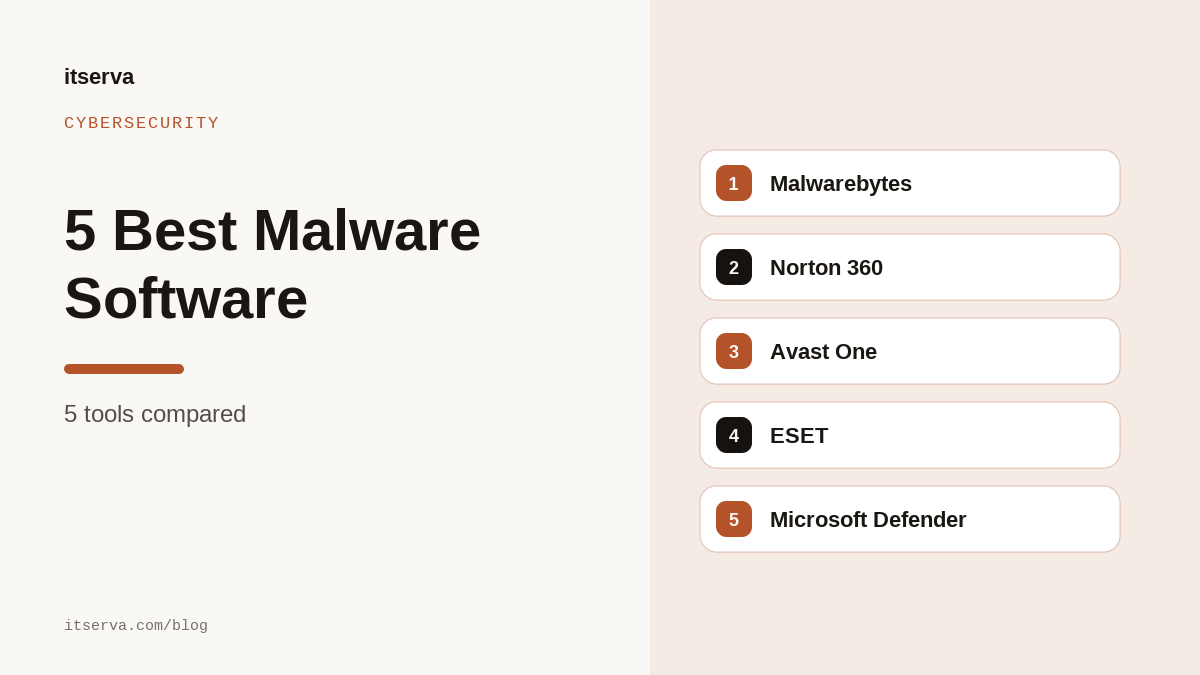
| Tool | Best for | Starting price | Free plan |
|---|---|---|---|
| Malwarebytes | Best for malware removal | $59.99/year (Standard, 3 devices) | Yes (free on-demand scan) |
| Norton 360 | Best family bundle | $94.99/year (Standard, 3 devices; $39.99 first year) | No (60-day money-back guarantee) |
| Avast One | Best free-first protection | $77.99/year (Premium Security, 1 PC plus 1 mobile; $49.08 first year) | Yes (free tier) |
| ESET | Best light system impact | $39.99/year (NOD32 Antivirus, 1 device) | No (30-day free trial) |
| Microsoft Defender | Best built-in Windows protection | Free (built into Windows 10 and 11) | Yes (built into Windows) |
The 5 best malware software
#1
Malwarebytes
- Best for
- Best for malware removal
- Starting price
- $59.99/year (Standard, 3 devices)
- Free plan
- Yes (free on-demand scan)
Malwarebytes is a strong first choice when a machine may already be infected, as well as for everyday protection. Standard at $59.99 a year covers 3 devices with real-time antivirus, ransomware protection, phishing and malicious site blocking, plus Browser Guard for scam and ad blocking. Plus at $79.99 a year adds a VPN, and Ultimate adds identity protection with $2 million in insurance.
The trade-off is that the cheapest way in is a single device at $44.99 a year, and the full identity bundle costs far more than the core plan. Annual plans carry a 60-day money-back guarantee. Malwarebytes fits people who want a capable cleaner and a second layer of detection alongside, or instead of, a traditional antivirus.
What we like
- Free on-demand scan for cleaning
- Real-time antivirus and ransomware protection
- Browser Guard blocks scams and ads
- 60-day money-back guarantee on annual plans
Watch out for
- Single-device plan costs $44.99 a year
- Identity protection needs the top plan
- VPN is not in Standard
#2
Norton 360
- Best for
- Best family bundle
- Starting price
- $94.99/year (Standard, 3 devices; $39.99 first year)
- Free plan
- No (60-day money-back guarantee)
Norton 360 is a full security bundle rather than a bare antivirus. Standard renews at $94.99 a year for 3 devices after a $39.99 first year, and every plan includes antivirus, Scam Protection, a VPN, Dark Web Monitoring, a password manager and Deepfake Protection. Standard also includes 2 GB of cloud backup, while Deluxe renews at $124.99 a year for 5 devices with 50 GB of backup and parental controls.
The trade-off is the renewal jump. The first-year price is less than half the renewal price, so the second year costs far more than the first. Higher plans add LifeLock identity theft protection. Norton 360 fits families that want one subscription covering devices, privacy and identity.
What we like
- VPN and password manager in every plan
- Scam Protection and Dark Web Monitoring included
- Cloud backup on all plans
- 60-day money-back guarantee
Watch out for
- Renewal price is far above the first year
- No free plan
- LifeLock needs a higher plan
#3
Avast One
- Best for
- Best free-first protection
- Starting price
- $77.99/year (Premium Security, 1 PC plus 1 mobile; $49.08 first year)
- Free plan
- Yes (free tier)
Avast One is the best starting point for buyers who want solid protection before paying anything. The free tier covers core antivirus, scam blocking and breach monitoring, and Premium Security renews at $77.99 a year for 1 PC plus 1 mobile device after a $49.08 first year. It adds ransomware protection, a firewall and Email Guard for flagging scam messages, and the 10-device plan renews at $99.99 a year.
The trade-off is that the extras sit higher up. A premium VPN and Cleanup Premium arrive with Ultimate, which renews at $109.99 a year for the small pack. Paid plans carry a 30-day money-back guarantee. Avast One fits households that want a strong free tier with a clear paid upgrade path.
What we like
- Strong free tier with scam blocking
- Ransomware protection and firewall on Premium
- Email Guard flags scam messages
- 10-device plan renews at $99.99 a year
Watch out for
- Premium VPN needs Ultimate
- Renewal price is above the first year
- Paid extras are sold as add-ons
#4
ESET
- Best for
- Best light system impact
- Starting price
- $39.99/year (NOD32 Antivirus, 1 device)
- Free plan
- No (30-day free trial)
ESET is a good pick for older machines and gamers, because its protection is built to run with a small system footprint. NOD32 Antivirus costs $39.99 a year for 1 device with antivirus, antispyware and LiveGrid cloud reputation. ESET HOME Security Essential at $59.99 a year for 3 devices adds a firewall, Safe Banking, anti-phishing and scam protection, while Premium at $89.99 a year adds a VPN and file encryption.
The trade-off is that the top tier is expensive. Ultimate costs $179.99 a year for 5 devices, and it is the plan that adds identity protection, VPN for routers and ransomware remediation. A 30-day free trial is available. ESET fits users who want quiet, light protection that stays out of the way.
What we like
- Light system footprint
- NOD32 starts at $39.99 a year
- Safe Banking and anti-phishing on Essential
- 30-day free trial
Watch out for
- Ultimate costs $179.99 a year
- No free plan
- Renewal prices are not published on the store page
#5
Microsoft Defender
- Best for
- Best built-in Windows protection
- Starting price
- Free (built into Windows 10 and 11)
- Free plan
- Yes (built into Windows)
Microsoft Defender is the antivirus already built into Windows 10 and Windows 11, so it costs nothing extra and needs no install. Microsoft Defender Antivirus runs in active mode as the primary antivirus, with cloud-delivered protection, machine learning and anomaly detection that can block new malware at first sight. It can also stop threats based on behaviour, including fileless malware, and it keeps working offline with regularly updated intelligence.
The trade-off is the missing extras. It has no bundled VPN, password manager or identity monitoring, and its advanced endpoint features are sold to businesses as Defender for Endpoint. Paid suites add those extras. Microsoft Defender fits Windows users who want solid baseline protection with no subscription and no new software.
What we like
- Free and built into Windows 10 and 11
- No install or subscription needed
- Cloud-delivered and behavioural protection
- Works offline with updated intelligence
Watch out for
- No bundled VPN or password manager
- No identity monitoring included
- Thinner protection outside the Microsoft stack
How we chose
We compared malware software that protects home users against viruses, ransomware, spyware and phishing, ranked by overall fit for a typical household. We weighted detection and cleaning ability first, then system impact, then bundled extras such as a VPN and identity protection, and finally total cost for the devices a home actually owns. Prices come from vendor pricing and store pages checked in November 2026, using regular renewal prices where a first-year offer was shown. No vendor paid for placement, and we did not run hands-on tests; we compare published information.
Why renewal prices matter more than first-year prices
Most malware suites sell the first year at a steep discount and renew at the regular price. Norton 360 Standard, for example, costs $39.99 in the first year and renews at $94.99 a year, while Avast One Premium Security costs $49.08 first and renews at $77.99 a year.
Compare the renewal price, not the headline price, when you choose. A cheap first year is a poor deal if the second year costs more than a rival that renews at a lower rate, so set a reminder before renewal and check rival prices first.
How to choose
Start with your devices and your risk. Count the Windows PCs, Macs, phones and tablets you need to cover, then decide whether you need extras such as a VPN, parental controls or identity protection.
Next, compare renewal prices for the same device count. A plan that looks cheap for 1 device can cost far more once it covers a whole household, and a free tier may be enough if you only need baseline protection on one Windows PC.
Finally, use the trial or free tier before you pay. Check that scans run without slowing your machine, that scam and phishing warnings appear where you expect them, and that the renewal terms are clear before the first year ends.