
What does an IAM tool actually do?
An IAM tool keeps one directory of identities and controls how people sign in. It handles single sign-on to apps, multi-factor authentication and the creation or removal of accounts as people join or leave.
The split that matters most is the audience. Workforce tools cover employees, customer tools cover sign-up and login inside your own product, and governance tools review who can access what. Price follows the same split: workforce tools charge per user, while customer tools charge per monthly active user.
Quick comparison
| Tool | Best for | Starting price | Free plan |
|---|---|---|---|
| Okta | Vendor-neutral SSO, MFA and provisioning | $6/user/month (Starter) | No (free trial) |
| Microsoft Entra ID | Microsoft 365 organisations | P1 in Microsoft 365 E3; P2 in E5 | No free plan stated |
| Auth0 | Customer login for product teams | $35/month (Essentials, 500 MAU) | Yes (up to 25,000 MAU) |
| Descope | Passwordless B2B customer login | $249/month (Pro, billed annually) | Yes (up to 7,500 MAU) |
| Google Cloud Identity | Google Workspace organisations | Free edition (50 users); Premium billed via Workspace | Yes (50 users) |
| Keycloak | Free self-hosted SSO | Free (open source) | Yes (free, open source) |
The 6 best IAM tools
#1
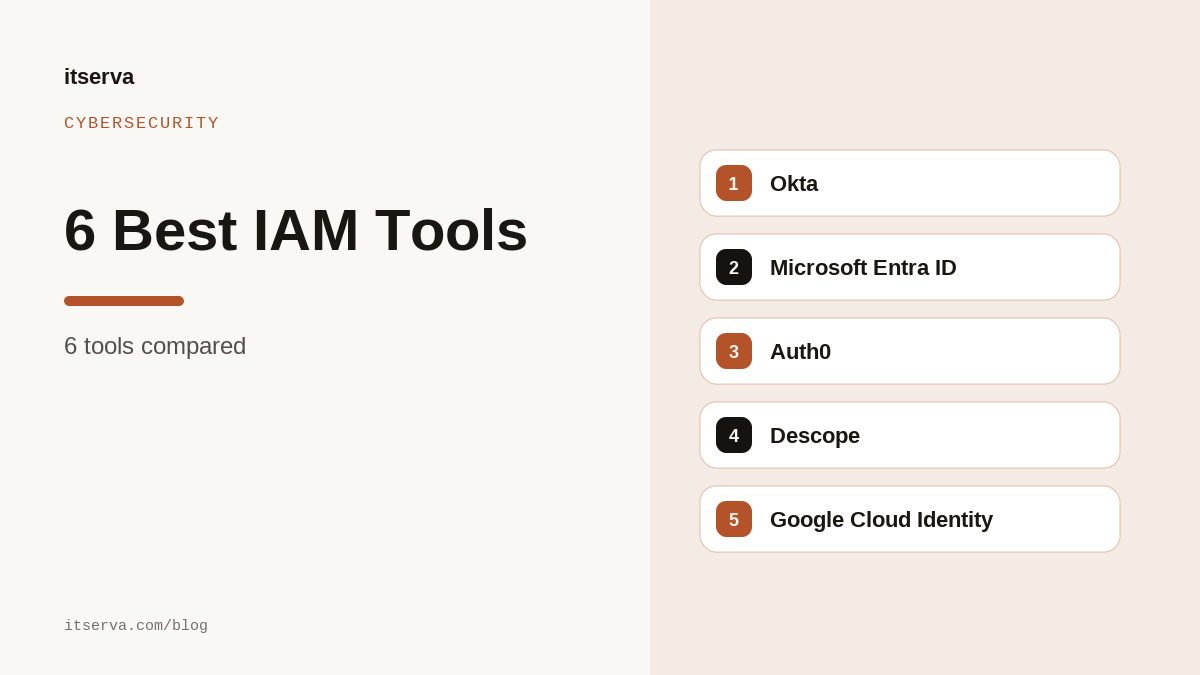
Okta
- Best for
- Vendor-neutral SSO, MFA and provisioning
- Starting price
- $6/user/month (Starter)
- Free plan
- No (free trial)
Okta is a workforce identity platform that covers single sign-on, multi-factor authentication and a central directory in one service. Starter costs $6 per user per month and includes single sign-on and Universal Directory, while Core Essentials costs $14 and Essentials costs $17 per user per month. Essentials adds lifecycle management and identity governance, and every plan includes thousands of pre-built app integrations.
The trade-off is that the higher suites are priced on enquiry, so a large rollout needs a sales conversation before the total is known. Adaptive multi-factor authentication is an add-on on Starter, and privileged access is also an add-on on the lower plans. Okta fits companies that want vendor-neutral sign-on across many apps and are ready to pay per user for it.
What we like
- SSO and Universal Directory on Starter
- Lifecycle management on Essentials
- Thousands of app integrations
- Published prices from $6
Watch out for
- Adaptive MFA is an add-on on Starter
- Professional and Enterprise priced on enquiry
- No free plan, only a trial
#2
Microsoft Entra ID
- Best for
- Microsoft 365 organisations
- Starting price
- P1 in Microsoft 365 E3; P2 in E5
- Free plan
- No free plan stated
Microsoft Entra ID is Microsoft's cloud identity service for employees, covering sign-on, multi-factor authentication and Conditional Access. Microsoft 365 E3 includes Entra ID P1, which provides single sign-on, multi-factor authentication and Conditional Access, while Microsoft 365 E5 includes P2, which adds identity protection, risk detection and privileged access. The Entra Suite builds on P1 with governance, network access and identity verification in one licence.
The trade-off is that the strongest features sit inside Microsoft bundles, so a team outside Microsoft 365 pays for licences it may not otherwise need. A subscription to P1, or a package that includes P1, is required for the Entra Suite, and special pricing for P2 and Microsoft 365 E5 customers needs a Microsoft representative. Microsoft Entra ID fits organisations that already run Microsoft 365 and want identity close to those apps.
What we like
- P1 included in Microsoft 365 E3
- P2 included in Microsoft 365 E5
- Conditional Access, SSO and MFA in P1
- Entra Suite unifies governance and network access
Watch out for
- Suite requires P1
- Standalone price not shown on pricing page
- Special pricing for P2 and E5 needs a representative
#3
Auth0
- Best for
- Customer login for product teams
- Starting price
- $35/month (Essentials, 500 MAU)
- Free plan
- Yes (up to 25,000 MAU)
Auth0 is a customer identity platform for product teams that need sign-up and login inside their own app. The free plan costs $0 per month for up to 25,000 monthly active users and includes passwordless authentication, unlimited social connections and one enterprise connection. Essentials costs $35 per month for up to 500 monthly active users, while Professional costs $240 per month and adds enterprise multi-factor authentication and enhanced attack protection.
The trade-off is that the bill rises with monthly active users, so a fast-growing app can outgrow the $35 Essentials tier quickly. Enterprise features such as a 99.99% service level agreement and private deployment sit on the Enterprise plan, which has no published price. Auth0 fits product teams that want hosted login, social sign-in and passwordless options without building authentication themselves.
What we like
- Free up to 25,000 MAU
- Passwordless and social login on free plan
- Self-service SSO on free plan
- Pro MFA on Essentials
Watch out for
- Bill rises with monthly active users
- Enterprise plan has no published price
- 99.99% SLA only on Enterprise
#4
Descope
- Best for
- Passwordless B2B customer login
- Starting price
- $249/month (Pro, billed annually)
- Free plan
- Yes (up to 7,500 MAU)
Descope is a customer identity platform for B2B software teams that want passwordless login without writing the flows themselves. The free plan costs $0 and covers 7,500 monthly active users, 10 tenants and 3 single sign-on connections, with role-based access control and multi-factor authentication included. Pro starts at $249 per month billed annually for 10,000 monthly active users, while Growth starts at $799 per month for 25,000 monthly active users.
The trade-off is that the paid plans are billed annually, so a small team commits to a year before it knows its real usage. Single sign-on provisioning through SCIM needs the Growth tier, and extra monthly active users cost $0.05 each beyond the included allowance. Descope fits B2B SaaS teams that need passwordless login, tenant management and self-service single sign-on for their customers.
What we like
- Free up to 7,500 MAU
- Passwordless flows and MFA included
- Role-based access control on free plan
- Self-service SSO on Pro
Watch out for
- Paid plans billed annually
- SCIM needs Growth
- $0.05 per extra MAU beyond allowance
#5
Google Cloud Identity
- Best for
- Google Workspace organisations
- Starting price
- Free edition (50 users); Premium billed via Workspace
- Free plan
- Yes (50 users)
Google Cloud Identity is Google's identity service for organisations that run Google Workspace or Google Cloud. The free edition provides 50 user licenses by default, with directory sync from Active Directory or LDAP and two-step verification included. The premium edition adds automated provisioning, secure LDAP and context-aware access, and its billing runs through a Google Workspace subscription rather than Google Cloud.
The trade-off is that the pricing page does not publish a Premium price, so a buyer must check the current figure in the Google Admin console before budgeting. Provisioning and secure LDAP need Premium, and the free edition is built for small Google-centred teams rather than large mixed estates. Google Cloud Identity fits Google Workspace organisations that want a simple directory, sign-on and two-step verification in one place.
What we like
- Free edition for 50 users
- Directory sync from Active Directory or LDAP
- Two-step verification included
- Premium adds automated provisioning
Watch out for
- Premium price not published on pricing page
- Provisioning and secure LDAP need Premium
- Billed through Google Workspace, not Google Cloud
#6
Keycloak
- Best for
- Free self-hosted SSO
- Starting price
- Free (open source)
- Free plan
- Yes (free, open source)
Keycloak is a free, open-source identity and access management server that teams run on their own infrastructure. It provides single sign-on over OpenID Connect, OAuth 2.0 and SAML 2.0, plus identity brokering, social login and federation with LDAP or Active Directory. An admin console manages users, sessions and fine-grained authorisation policies, and users can manage their own accounts and two-factor authentication.
The trade-off is that the team runs upgrades, clustering and backups itself, and there is no paid support from keycloak.org. That makes the total cost depend on hosting and staff time rather than a licence fee, and a small team can underestimate the work. Keycloak fits engineering teams that want standards-based single sign-on for free and are happy to operate the server themselves.
What we like
- No licence cost
- Standards-based OIDC, OAuth and SAML
- LDAP and Active Directory federation
- Fine-grained authorisation policies
Watch out for
- You run upgrades, clustering and backups
- No paid support from keycloak.org
- Total cost depends on hosting and staff time
How we chose
We compared IAM tools that cover sign-on, multi-factor authentication and user management for employees or customers, and ranked them by fit for a typical buyer rather than by brand size. We weighted a published starting price first, then the free plan or trial, then the breadth of sign-on and provisioning features. Prices come from each vendor's own pricing page, checked in November 2026, and no vendor paid for placement. We did not run hands-on tests; we compare published information directly.
Workforce IAM vs customer IAM: do not mix up the price
Workforce tools such as Okta and Microsoft Entra ID charge per employee, so the monthly bill is headcount times the per-user price. Customer tools such as Auth0 and Descope charge per monthly active user, so the bill follows how many customers actually sign in. A team that compares a $6 per-user price with a $35 monthly plan is comparing two different units, and the cheaper-looking number may not be cheaper at all.
Check the minimums and the tier gates before you shortlist. Okta's Professional and Enterprise suites are priced on enquiry, Descope's SCIM provisioning needs Growth, and Google Cloud Identity Premium has no published price on its pricing page. Ask for the tier you would actually buy, with your real user count, before you compare totals.
How to choose
Start with who needs to sign in. Employees point to Okta, Microsoft Entra ID or Google Cloud Identity, customers point to Auth0 or Descope, and a team that wants to self-host points to Keycloak.
Next, price a realistic month with your real numbers. Multiply the per-user price by headcount for workforce tools, or check your monthly active users against the free allowance for customer tools, then add the tier that holds the features you need.
Finally, check the sign-on coverage for the apps you already use. Confirm that each app supports single sign-on through the tool, that multi-factor authentication works for every user group, and that offboarding removes access promptly when someone leaves.