
What does DNS security software actually do?
DNS security software checks every domain lookup a device makes and refuses to resolve the ones that threat intelligence flags as malicious. When a user clicks a phishing link or malware tries to reach its command server, the lookup fails and the connection never starts. Most tools here also add content filtering, so an admin can block categories such as gambling or adult content.
The buying choice is about control, not just blocking. Free resolvers block known bad domains but show nothing about who asked for what, while paid filters add per-user policies, roaming clients for laptops off the network, and logs an auditor can read. Match the tool to how much visibility your team needs.
Quick comparison
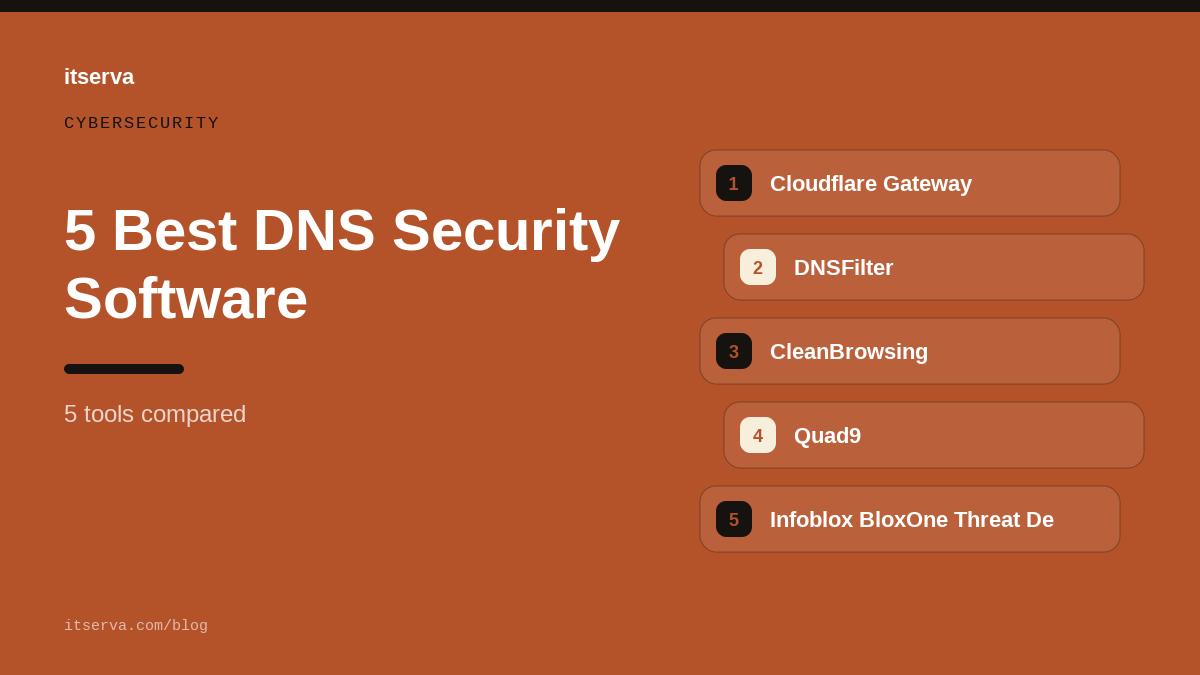
| Tool | Best for | Starting price | Free plan |
|---|---|---|---|
| Cloudflare Gateway | Best DNS security software overall | $7/user/month (pay-as-you-go) | Yes (up to 50 users) |
| DNSFilter | Small IT teams that want clear monthly minimums | From $23/month (Core minimum) | No (14-day trial) |
| CleanBrowsing | Schools, libraries and families paying by device | $8.99/month (Basic, up to 25 devices) | Yes |
| Quad9 | Free threat blocking with no account | Free | Yes (the whole service is free) |
| Infoblox BloxOne Threat Defense | Enterprises already running Infoblox DDI | Custom pricing (quote only) | No |
The 5 best DNS security software
#1
Cloudflare Gateway
- Best for
- Best DNS security software overall
- Starting price
- $7/user/month (pay-as-you-go)
- Free plan
- Yes (up to 50 users)
Cloudflare Gateway is the DNS and web filtering layer of Cloudflare Zero Trust, and it blocks ransomware, phishing, DGA domains, DNS tunneling and botnet traffic before a connection starts. The free plan covers up to 50 users with DNS and HTTP filtering, and pay-as-you-go costs $7 per user per month. Policies deploy through the device client or through a router for whole offices.
The trade-off is the jump at 51 users. Once a team passes the free tier, the bill moves to $7 per user per month, so a 100-user team pays $700 a month at that rate, and the free tier keeps logs for 24 hours only. Advanced data loss prevention and browser isolation need the custom Contract plan. Cloudflare Gateway fits teams that want a real free tier and a published price for DNS and web filtering.
What we like
- Free plan for up to 50 users
- Published $7 per user price
- DNS and HTTP filtering in one policy engine
- Device client and router deployment
Watch out for
- Free tier keeps logs 24 hours only
- Advanced DLP and browser isolation need Contract
- Bill jumps at 51 users
#2
DNSFilter
- Best for
- Small IT teams that want clear monthly minimums
- Starting price
- From $23/month (Core minimum)
- Free plan
- No (14-day trial)
DNSFilter is a cloud DNS filter aimed at small IT teams, and setup is a DNS change or a roaming client on each device. Core starts at a $23 monthly minimum, Plus starts at $62.50 a month and adds Guest Wi-Fi, roaming clients and CyberSight analytics, and Enterprise is priced on request. Every plan includes a 14-day free trial with access to all features.
The trade-off is that DNSFilter publishes minimums rather than per-user rates, so a small team cannot work out an exact per-user cost from the pricing page alone. Mobile roaming clients and the full analytics bundle sit on the higher plans, and there is no free tier. DNSFilter fits small IT teams that want a fast setup and clear monthly minimums.
What we like
- 14-day trial on every plan
- Fast setup by DNS change or roaming client
- Plus adds roaming clients and analytics
Watch out for
- No per-user rates published, only minimums
- No free tier
- Mobile roaming clients need higher plans
#3
CleanBrowsing
- Best for
- Schools, libraries and families paying by device
- Starting price
- $8.99/month (Basic, up to 25 devices)
- Free plan
- Yes
CleanBrowsing is a DNS filtering service that charges by device count instead of per user, which suits schools, libraries and families. Basic costs $8.99 a month or $75 a year for up to 25 devices, Pro 50 costs $15 a month for 50 devices, and Pro 100 costs $30 a month for 100 devices with API access. All plans include encrypted DNS and 21+ predefined filters.
The trade-off is the device ceiling. A device-heavy office outgrows the flat plans fast, since every laptop, phone and printer counts, and there is no free trial on the self-service plans. The free plan exists but its limits are not published. CleanBrowsing fits schools and families that want simple flat pricing by device count.
What we like
- Flat price by device, not per user
- Free plan available
- Encrypted DNS on every plan
- 21+ predefined filters
Watch out for
- Device ceilings outgrow fast
- No free trial on self-service plans
- Free plan limits not published
#4
Quad9
- Best for
- Free threat blocking with no account
- Starting price
- Free
- Free plan
- Yes (the whole service is free)
Quad9 is a free public DNS resolver run by a Swiss nonprofit, and it blocks lookups of known malicious domains with no account and no sign-up. Its network spans more than 230 resolver clusters in over 110 countries, draws on more than 25 threat intelligence providers, and blocks an average of 670 million malicious lookups a day. It logs no IP addresses.
The trade-off is the missing dashboard. Quad9 offers no content filtering, no custom allow or block lists, no per-device policies and no reporting, so an admin cannot see which device asked for which domain. There is also no paid tier to upgrade to. Quad9 fits privacy-conscious users who only need free threat blocking.
What we like
- Completely free, no account
- No IP logging
- 670M+ malicious lookups blocked daily
- Works on any device by changing DNS
Watch out for
- No content filtering or custom lists
- No dashboard or reporting
- No paid tier to upgrade to
#5
Infoblox BloxOne Threat Defense
- Best for
- Enterprises already running Infoblox DDI
- Starting price
- Custom pricing (quote only)
- Free plan
- No
Infoblox BloxOne Threat Defense is the protective DNS layer for organizations that already run Infoblox for DNS, DHCP and IP address management. It blocks 90% of threats before the first query and detects threats on average 68 days before other tools, with a 0.0002% false positive rate. Lookalike domain monitoring and DNS tunneling detection are built in.
The trade-off is price and scope. Infoblox publishes no list price, so a buyer must get a quote, and the product makes most sense inside an existing Infoblox estate rather than as a standalone filter. A detection mode lets teams try it without changing their infrastructure. Infoblox BloxOne Threat Defense fits enterprises that already run Infoblox DDI and want predictive DNS security.
What we like
- Blocks 90% of threats before the first query
- Detects threats 68 days before other tools
- Lookalike domain monitoring and takedown
Watch out for
- No published price, quote only
- Best inside an existing Infoblox estate
- No free tier
How we chose
We compared DNS security tools that block malicious domains at the lookup layer, from free public resolvers to quote-only enterprise platforms, and ranked them by fit for different buyers, starting with small teams. We weighted a published price or a real free tier first, then per-user or per-device costs, then reporting and roaming protection. Prices come from vendor pricing and product pages checked in November 2026. No vendor paid for placement, and we did not run hands-on tests; we compare published information.
Per-user, per-device or quote: how DNS filtering is priced
Most DNS filters charge per user, but the meter varies. Cloudflare Gateway charges $7 per user per month, DNSFilter works from monthly minimums instead of per-user rates, and CleanBrowsing charges a flat fee by device count, which favors teams with few devices per person. Quote-only tools such as Infoblox give no number at all until a sales call.
Watch the edges of each model. A free tier that ends at 50 users can double the bill at user 51, a 25-device plan is quickly outgrown by an office full of phones and printers, and a quote-only price can only be compared once every vendor has quoted the same seat count. Ask for the renewal rate in writing before signing.
How to choose
Start with how many people and devices you protect. Under 50 users, Cloudflare Gateway costs nothing; a school or library with shared devices may do better on CleanBrowsing device pricing; a single user who only wants threat blocking can use Quad9 for free.
Next, decide what you must prove. If you need logs showing which device asked for which domain, or different rules for different groups, you need a paid filter with a dashboard, not a free resolver. Enterprises that already run Infoblox should price BloxOne Threat Defense against the cost of adding another vendor.
Finally, test before you roll out. Point one site or one group at the filter first, watch the block log for a day, and check that internal domains, printers and line-of-business apps still resolve. Add local domains to an allow list or keep a conditional forwarder for the internal zone before expanding.