
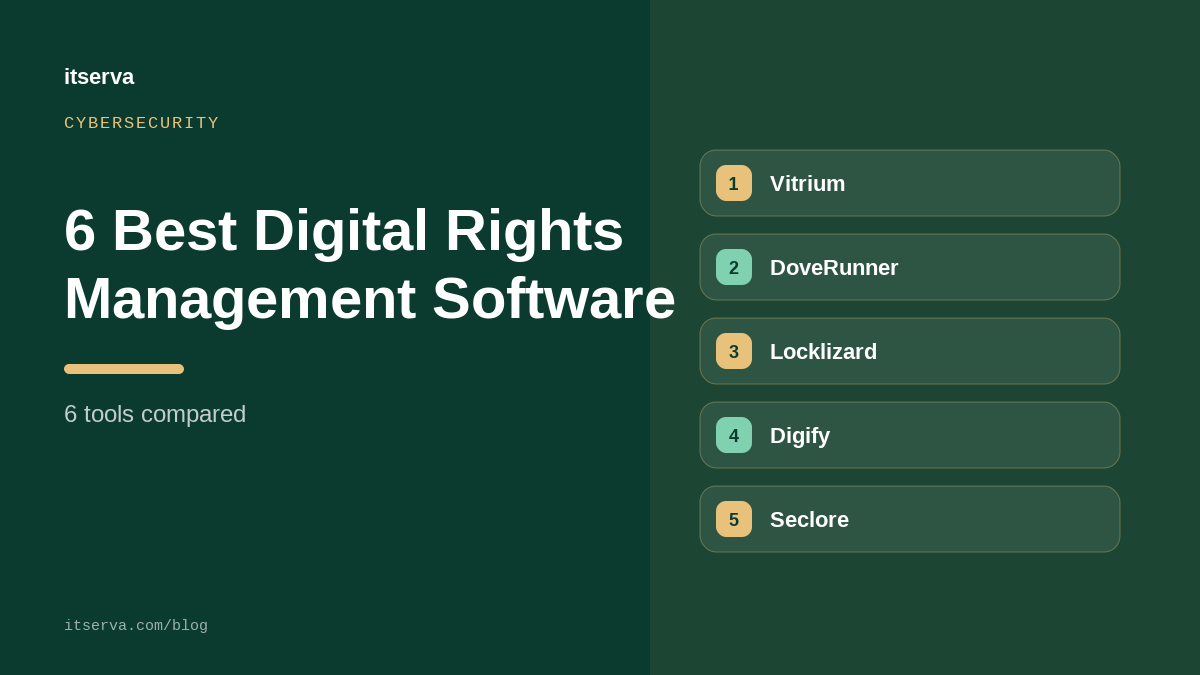
What does digital rights management software actually control?
Digital rights management software controls what happens to content after it leaves you. It decides who can open a file or stream, for how long, on how many devices, and whether printing, copying or downloading is allowed.
The category splits three ways. Document DRM protects PDFs and Office files, video DRM encrypts streams for authorised players, and data-centric security embeds policy in a file so protection travels with it.
Quick comparison
| Tool | Best for | Starting price | Free plan |
|---|---|---|---|
| Vitrium | Document DRM for publishers | Custom pricing | No |
| DoveRunner | Video DRM for streaming services | $299/month (Standard) | No (30-day free trial) |
| Locklizard | Strict PDF copy protection | Custom pricing | No |
| Digify | Simple document protection and data rooms | See website | No |
| Seclore | Data-centric file security for enterprises | Custom pricing | No |
| BuyDRM | Multi-DRM video protection for studios and streamers | Custom pricing | No |
The 6 best digital rights management software
#1
Vitrium
- Best for
- Document DRM for publishers
- Starting price
- Custom pricing
- Free plan
- No
Vitrium is a document protection platform built for publishers, training companies and research firms that sell content. Vitrium Vault combines a virtual data room with DRM, while Vitrium Security is the flagship DRM product that integrates with other systems. Both offer dynamic, user-identifying watermarks and more than 20 controls covering printing, copying, device limits, expiry dates and IP address limits.
The trade-off is that pricing is not published. Vitrium asks buyers to request a quote, and the price varies with the volume of users, content and portals required. Video and audio protection can also carry an extra charge. Vitrium fits publishers and course providers that sell documents and want detailed control over how readers use them.
What we like
- Built for publishers and training companies
- More than 20 DRM controls
- Dynamic user-identifying watermarks
- Detailed activity and reading reports
- SaaS or on-premise deployment
Watch out for
- Pricing is quote-based only
- Video and audio protection costs extra
- No free plan or trial shown
#2
DoveRunner
- Best for
- Video DRM for streaming services
- Starting price
- $299/month (Standard)
- Free plan
- No (30-day free trial)
DoveRunner is a cloud multi-DRM service for video streaming and online learning platforms. Its Standard plan costs $299 a month and includes DRM licensing for PlayReady, Widevine and FairPlay Streaming, with key exchange through CPIX or SPEKE and HTML5 player support. There is no setup fee, no annual maintenance charge and no separate technical support cost on the plan.
The trade-off is usage-based billing on top of the monthly fee. The free trial runs for 30 days and covers up to 1,000 monthly active licences and 50 monthly active users, so larger services need to model per-user costs carefully. DoveRunner fits streaming services and course platforms that need video protection running quickly without building DRM in-house.
What we like
- Multi-DRM for Widevine, PlayReady and FairPlay
- Standard plan at $299 a month
- 30-day free trial
- No setup fee on Standard
- Cloud service with a web dashboard
Watch out for
- Usage fees apply above the included volume
- Video only, not document DRM
- Professional plan costs $499 a month
#3
Locklizard
- Best for
- Strict PDF copy protection
- Starting price
- Custom pricing
- Free plan
- No
Locklizard is a PDF and document security product sold as Safeguard PDF Security, its standard licensing option, and Enterprise PDF Security, its advanced option for larger organisations. Licensing is based on writers, secure documents, end clients and licence type, and buyers place orders by contacting the sales team. Hosted systems include lifetime software updates, with optional add-on support and training.
The trade-off is that no price is published and every purchase starts with a sales conversation. Subscription and perpetual licences are available, and payment terms run to 30 days for subscription and perpetual licences. Locklizard fits publishers, firms and agencies that protect high-value PDFs and accept a sales process in exchange for tight control.
What we like
- Standard and Enterprise licensing options
- Subscription and perpetual licences
- Lifetime updates on hosted systems
- Free Secure PDF Viewers for readers
Watch out for
- No published price
- Sales process for every order
- Document focused, not video
#4
Digify
- Best for
- Simple document protection and data rooms
- Starting price
- See website
- Free plan
- No
Digify is a document security and data room platform for teams that share sensitive files with outside readers. Its Pro plan covers 1 user, 3 data rooms, 50 guests and 100 GB of encrypted storage, while Team covers 3 users, 10 data rooms and 200 guests. Files use AES-256 encryption, with access control, revocation, expiry, file tracking and detailed analytics.
The trade-off is that the pricing page lists plan tiers and limits without showing a dollar price in the version we checked, so buyers must confirm the current price on the site before budgeting. Dynamic watermarking and screenshot discouragement are add-ons on Pro, not included features. Digify fits small teams that need secure sharing and tracking without an enterprise deployment.
What we like
- Simple setup for secure sharing
- AES-256 file encryption
- File tracking and detailed analytics
- Data rooms with guest permissions
- 100 GB storage on Pro
Watch out for
- No dollar price shown on the pricing page
- Watermarking is an add-on on Pro
- No free plan shown
#5
Seclore
- Best for
- Data-centric file security for enterprises
- Starting price
- Custom pricing
- Free plan
- No
Seclore is a data security platform that embeds protection in the file itself, so policy follows documents and emails wherever they travel. Its data protection package includes access and usage controls, dynamic watermarking, remote revocation, geo-fencing, AES 256-bit encryption and RSA 2048-bit encryption. Discovery and classification, audit logs and risk dashboards sit alongside the protection tools.
The trade-off is enterprise scope and pricing. Seclore asks buyers to contact sales for a custom quote, and its platform covers cloud, on-premise and hybrid deployment, which means a planned rollout rather than a quick sign-up. Seclore fits large organisations whose files constantly leave the office through partners, contractors and email.
What we like
- Protection travels with the file
- Remote revocation after distribution
- Auto-classification and discovery
- Audit logs and risk dashboards
- Cloud, on-premise and hybrid deployment
Watch out for
- Pricing is a custom quote only
- Enterprise rollout, not self-serve
- No free plan or trial shown
#6
BuyDRM
- Best for
- Multi-DRM video protection for studios and streamers
- Starting price
- Custom pricing
- Free plan
- No
BuyDRM is a multi-DRM service built around its KeyOS platform, covering Widevine, FairPlay and PlayReady from one managed service. Its DRM as a Service option is pay as you go, with a one-time setup fee and a monthly bucket of licences included, plus overage fees for extra use. An unlimited licensing option and an on-premise software licence are also available for larger operators.
The trade-off is that BuyDRM posts no prices, because it has about eight pricing tables across four technologies and prices each project after a call. The service guarantees 99.999% availability with support around the clock, which suits large operations but adds process for small buyers. BuyDRM fits studios, broadcasters and large streamers that need managed multi-DRM at scale.
What we like
- KeyOS multi-DRM for three major systems
- Pay-as-you-go and unlimited licensing options
- On-premise software licence available
- 99.999% availability guarantee
Watch out for
- No published prices
- Every deal starts with a sales call
- Overkill for a small course creator
How we chose
We compared digital rights management software that is actively sold in 2026, covering document DRM, video DRM and data-centric security. We weighted protection strength first, then fit for a specific content type, then ease of deployment and the clarity of pricing. We also checked whether a free trial or free viewer was offered, and how clearly each vendor explained its limits. Prices come from vendor pricing pages checked in November 2026, with most vendors asking for a custom quote. No vendor paid for placement, and we did not run hands-on tests; we compare published information.
Why most DRM prices are quotes, not price lists
Most DRM vendors do not publish a price because the cost depends on how many users, documents, licences or streams you protect. Vitrium, Locklizard, Seclore and BuyDRM all ask buyers to request a quote, and DoveRunner is the only tool here with a published starting price of $299 a month.
Ask for the quote in writing, with the included volume stated clearly. Check whether setup, support, watermarking and video protection are included, and what happens when you exceed the included licences, users or guests.
How to choose
Start with the content you protect. Publishers and training companies need document DRM, streaming services and course platforms need video DRM, and enterprises whose files travel outside the company need data-centric security that follows the file.
Next, price a realistic month, not a headline. Count readers, viewers, documents and licences, ask what a trial actually covers, and compare the quoted total with the included volume. DoveRunner, for example, prices its Standard plan at $299 a month, while most rivals require a custom quote.
Finally, pilot with real readers or viewers before you commit. Check how expiry, revocation, device limits and watermarks affect legitimate users, and confirm that support and reporting cover the cases your team will actually face.