
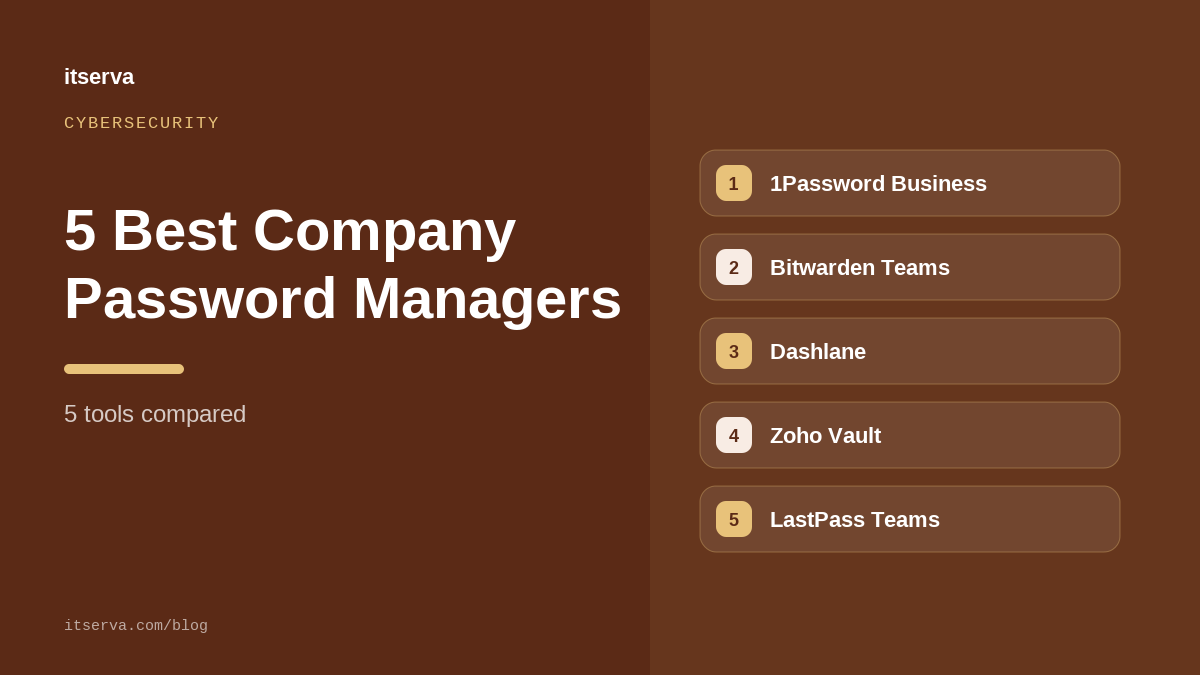
What should a company password manager actually do?
A company password manager is a shared vault where a business stores logins, secrets and secure notes, with admin controls for sharing, permissions and offboarding. Unlike a personal vault, a business plan adds team vaults, reporting and provisioning, so a leaver loses access in one step.
Price is only part of the decision. Check SSO, SCIM provisioning and audit logs before you buy, because those controls decide how cleanly a team can grow, how easily an auditor can be satisfied, and how fast a departed employee is cut off.
Quick comparison
| Tool | Best for | Starting price | Free plan |
|---|---|---|---|
| 1Password Business | Best company password manager overall | $8.99/user/month (Business, billed yearly) | No (14-day free trial) |
| Bitwarden Teams | Best value and open source pick | $4/user/month (Teams, billed annually) | No (free trial; free individual plan) |
| Dashlane | Best all-in-one credential protection | $8/user/month (Omnix Password Management, billed annually) | No (14-day free trial) |
| Zoho Vault | Cheapest business password manager | $0.90/user/month (Standard, billed yearly) | Yes (free plan; 15-day free trial on paid plans) |
| LastPass Teams | Best for a single team getting started | $4.25/user/month (Teams, billed annually) | No (free trial) |
The 5 best company password managers
#1
1Password Business
- Best for
- Best company password manager overall
- Starting price
- $8.99/user/month (Business, billed yearly)
- Free plan
- No (14-day free trial)
1Password Business is the most polished team password manager on this list. Business costs $8.99 per user per month billed yearly and covers shared vaults, granular vault permissions and audit-ready activity logs. A 14-day free trial needs no credit card, and smaller teams can start on the Teams Starter Pack at $24.95 per month for 10 users.
The trade-off is price. At $8.99 per user per month, a 50-person team pays about $5,400 a year, roughly double the Bitwarden bill, and the largest rollouts need the Enterprise tier. 1Password Business fits companies that want the smoothest rollout and are willing to pay for it.
What we like
- Clean admin console and shared vaults
- Granular vault permissions
- Audit-ready activity logs
- 14-day free trial with no credit card
Watch out for
- Highest per-user price on this list
- Enterprise features cost extra
- No free plan
#2
Bitwarden Teams
- Best for
- Best value and open source pick
- Starting price
- $4/user/month (Teams, billed annually)
- Free plan
- No (free trial; free individual plan)
Bitwarden Teams is the value pick for companies that want a serious vault without a serious bill. Teams costs $4 per user per month billed annually and covers secure credential sharing, centralized ownership and management, and audit activity. The code is open source with zero-knowledge encryption, and teams that want full control can run the server on their own network.
The trade-off is polish and tiering. SSO, SCIM provisioning and granular access control sit on the Enterprise plan at $6 per user per month, and the interface is plainer than 1Password. Bitwarden Teams fits technical teams and small companies that want low cost and open code.
What we like
- Low $4 team price
- Open source with zero-knowledge encryption
- Self-hosting option
- Free individual plan for staff
Watch out for
- SSO and SCIM need the $6 Enterprise plan
- Plainer interface than 1Password
#3
Dashlane
- Best for
- Best all-in-one credential protection
- Starting price
- $8/user/month (Omnix Password Management, billed annually)
- Free plan
- No (14-day free trial)
Dashlane is the bundle pick for teams that want password storage plus risk alerts in one place. Omnix Password Management costs $8 per user per month billed annually and covers a secure vault, secure sharing, password policies, a password health dashboard and vault security alerts. SSO and SCIM integrations are included, and a 14-day free trial lets a team check the admin console before paying.
The trade-off is that the price buys the bundle whether a team uses it or not. Companies that already run a separate breach-monitoring service pay for overlap, and the deeper risk-detection features live in the separate Credential Protection package at $4 per user per month. Dashlane fits teams that want one vendor for vaults and credential risk alerts.
What we like
- Vault plus risk alerts in one plan
- SSO and SCIM included
- Password health dashboard
- 14-day free trial
Watch out for
- $8 per user is joint-highest here
- Deeper risk detection costs extra
- No free plan
#4
Zoho Vault
- Best for
- Cheapest business password manager
- Starting price
- $0.90/user/month (Standard, billed yearly)
- Free plan
- Yes (free plan; 15-day free trial on paid plans)
Zoho Vault is the cheapest way into a managed team vault. Standard costs $0.90 per user per month billed yearly, or $1 per user per month on monthly billing, and covers secure password sharing with team members, unlimited passwords, passkeys and storage, and desktop apps for Mac and Windows. A free plan covers individuals, and paid plans start with a 15-day free trial that needs no credit card.
The trade-off is ecosystem and depth. Standard needs a minimum of 5 users, and the fuller controls such as single sign-on, Active Directory integration and user groups sit on Professional at $4.50 per user per month. Zoho Vault fits companies already running Zoho tools that want the lowest team price.
What we like
- Lowest starting price here
- Free plan for individuals
- Unlimited passwords and passkeys
- 15-day free trial with no credit card
Watch out for
- Standard needs at least 5 users
- SSO needs the $4.50 Professional plan
- Best value inside the Zoho ecosystem
#5
LastPass Teams
- Best for
- Best for a single team getting started
- Starting price
- $4.25/user/month (Teams, billed annually)
- Free plan
- No (free trial)
LastPass Teams is the straightforward pick for a single team that wants managed sharing without an enterprise rollout. Teams costs $4.25 per user per month billed annually, or $51 per user per year, and covers up to 50 users with access across browsers, desktop and mobile. It includes LastPass Families accounts for employees, and a free business trial lets a team test the admin controls first.
The trade-off is trust and ceiling. LastPass has disclosed security incidents in recent years, which still puts some buyers off, and teams that outgrow 50 users must move to the Business plan at $7 per user per month. LastPass Teams fits a single team that wants a familiar vault at a low price.
What we like
- Low $4.25 team price
- Up to 50 users on Teams
- Families accounts included for staff
- Works across browsers and devices
Watch out for
- Past security incidents still concern some buyers
- SSO needs the Business plan
- 50-user cap on Teams
How we chose
We compared business password managers with a published team plan, admin controls and a clear security model, ranking them by fit for a typical company rollout. We weighted admin ease and vault sharing first, then starting price, then SSO and provisioning options. Prices come from each vendor's own pricing page, checked in November 2026, and trial and free-plan details come from the same pages. No vendor paid for placement, and we did not run hands-on tests; we compare published information.
What costs extra after the starting price?
The headline rate rarely covers everything a company needs. SSO and SCIM provisioning often sit a tier above the entry plan, so a $4 plan can become a $6 plan the moment directory sync is required. Check which tier holds those controls before budgeting, not after rollout.
Do the full-year maths for the whole team. Multiply the monthly per-user rate by 12 and by headcount, then add the tier that holds SSO if your plan excludes it. A free trial is the right time to confirm the total, because the gap between the cheapest plan and the plan you actually need is where budgets break.
How to choose
Start with your headcount and your identity provider. Count the people who need a vault, check whether you need SSO with Entra ID, Google Workspace or Okta, and confirm SCIM provisioning if leavers must lose access automatically.
Next, price a full year for the whole team, not one seat. Multiply the per-user monthly rate by 12 and by your headcount, then compare the price of the plan you actually need, including the tier that holds SSO. A low headline rate can hide the upgrade that your security policy requires.
Finally, run a pilot with one department before rolling out company-wide. Migrate its shared logins, test browser and mobile autofill, and practise offboarding one leaver, because a vault that is easy to join but hard to leave is a security risk.