Ask most employees what IT can do for them and you will get a vague answer. That vagueness costs time: unclear requests, missing approvals and endless email back and forth.
A service catalog fixes it by listing exactly what IT offers, in plain language, with a clear way to ask for each item.
This guide explains what a service catalog is, what goes into each entry, real examples and how to build one step by step.
What is a service catalog?
A service catalog is a structured list of the services an IT team provides, written for the people who use them. ITIL 4 defines it as structured information about all the services and service offerings of a service provider, relevant for a specific target audience.
For users, it works like a menu. They browse it, pick what they need, such as a new laptop or access to a system, and submit a request with the right details from the start.
For IT, it turns repeat requests into standard, predictable work with fixed steps, approvals and delivery times.
Where did the service catalog come from?
The service catalog comes from ITIL, the most widely used framework for IT service management. TechTarget notes that the IT service catalog arose from ITIL, and it was formalized as a best practice in ITIL v3.
ITIL 4 keeps the idea under the service catalogue management practice. The focus has shifted slightly, from a document about services to a living source of information that helps users get value from them.
What does a service catalog entry include?
Each service catalog entry should tell a user what the service is, whether they can have it, how to ask for it and when they will get it. It should also tell IT who delivers and supports it.
Infographic
What every catalog entry should include
Name
Service name
Plain words users search for, like 'New laptop', not internal codes.
What
Description
One or two sentences on what is included and what is not.
Who
Eligibility
Which users or roles can request it.
How
Request form
The fields needed to deliver it the first time.
Approval
Sign-off rules
Whether a manager or owner must approve, and who.
When
Delivery time
The target time to fulfil, linked to your SLA.
Hours
Service hours
When the service is available and supported.
Support
Owner and contact
The team that delivers it and handles issues.
Delivery times should match what you promise in your service level agreement. The free SLA template gives you a structure for those targets.
What are examples of service catalog items?
Most IT service catalogs group items into a few categories such as access, devices, software, communication and people changes. Here are typical examples.
| Category | Example items | Typical approval |
|---|---|---|
| Access | Shared drive access, application access, admin rights | Data or system owner |
| Devices | New laptop, replacement phone, monitor, docking station | Line manager |
| Software | Standard app install, licence request, new software review | Manager, plus security for new tools |
| Communication | Email distribution list, shared mailbox, meeting room setup | Usually none |
| Network | VPN access, guest Wi-Fi, firewall rule request | Security team for firewall changes |
| People changes | New starter, role change, leaver | HR and line manager |
The people-change items are often the most valuable. A single new starter request can trigger tasks for devices, accounts, access and training, all tracked as one.
Service catalog vs service portfolio vs self-service portal
The service catalog lists the live services users can request. The service portfolio covers every service across its life, including planned and retired ones. The self-service portal is the website where users browse the catalog.
Infographic
Catalog, portfolio and portal compared
| Service catalog | Service portfolio | |
|---|---|---|
| What it covers | Live services and request offerings | All services: planned, live and retired |
| Main audience | Users and service desk agents | IT leadership and service owners |
| Purpose | Help users find and request services | Decide which services to invest in or retire |
| Where users see it | Through the self-service portal | Usually internal only |
Think of the self-service portal as the shop and the catalog as the products in it. A good portal makes the catalog easy to search and adds help articles alongside.
What are the types of service catalog?
The two common views are a business or user-facing catalog and a technical catalog. Both describe the same services but for different readers.
- User-facing catalog: what users can request, in plain language, with forms and delivery times.
- Technical catalog: the systems, teams and suppliers behind each service. It is for IT, not users.
Many teams also split the user-facing view by audience, so staff only see items relevant to their role or location.
Why is a service catalog important?
A service catalog matters because it makes requests faster, more consistent and easier to measure. It also sets clear expectations, which cuts frustration on both sides.
- Faster fulfilment. Forms collect the right details first time, so there is less back and forth.
- Consistent results. The same request follows the same steps whoever handles it.
- Clear expectations. Users know what they can have and how long it will take.
- Less load on agents. Standard requests can be automated or routed directly to the right team.
- Better planning. Request data shows demand per service and where to invest.
To estimate how many agents your request volume needs, try the help desk staffing calculator.
How do you build a service catalog?
Build a service catalog by starting from your most common requests, writing each entry in plain language, agreeing approvals and delivery times, and publishing it through your portal. Then review it every quarter.
Infographic
Building your first service catalog
- 1
Find top requests
Pull 3 to 6 months of tickets and list the most frequent requests.
- 2
Group them
Sort them into a few categories users will recognise.
- 3
Write entries
Name, description, eligibility, form fields and delivery time.
- 4
Agree approvals
Confirm owners and sign-off rules with each service owner.
- 5
Publish
Add items to your portal and tell users where to find them.
- 6
Review
Check usage and feedback every quarter and update or retire items.
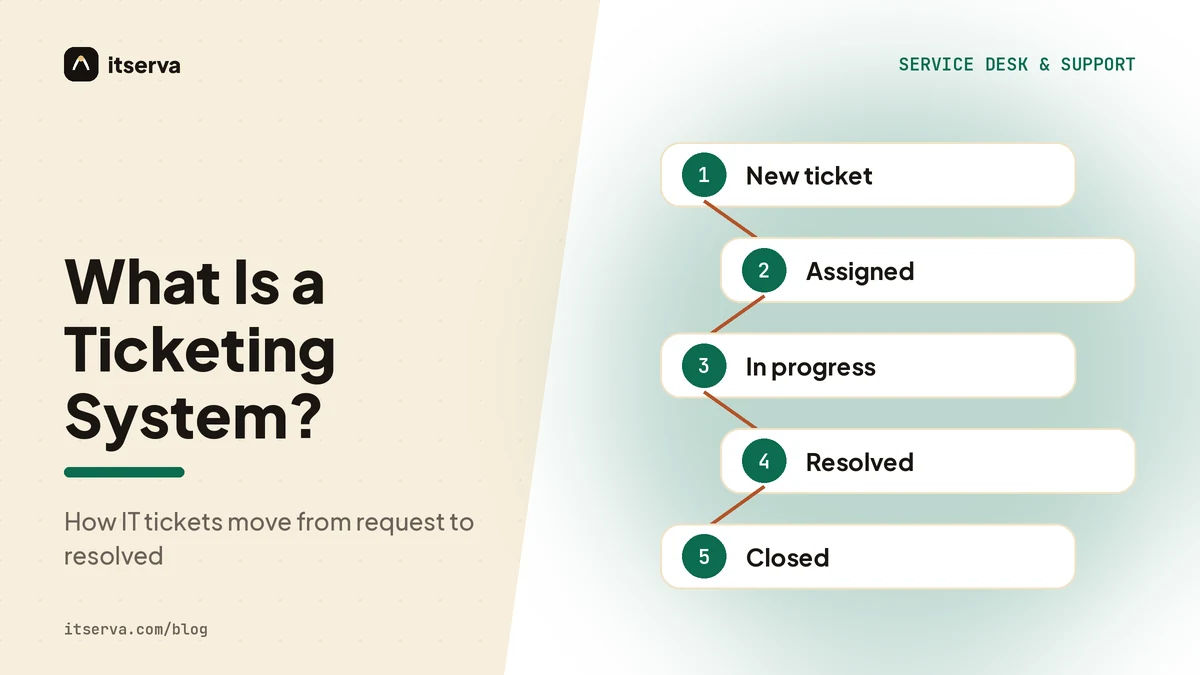
Your ticket history is the best starting point. If you do not track requests yet, start with a ticketing system and come back after a few months of data.
What are service catalog best practices?
Write for users, not for IT. Keep the catalog short, accurate and easy to search, and review it on a schedule so it never goes stale.
- Use the words users use. Get access to a shared folder beats File share ACL modification.
- Keep forms short. Ask only what you need to deliver the request.
- Show delivery times. Users plan better when they know what to expect.
- Automate the simple items. Password resets and standard installs are good first candidates.
- Assign an owner to every item. Someone must keep each entry accurate.
- Retire what nobody uses. A smaller catalog is easier to search and maintain.
The service desk is where most catalog requests land. Read what a service desk is to see how the two fit together.
Final thoughts
A service catalog turns Can IT help me with this? into a clear menu with clear promises. It makes requests faster for users and more predictable for IT.
Start with the requests you see most, write them in plain language and keep them current. That small, accurate catalog will do more good than a perfect one that never gets finished.