Every IT team starts the same way. Requests arrive by email, chat, phone and quick questions at someone’s desk. It works until the day two urgent issues land at once and one of them is forgotten.
A ticketing system fixes that. It gives every request a number, an owner and a status, so nothing slips through and everyone can see what is happening.
This guide explains what a ticketing system is, how a ticket moves from start to finish, which features matter and how to pick one for your team.
What is a ticketing system?
A ticketing system is software that records every support request as a ticket and tracks it until it is resolved. ServiceNow describes it as a tool used to track IT service requests, events, incidents and alerts that might need action from IT.
The ticket is the heart of it. Instead of a thread buried in someone’s inbox, each request becomes one shared record that the whole team can see.
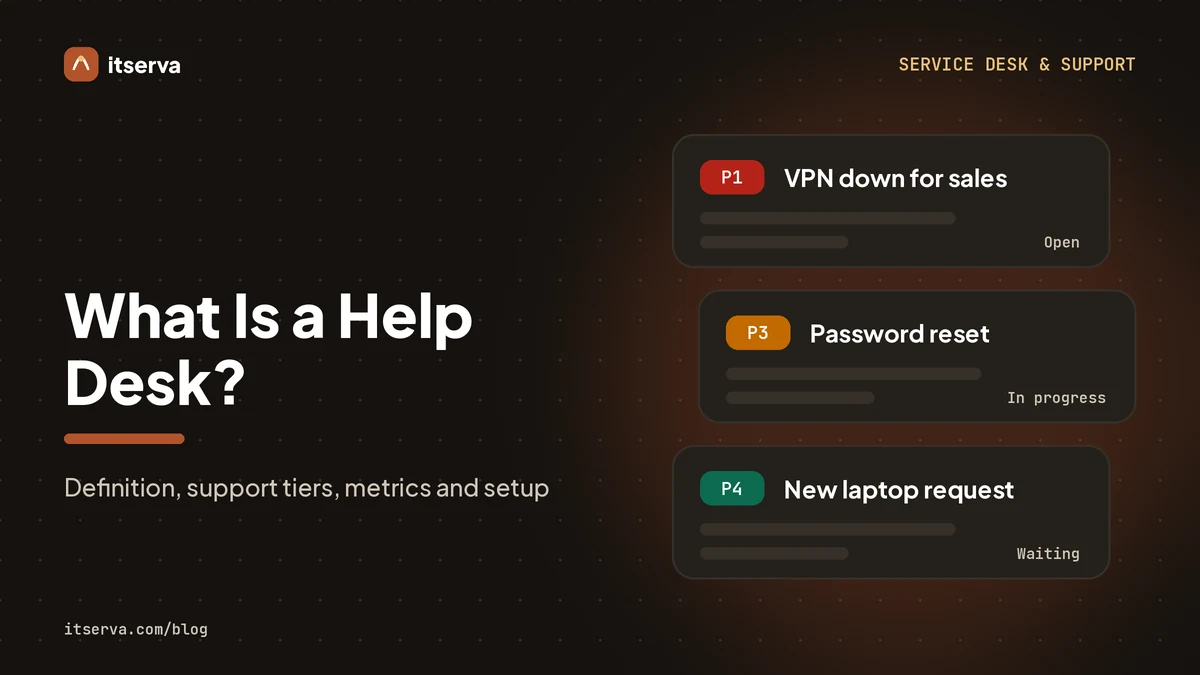
Ticketing systems are also called help desk software, support ticket systems or ticket management systems. The names differ but the core job is the same.
What is a ticket?
A ticket is a single record of one request or issue. It holds everything needed to resolve it and to prove what was done.
A good ticket contains:
- A unique ID so everyone refers to the same issue.
- The requester and how to reach them.
- A clear description of the problem or request.
- Category and type, for example incident or service request.
- Priority, usually set from impact and urgency.
- Status and owner, so it is clear who is acting and what is next.
- Timestamps for creation, first response and resolution.
- History of every note, reply and change.
Priority deserves care. The free incident priority matrix turns impact and urgency into a consistent P1 to P5 rating.
How does a ticketing system work?
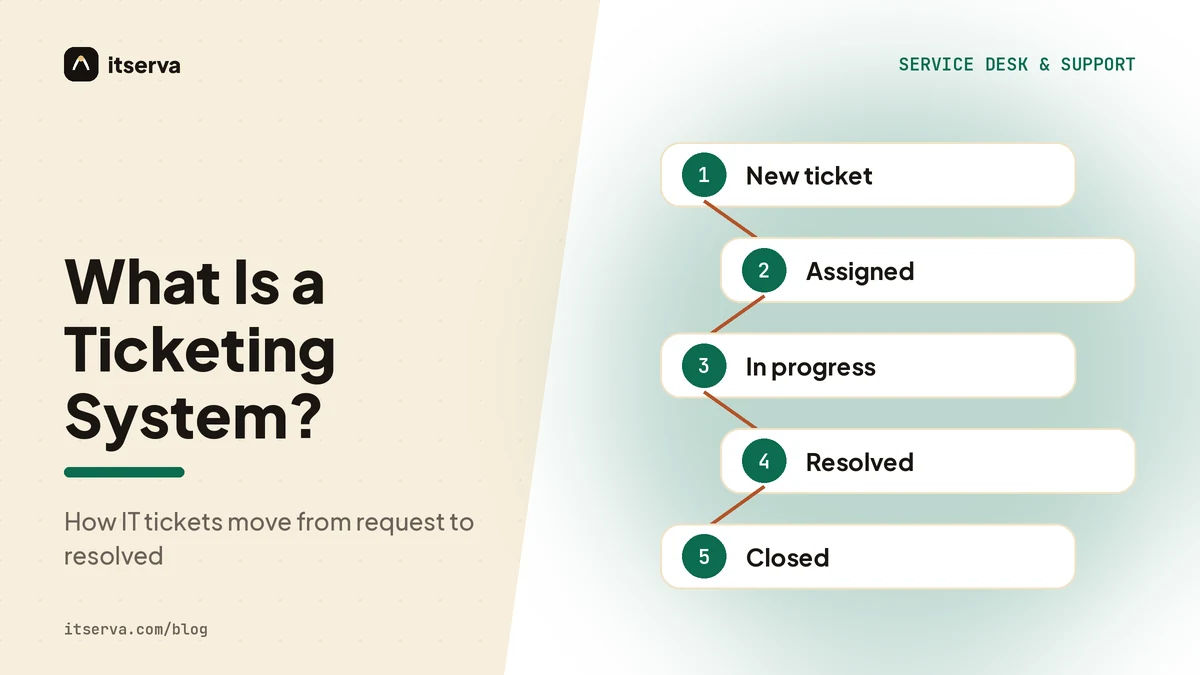
A ticketing system works by capturing requests from every channel, turning each into a ticket, routing it to the right person and tracking it through a fixed set of statuses until it is closed. Timers and notifications keep everyone on track.
Infographic
The IT ticket lifecycle
- 1
New
A request arrives by portal, email, chat or phone and becomes a ticket.
- 2
Assigned
Rules or a dispatcher route it to the right agent or group.
- 3
In progress
The agent investigates, works on it and updates the ticket.
- 4
Waiting
The clock may pause while the user or a vendor responds.
- 5
Resolved
The fix is applied and the user is asked to confirm.
- 6
Closed
After confirmation or a set time, the ticket is closed and kept for reporting.
Routing is where good systems save time. ManageEngine notes that tickets can be assigned based on ticket details or on technicians’ workload and availability, so work is spread fairly without a manager sorting every ticket by hand.
Which features should a ticketing system have?
The essential features are multichannel intake, automatic routing, priorities, SLA timers, a knowledge base, a self-service portal and reporting. Everything else is a nice extra.
Infographic
Core features of an IT ticketing system
Intake
Every channel, one queue
Email, portal, chat and phone all create tickets in the same place.
Routing
Right ticket, right person
Rules assign tickets by category, skill, location or workload.
Priority
Urgent work first
Impact and urgency set priority and the matching targets.
SLA timers
Promises you can see
Clocks for response and resolution, with alerts before a breach.
Knowledge
Answers on hand
Articles for agents and users to solve common issues faster.
Reports
Data to improve
Volume, backlog, response times and satisfaction over time.
Also useful as you grow:
- Service catalog so users pick standard requests from a menu.
- Automation for repeat steps such as acknowledgements and assignment.
- Asset links so a ticket shows the laptop or server involved.
- Integrations with chat tools, monitoring and identity systems.
- Satisfaction surveys after each resolved ticket.
Why do IT teams need a ticketing system?
IT teams need a ticketing system because it stops requests getting lost, makes priorities clear and creates the data needed to improve. It also protects agents from constant interruptions.
- Nothing falls through the cracks. Every request has an owner and a status.
- Urgent work goes first. Priority rules stop minor issues blocking major ones.
- Users stay informed. Automatic updates replace any news? emails.
- Knowledge builds up. Past tickets show how similar issues were fixed.
- Performance is visible. Reports show response times, backlog and trends.
The numbers also show cost. The IT support cost per ticket calculator helps you work out what each ticket really costs your team.
Ticketing system vs help desk vs ITSM: what is the difference?
The ticketing system is the software engine, the help desk or service desk is the team and service that uses it, and ITSM is the full set of practices for running IT services. They are layers, not rivals.
Infographic
Ticketing system vs ITSM platform
| Ticketing system | ITSM platform | |
|---|---|---|
| Main job | Track requests and issues | Run IT services end to end |
| Core objects | Tickets | Tickets, services, changes, problems, assets |
| Service catalog | Sometimes | Yes |
| Change management | Rarely | Yes, with approvals |
| Best for | Small teams starting out | Growing teams with formal service levels |
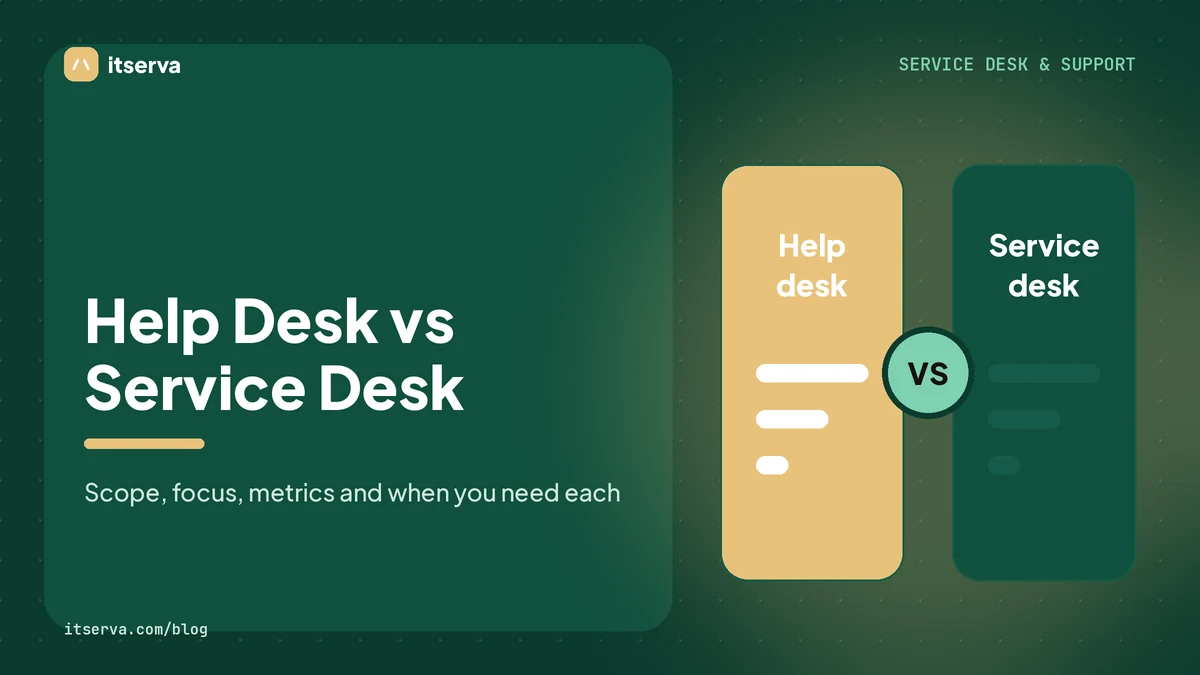
For the team side of the picture, read help desk vs service desk. For the full framework, see what ITSM is.
Which metrics come from a ticketing system?
A ticketing system gives you the core support metrics automatically: ticket volume, first response time, resolution time, first contact resolution, backlog, SLA compliance and satisfaction.
| Metric | What it shows | Watch for |
|---|---|---|
| Ticket volume | How much work arrives | Spikes after changes or releases |
| First response time | How fast users hear back | Slow replies at busy hours |
| Mean time to resolve | How fast issues are fixed | Long tails from a few hard tickets |
| First contact resolution | Fixes without follow-up | Rising reopen rates |
| Backlog | Whether the team keeps up | Steady growth week to week |
| SLA compliance | Promises kept | Breaches in one category or group |
HDI defines first contact resolution as the share of incidents resolved during the initial contact. To turn downtime totals into an average fix time, use the MTTR calculator.
How do you choose a ticketing system?
Choose a ticketing system by listing your must-have features, testing it with real tickets for two weeks and checking that it can grow with you. Ease of use for agents and requesters matters more than a long feature list.
- List your channels. Where do requests arrive today, and where should they arrive?
- Set must-haves. Routing, priorities, SLA timers, a knowledge base and reports.
- Check the requester view. If the portal is confusing, users will go back to email.
- Test with real work. Run a pilot with a few agents and real tickets.
- Check reporting. Make sure you can get the numbers you need without exports.
- Plan for growth. Look for a catalog, change management and integrations you may need later.
If you are just starting, itserva Service Desk is free and includes a ticket board, priority matrix and SLA timers.
What are ticketing system best practices?
Keep categories short, write clear ticket notes, close the loop with users and review the data every month. Good habits make any tool work better.
- Keep categories simple. Ten clear categories beat fifty that nobody uses correctly.
- Write notes for the next person. Record what was tried and what fixed it.
- Use templates for repeat requests. Fixed forms collect the right details first time.
- Confirm before closing. Ask the user to confirm the fix, or close after a set time.
- Turn repeat tickets into knowledge. If you answer it three times, write an article.
- Record major incidents properly. The incident report template captures impact, timeline and actions.
Final thoughts
A ticketing system is the simplest way to bring order to IT support. One queue, one record per request and clear owners mean fewer lost requests and calmer agents.
Start with the basics, measure honestly and add structure such as a catalog and service levels as your team grows.