
What should you look for after LastPass?
Most people leave LastPass over trust in its cloud vault or changes to its free plan. The key questions are where your encrypted vault lives, whether the code is open to review and what the free tier still allows.
There are three storage models here: the vendor's cloud (Bitwarden, 1Password, Proton Pass), your own cloud account (Enpass) and a local file (KeePassXC). Each trades convenience against control.
Quick comparison
| Tool | Best for | Starting price | Free plan |
|---|---|---|---|
| Bitwarden | Best LastPass alternative overall | $19.80/year (Premium) | Yes (unlimited passwords and devices) |
| 1Password | Families wanting polished apps | $3.99/month (Individual, billed yearly) | No (14-day trial, no card) |
| Proton Pass | Privacy-focused users | $23.88 first year (Pass Plus), then $35.88 | Yes (unlimited logins, 10 aliases) |
| Enpass | Vault in your own cloud | $1.99/month (Premium, billed yearly) | Yes (up to 25 items) |
| KeePassXC | Fully offline and free | Free (GPLv3) | Yes (fully free, open source) |
The 5 best LastPass alternatives
#1
Bitwarden
- Best for
- Best LastPass alternative overall
- Starting price
- $19.80/year (Premium)
- Free plan
- Yes (unlimited passwords and devices)
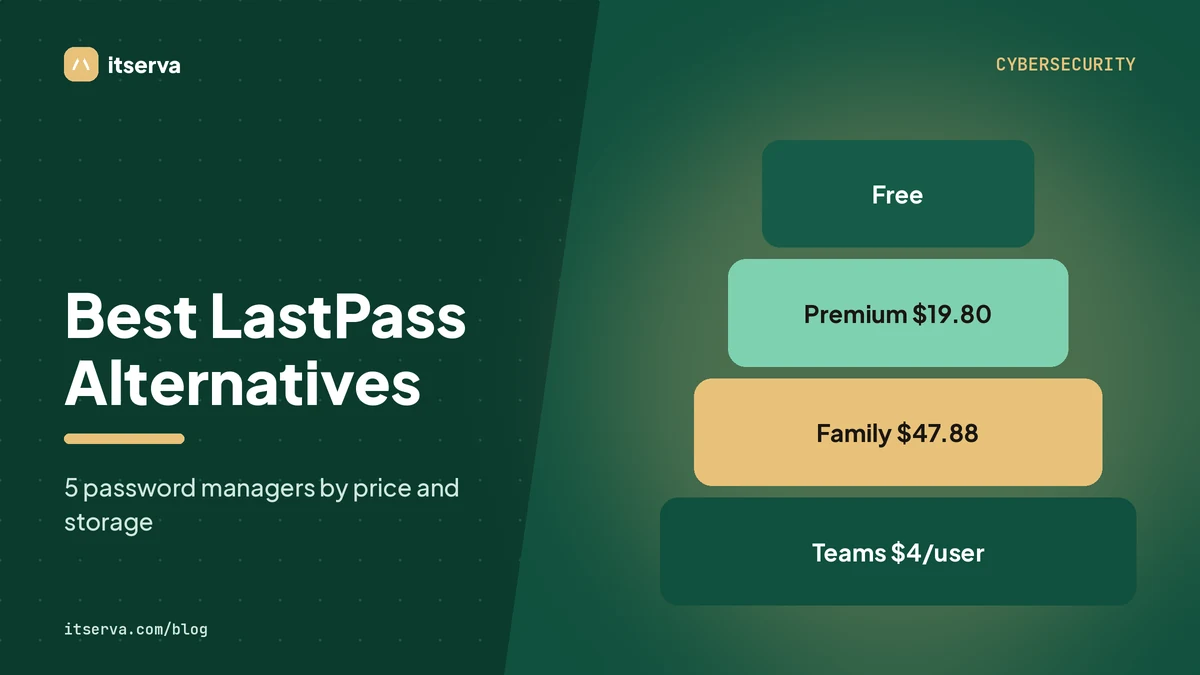
Bitwarden is an open-source password manager with the strongest free plan on this list. Free covers unlimited passwords and devices, apps for every platform and encrypted export. Premium at $19.80 a year adds an authenticator, 5 GB of attachments and emergency access, and Families costs $47.88 a year for 6 users.
The trade-off is a plainer interface than 1Password, and free sharing is limited to one other person. Bitwarden fits LastPass users who want a low-cost, auditable replacement for themselves, a family or a team.
What we like
- Free plan with unlimited devices
- Open-source code
- Families plan for 6 users
- Teams at $4 per user
Watch out for
- Free sharing with one user only
- Plainer app design
#2
1Password
- Best for
- Families wanting polished apps
- Starting price
- $3.99/month (Individual, billed yearly)
- Free plan
- No (14-day trial, no card)
1Password is a polished password manager with excellent autofill and sharing. Individual costs $3.99 a month billed yearly and includes 1 GB of storage, breach alerts and developer tools. Families at $5.99 a month covers 5 users with unlimited shared vaults and 5 guest accounts.
The trade-off is the lack of a free plan, which matters if you used LastPass Free. 1Password fits households and small businesses that will pay a few dollars a month for the smoothest experience.
What we like
- Best-in-class app design
- Unlimited shared vaults
- Guest accounts on Families
- No-card 14-day trial
Watch out for
- No free plan
- Promotional rates end after 12 months
#3
Proton Pass
- Best for
- Privacy-focused users
- Starting price
- $23.88 first year (Pass Plus), then $35.88
- Free plan
- Yes (unlimited logins, 10 aliases)
Proton Pass comes from the team behind Proton Mail and keeps a strong privacy focus. The free plan includes unlimited logins and devices, passkeys, 2 vaults and 10 hide-my-email aliases. Pass Plus costs $23.88 for the first year and adds unlimited aliases, built-in 2FA and dark web monitoring.
The trade-off is that renewal rises to $35.88 a year, and 2FA codes and attachments are paid. Proton Pass fits people who want to stop handing their real email to every website.
What we like
- Hide-my-email aliases
- Free plan with unlimited devices
- Family plan for 6 users
- 30-day money-back on Plus
Watch out for
- Renewal higher than first year
- 2FA needs Plus
#4
Enpass
- Best for
- Vault in your own cloud
- Starting price
- $1.99/month (Premium, billed yearly)
- Free plan
- Yes (up to 25 items)
Enpass stores your vault in your own cloud account, such as iCloud, Google Drive, OneDrive, Dropbox or Nextcloud, and never on Enpass servers. Premium costs $1.99 a month billed yearly, Family is $3.99 a month for 6 people, and a $99.99 lifetime option is listed.
The trade-off is the small free tier, capped at 25 items in one vault, and you manage sync through your own storage. Enpass fits LastPass refugees who want cloud convenience without trusting a password vendor's servers.
What we like
- No data on vendor servers
- Lifetime license option
- Built-in TOTP authenticator
- Passkey support
Watch out for
- Free plan capped at 25 items
- Sync depends on your cloud
#5
KeePassXC
- Best for
- Fully offline and free
- Starting price
- Free (GPLv3)
- Free plan
- Yes (fully free, open source)
KeePassXC is a free, open-source password manager for Windows, macOS and Linux. Your vault is an encrypted local file that never touches a vendor server, and the app has no ads or subscriptions. It holds a French ANSSI security certification.
The trade-off is convenience. There is no built-in sync, sharing or official mobile app, so you move the file yourself. KeePassXC fits technical users who want zero cloud exposure after the LastPass breach.
What we like
- Free with no subscription
- No cloud exposure
- ANSSI certified
- Cross-platform desktop app
Watch out for
- No built-in sync
- No official mobile app
How we chose
We compared password managers that can replace LastPass for individuals, families and small teams, across vendor-cloud, own-cloud and local storage models. We weighted security model and openness first, then the free plan, then yearly price for one user and a family. Prices come from each vendor's pricing page or project site, checked in November 2026. No vendor paid for placement, and we did not run hands-on tests: we compare published information.
How to leave LastPass safely
Export your LastPass vault to CSV, import it into the new manager, then securely delete the CSV, since it holds every password in plain text.
After the move, change the passwords for email, banking and other critical accounts. Old vault backups may still exist, so treat any password stored in LastPass as worth rotating.
How to choose
Start with storage. Pick Bitwarden, 1Password or Proton Pass if you want sync handled for you, Enpass if you prefer your own cloud, and KeePassXC if the vault must stay offline.
Next, price the household or team. Bitwarden Families at $47.88 a year and 1Password Families cover multiple people, while Bitwarden Teams costs $4 per user for businesses. IT teams rolling this out to staff should also review account cleanup tools in our Active Directory management roundup.
Finally, import your vault into a free plan or trial and test autofill on your main browser and phone.