
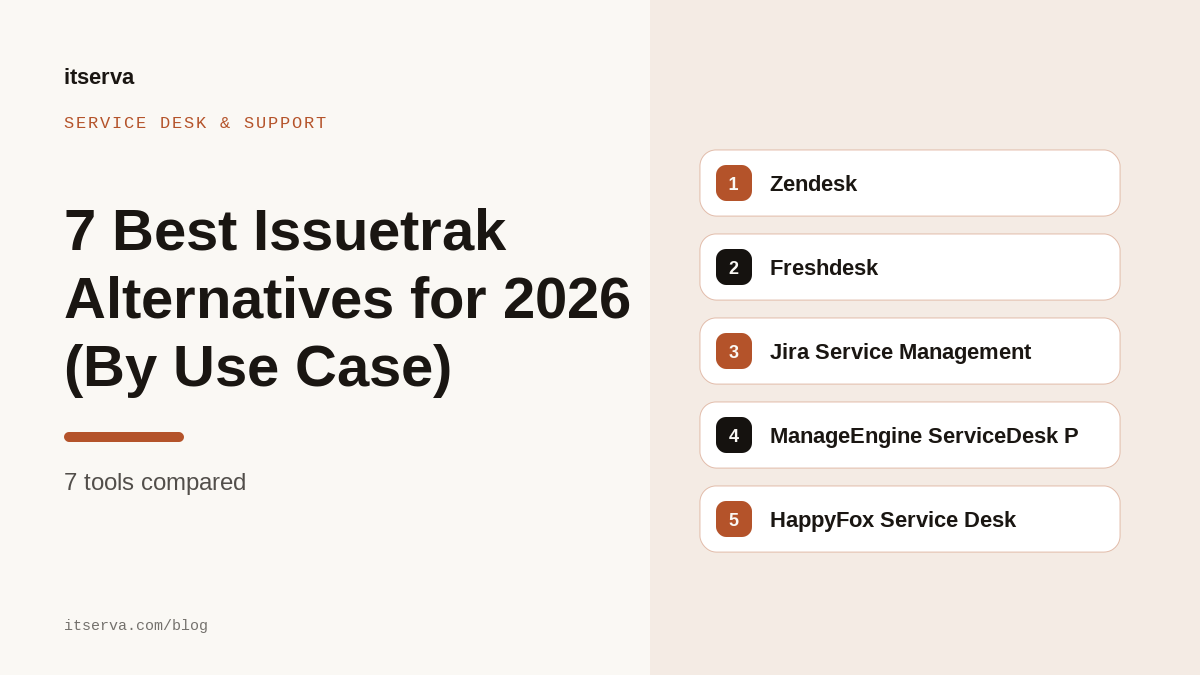
What should an Issuetrak replacement actually do?
Issuetrak is an issue tracking and help desk platform, so a replacement has to cover the same ground: tickets that arrive by email or web form, workflows that assign and escalate them, and reports that show what got resolved. The gap teams feel most is usually the split between customer support and internal IT work.
That split decides the shortlist. Customer-facing teams need polished ticketing across email, chat and phone, while IT teams need incident, problem and change processes plus asset tracking. Price the tools per agent or per technician for a full year before comparing headline rates.
Quick comparison
| Tool | Best for | Starting price | Free plan |
|---|---|---|---|
| Zendesk | Best Issuetrak alternative overall | $19/agent/month (Support Team, yearly) | No (free trial) |
| Freshdesk | Best-value Issuetrak alternative | $19/agent/month (Growth, yearly) | No (14-day trial) |
| Jira Service Management | Best for IT teams on Atlassian | $21.50/agent/month (Standard) | Yes (up to 3 agents) |
| ManageEngine ServiceDesk Plus | Best budget ITSM alternative | $13/technician/month (Standard) | Yes (up to 5 technicians, Standard) |
| HappyFox Service Desk | Best ITSM alternative for mid-size teams | $49/agent/month (Service Desk Team, yearly) | No (trial via demo request) |
| SolarWinds Service Desk | Best ITSM alternative with AI on higher plans | $39/technician/month (Essentials, yearly) | No (30-day free trial) |
| Spiceworks Cloud Help Desk | Best free Issuetrak alternative for small IT teams | Free (Core, up to 5 seats); Premium $6/seat/month (yearly) | Yes (Core, up to 5 seats) |
The 7 best Issuetrak alternatives
#1
Zendesk
- Best for
- Best Issuetrak alternative overall
- Starting price
- $19/agent/month (Support Team, yearly)
- Free plan
- No (free trial)
Zendesk is a customer support platform that brings email, messaging, phone and social tickets into one workspace. Support Team costs $19 per agent per month on yearly billing and covers core ticketing with automation, routing and prebuilt reporting dashboards. Suite Team at $55 per agent per month adds AI agents, live chat and a help center to the same workspace.
The trade-off is cost as the team grows. Copilot, the AI assistant for agents, adds $50 per agent per month, and skills-based routing needs Suite Professional at $115 per agent per month. Zendesk fits support teams that want one platform for every customer channel and can budget for growth.
What we like
- Ticketing across email, chat, phone and social
- AI agents included on Suite Team
- Prebuilt reporting dashboards
- Automation and omnichannel routing
Watch out for
- Copilot adds $50 per agent per month
- No free plan
- Advanced routing needs Suite Professional
#2
Freshdesk
- Best for
- Best-value Issuetrak alternative
- Starting price
- $19/agent/month (Growth, yearly)
- Free plan
- No (14-day trial)
Freshdesk is a help desk built around ticketing, a shared inbox and AI service over email. Growth costs $19 per agent per month billed annually and includes the Freddy AI Agent, with the first 500 sessions free once per account, plus a customer portal and knowledge base. Pro at $55 per agent per month adds multilingual support, custom dashboards and intelligent routing.
The trade-off is add-on pricing. Extra Freddy AI sessions cost $49 per 100, Copilot is a $29 per agent add-on on Pro and Enterprise, and the free trial lasts 14 days with no free plan after it. Freshdesk fits growing support teams that want AI ticketing at a low starting price.
What we like
- Freddy AI Agent included on Growth
- 500 free AI sessions per account
- Customer portal and knowledge base included
- Low $19 starting price
Watch out for
- Extra AI sessions cost $49 per 100
- Copilot is a paid add-on
- No free plan, 14-day trial only
#3
Jira Service Management
- Best for
- Best for IT teams on Atlassian
- Starting price
- $21.50/agent/month (Standard)
- Free plan
- Yes (up to 3 agents)
Jira Service Management is Atlassian's service desk for IT teams, covering incident, problem, change and asset management in one place. The free plan covers 3 agents, and Standard costs $21.50 per agent per month with asset management included. Premium adds advanced incident management, a 99.9% uptime SLA and a virtual service agent with 1,000 assisted conversations a month.
The trade-off is that the full platform takes setup. Enterprise pricing is only available through sales, and the virtual service agent needs Premium or Enterprise. Jira Service Management fits IT teams that already run Jira and want proper service management processes.
What we like
- Free plan for 3 agents
- Asset management included on Standard
- Incident, problem and change workflows
- Virtual service agent on Premium
Watch out for
- Enterprise pricing needs a sales quote
- Virtual service agent needs Premium or Enterprise
- Best value inside the Atlassian ecosystem
#4
ManageEngine ServiceDesk Plus
- Best for
- Best budget ITSM alternative
- Starting price
- $13/technician/month (Standard)
- Free plan
- Yes (up to 5 technicians, Standard)
ManageEngine ServiceDesk Plus is an IT service desk with incident, problem, change and asset management built in. Standard starts at $13 per technician per month, Professional adds asset management from $27 per technician per month, and Enterprise adds change and project management from $67. The cloud Standard edition is free for up to 5 technicians.
The trade-off is that deeper features cost extra. Change and release management is a $2,395 a year add-on on Standard and Professional, and Professional and Enterprise pricing also depends on how many IT assets are managed. ManageEngine ServiceDesk Plus fits IT teams that want service desk and asset tracking at a low per-technician price.
What we like
- Free Standard edition for up to 5 technicians
- Asset management from the Professional plan
- AI capabilities included at no extra cost
- Cloud and on-premises deployments
Watch out for
- Change management is a paid add-on on lower plans
- Price depends on technician and asset counts
#5
HappyFox Service Desk
- Best for
- Best ITSM alternative for mid-size teams
- Starting price
- $49/agent/month (Service Desk Team, yearly)
- Free plan
- No (trial via demo request)
HappyFox Service Desk is an ITSM platform for internal service teams, covering incident management, service requests, a service catalog and a knowledge base. Team costs $49 per agent per month on yearly billing and includes SLA management, automation, SSO and 500 assets for up to 25 agents. Pro at $99 per agent per month adds problem, change and release management plus 2,000 assets with no agent limit.
The trade-off is that advanced ITSM work costs more. Problem, change and release management need Pro at $99 per agent per month, HappyFox AI is a paid add-on, and Enterprise Pro pricing needs a sales quote. HappyFox Service Desk fits mid-size IT teams that want structured ITSM with service catalogs and SLAs at a clear per-agent price.
What we like
- Incident, service request and service catalog
- SLA management and automation included on Team
- Knowledge base and 500 assets on Team
- Pro adds problem, change and release management
Watch out for
- No free plan; trial arranged through a demo
- HappyFox AI is a paid add-on
- Team plan caps at 25 agents
#6
SolarWinds Service Desk
- Best for
- Best ITSM alternative with AI on higher plans
- Starting price
- $39/technician/month (Essentials, yearly)
- Free plan
- No (30-day free trial)
SolarWinds Service Desk is a cloud ITSM platform for IT teams, covering incident management, a service portal, a knowledge base and a CMDB. Essentials starts at $39 per technician per month on yearly billing and includes incident management, asset management, a service catalog, change management and SLA tracking. Advanced at $99 per technician per month adds a virtual agent, runbooks and advanced automation.
The trade-off is price and add-on asset costs. Asset pricing is available only on request, AI features sit on Advanced and Premier, and Premier costs $124 per technician per month. SolarWinds Service Desk fits IT teams that want a full ITSM suite with unlimited requesters and a 30-day trial of Premier features.
What we like
- Incident, change and asset management on Essentials
- Unlimited requesters on every plan
- Virtual agent and AI summaries on Advanced
- 30-day trial with full Premier access
Watch out for
- No free plan, 30-day trial only
- Asset pricing needs a quote
- AI features need Advanced or Premier
#7
Spiceworks Cloud Help Desk
- Best for
- Best free Issuetrak alternative for small IT teams
- Starting price
- Free (Core, up to 5 seats); Premium $6/seat/month (yearly)
- Free plan
- Yes (Core, up to 5 seats)
Spiceworks Cloud Help Desk is a free, cloud-hosted help desk for small internal IT teams, with ticketing, incident tracking, alerts, reporting and an end-user portal. The Core plan is free for 1 to 5 tech and admin seats with unlimited end users, and it includes custom attributes and multi-factor authentication. Premium costs $6 per seat per month on yearly billing and adds an ad-free interface, tasklists, bulk actions and custom ticket statuses.
The trade-off is scale and depth. Core is ad-supported and stops at 5 seats, so a sixth seat moves the whole team to Premium, and the tool has no built-in change or problem management. Spiceworks Cloud Help Desk fits small IT teams that need a free hosted ticketing tool and can live with ads and basic features.
What we like
- Free Core plan for up to 5 seats
- Unlimited end users
- End-user portal and reporting included
- Hosted, with no server to maintain
Watch out for
- Core is ad-supported
- Core stops at 5 seats
- No change or problem management
How we chose
We shortlisted Issuetrak replacements that cover ticketing plus either customer support or IT service management, so the list spans both audiences. We weighted breadth of ticketing and service features first, then starting price per agent or technician and whether a free plan or trial exists. We also noted where AI features sit, since AI agents and copilots are often billed separately from seats. Prices and free plans come from each vendor's own pricing page, checked in November 2026. No vendor paid for placement, and we did not run hands-on tests; we compare published information.
Why per-agent and per-technician pricing are not the same
Zendesk, Freshdesk and Jira Service Management charge per agent, while ManageEngine ServiceDesk Plus charges per technician, and the two counts are not interchangeable. Agents are the staff who answer tickets, while technicians are the IT staff who work them, so count the people who will actually use the tool before multiplying. A low per-person rate on a large team can still cost more than a higher rate on a small one.
AI is the second cost to check. Zendesk Copilot adds $50 per agent per month, Freshdesk Copilot adds $29 per agent on Pro and Enterprise, and extra Freddy AI sessions cost $49 per 100. Ask whether AI is included in the plan you priced or billed on top of it.
How to choose
Start with the audience for the tickets. Customer support teams should shortlist Zendesk and Freshdesk for ticketing across email, chat and phone, while internal IT teams should shortlist Jira Service Management, ServiceDesk Plus, HappyFox Service Desk and SolarWinds Service Desk for incident, problem and change processes. Small IT teams on a tight budget should try free Spiceworks Core first.
Next, price a full year for your real team size. Add the per-agent or per-technician rate, any AI copilot fee and paid add-ons, then compare the yearly totals rather than the headline monthly rates. If your team also needs asset tracking, ServiceDesk Plus includes it from the Professional plan, while Jira Service Management includes it on Standard.
Finally, run a trial with real tickets before migrating. Submit, assign, escalate and resolve a ticket, check the reports, and confirm that ticket history and custom fields carry over from Issuetrak. SolarWinds offers a 30-day trial with Premier features, and Freshdesk offers 14 days, so use that window to test with real work. Keep the old system readable until the new one is verified.