
What does team collaboration software need to cover?
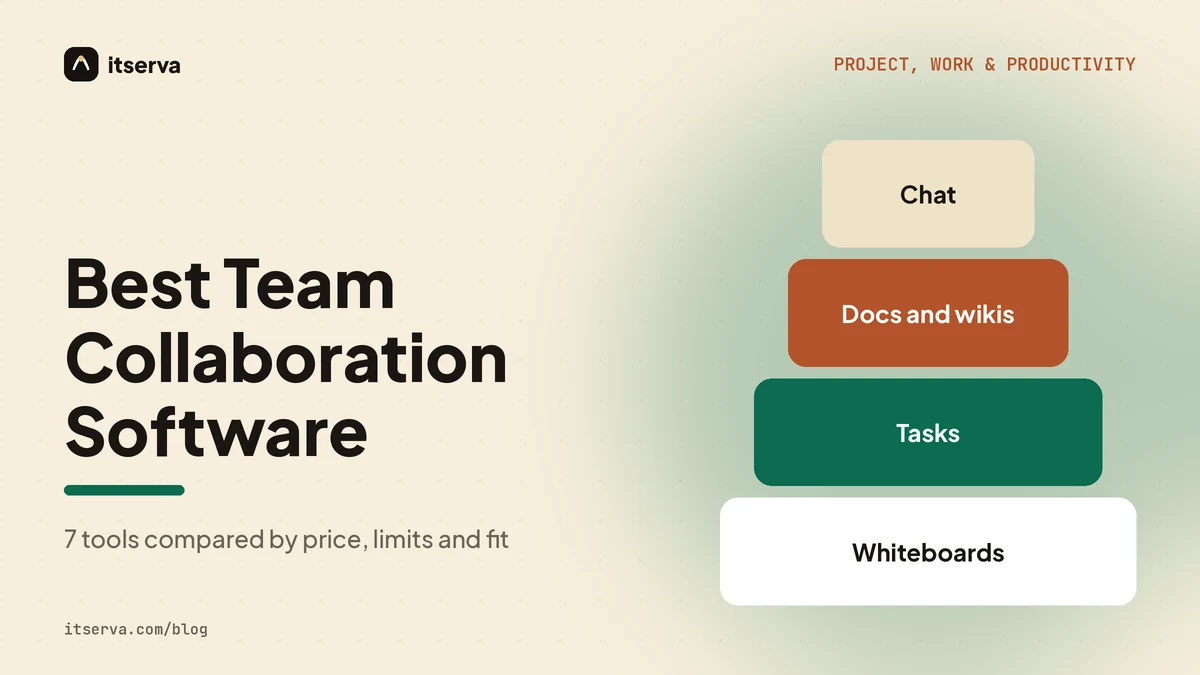
Team collaboration covers four jobs: talking in real time, writing things down, tracking who does what and thinking visually together. Few tools do all four well, which is why most teams run two or three.
On this list, Slack handles conversation, Notion handles docs and wikis, Asana, Trello, monday.com and ClickUp handle tasks, and Miro handles whiteboards. Pick your hub first, then add tools that connect to it.
Quick comparison
| Tool | Best for | Starting price | Free plan |
|---|---|---|---|
| Slack | Best overall for real-time team chat | $7.25/user/month (Pro, yearly) | Yes (90-day history, 10 apps) |
| Notion | Team wikis, docs and linked databases | $10/member/month (Plus) | Yes (5 MB uploads, 7-day history) |
| ClickUp | Tasks, docs and chat in one app | $9/user/month (Core, yearly) | Yes (Free Forever) |
| monday.com | Visual boards and cross-team tracking | $9/seat/month (Basic, yearly) | Yes (2 seats, 3 boards) |
| Asana | Structured task ownership and timelines | $10.99/user/month (Starter, yearly) | Yes (up to 2 users) |
| Trello | Lightweight Kanban boards | $5/user/month (Standard, yearly) | Yes (10 collaborators per workspace) |
| Miro | Visual brainstorming and workshops | $8/member/month (Starter, yearly) | Yes (3 editable boards) |
The 7 best team collaboration software tools
#1
Slack
4.5/5 on G2 (40,595 reviews, checked Nov 2026)
- Best for
- Best overall for real-time team chat
- Starting price
- $7.25/user/month (Pro, yearly)
- Free plan
- Yes (90-day history, 10 apps)
Slack is the communication hub for many teams, with channels, huddles and a directory of 2,600+ apps. It has by far the largest G2 review base on this list. The free plan keeps 90 days of searchable history and allows 1:1 huddles and up to 10 app integrations.
The trade-off is the free plan's memory. Messages older than 90 days are hidden until you upgrade to Pro at $7.25 per user per month billed yearly, or $8.75 monthly, which adds unlimited history, unlimited apps and group huddles. Slack fits teams that want one place for daily conversation.
What we like
- 2,600+ app integrations
- Group huddles on Pro
- Largest G2 review base here
- Low Pro price
Watch out for
- Free plan hides messages after 90 days
- Free plan limited to 10 apps
#2
Notion
4.6/5 on G2 (14,020 reviews, checked Nov 2026)
- Best for
- Team wikis, docs and linked databases
- Starting price
- $10/member/month (Plus)
- Free plan
- Yes (5 MB uploads, 7-day history)
Notion combines pages, wikis, tasks and databases in one workspace, which makes it a strong home for team knowledge. Plus costs $10 per member per month, or $120 a year, and raises file uploads to 5 GB and page history to 30 days.
The trade-off is a tight free plan for teams. Files are capped at 5 MB each and page history lasts only 7 days. Notion fits teams that want one place for docs, meeting notes and lightweight project tracking.
What we like
- Docs, wikis and databases together
- 5 GB uploads on Plus
- Flexible page structure
Watch out for
- 5 MB file cap on the free plan
- Only 7 days of history on free
#3
ClickUp
4.6/5 on G2 (15,869 reviews, checked Nov 2026)
- Best for
- Tasks, docs and chat in one app
- Starting price
- $9/user/month (Core, yearly)
- Free plan
- Yes (Free Forever)
ClickUp tries to replace several tools at once by combining tasks, docs and chat. Core costs $9 per user per month billed yearly, or $12 monthly, and adds unlimited storage, custom fields, Gantt charts and guest permissions.
The trade-off is complexity. The free plan restricts custom fields, guest access and automation, and the number of options gives new members a learning curve. ClickUp fits teams that want to cut down on separate apps and are willing to set things up.
What we like
- Tasks, docs and chat in one place
- Guest permissions on Core
- Gantt charts on Core
Watch out for
- Learning curve for new members
- Guests and custom fields limited on free
#4
monday.com
4.7/5 on G2 (17,974 reviews, checked Nov 2026)
- Best for
- Visual boards and cross-team tracking
- Starting price
- $9/seat/month (Basic, yearly)
- Free plan
- Yes (2 seats, 3 boards)
monday.com gives teams colorful, visual boards for tracking work across departments, with 200+ ready-made templates. It has the highest G2 rating here. The free plan covers up to 2 seats with 3 boards and 3 docs.
The trade-off is minimums and feature gates. Basic costs $9 per seat per month billed yearly with a 3-seat minimum, and automations and integrations only start on Standard. monday.com fits teams that coordinate shared work and like to see status at a glance.
What we like
- Highest G2 rating here
- 200+ board templates
- Very visual status tracking
Watch out for
- 3-seat minimum on Basic
- Automations start on Standard
- Free plan stops at 2 seats
#5
Asana
4.4/5 on G2 (14,143 reviews, checked Nov 2026)
- Best for
- Structured task ownership and timelines
- Starting price
- $10.99/user/month (Starter, yearly)
- Free plan
- Yes (up to 2 users)
Asana makes ownership clear, with every task tied to a person and a due date across list, board, calendar and timeline views. The free Personal plan supports up to 2 users with unlimited tasks and projects and 100 MB file uploads.
The trade-off is cost for advanced planning. Starter costs $10.99 per user per month billed yearly, or $13.49 monthly, and capacity planning and portfolios sit on higher tiers. Asana fits teams that need clear accountability on shared projects.
What we like
- Clear task ownership
- Four core views
- Unlimited tasks on free
Watch out for
- Free plan limited to 2 users
- Portfolios need higher tiers
#6
Trello
4.4/5 on G2 (14,078 reviews, checked Nov 2026)
- Best for
- Lightweight Kanban boards
- Starting price
- $5/user/month (Standard, yearly)
- Free plan
- Yes (10 collaborators per workspace)
Trello is the quickest way to get a team working on shared cards. The free plan supports up to 10 collaborators per workspace with unlimited cards and 200+ Power-Ups, and Standard at $5 per user per month billed yearly adds unlimited boards, custom fields and card mirroring.
The trade-off is depth. The free plan limits board count and advanced card controls, and Trello is best for simple flows rather than detailed planning. Trello fits small teams that want a board running in minutes.
What we like
- Cheapest paid plan here
- 200+ Power-Ups on free
- Very fast to set up
Watch out for
- Board count limited on free
- Light on planning features
#7
Miro
4.6/5 on G2 (13,873 reviews, checked Nov 2026)
- Best for
- Visual brainstorming and workshops
- Starting price
- $8/member/month (Starter, yearly)
- Free plan
- Yes (3 editable boards)
Miro is an online whiteboard for brainstorming, diagramming and workshops. The free plan includes 3 editable boards and ready-made templates, and Starter at $8 per member per month billed yearly adds unlimited boards and stronger board access controls.
The trade-off is scope. Miro is not a replacement for daily task queues or long-form wikis. Miro fits remote and hybrid teams that plan, map processes or run retrospectives together, usually next to a chat or task tool.
What we like
- Unlimited boards on Starter
- Ready-made templates
- Great for remote workshops
Watch out for
- Free plan has only 3 editable boards
- Not a task or wiki tool
How we chose
We compared collaboration tools that teams use to chat, write, track tasks and brainstorm, ranked by how well each serves as a shared team hub. We weighted free plan limits first, then what the first paid plan unlocks, then integrations with other tools. Prices come from vendor pricing pages and were checked in November 2026, and ratings come from G2 with review counts. No vendor paid for placement, and we did not run hands-on tests: we compare published information.
The free plan limits that push teams to upgrade
Free collaboration plans usually break on one specific limit. For Slack it is 90 days of history, for Notion the 5 MB file cap and 7-day page history, for monday.com the 2-seat cap and for Miro the 3 editable boards.
Find the limit your team will hit first, then price only that tool's upgrade. A 10-person team on Slack Pro pays about $72.50 a month billed yearly, which is often less than paying for several half-used apps.
How to choose
Start with where your team talks today. If conversation is scattered across email and DMs, Slack usually brings the biggest change, with Notion or a task tool added next.
Next, pick one place for written knowledge and one for tasks. Notion covers docs well, while Asana, Trello or monday.com keep work visible. ClickUp suits teams that want all of that in one app.
Finally, check integrations before you commit. The tools should share notifications and links with each other, so updates flow into the channels where people already work.