
What can an SEO automation tool actually automate?
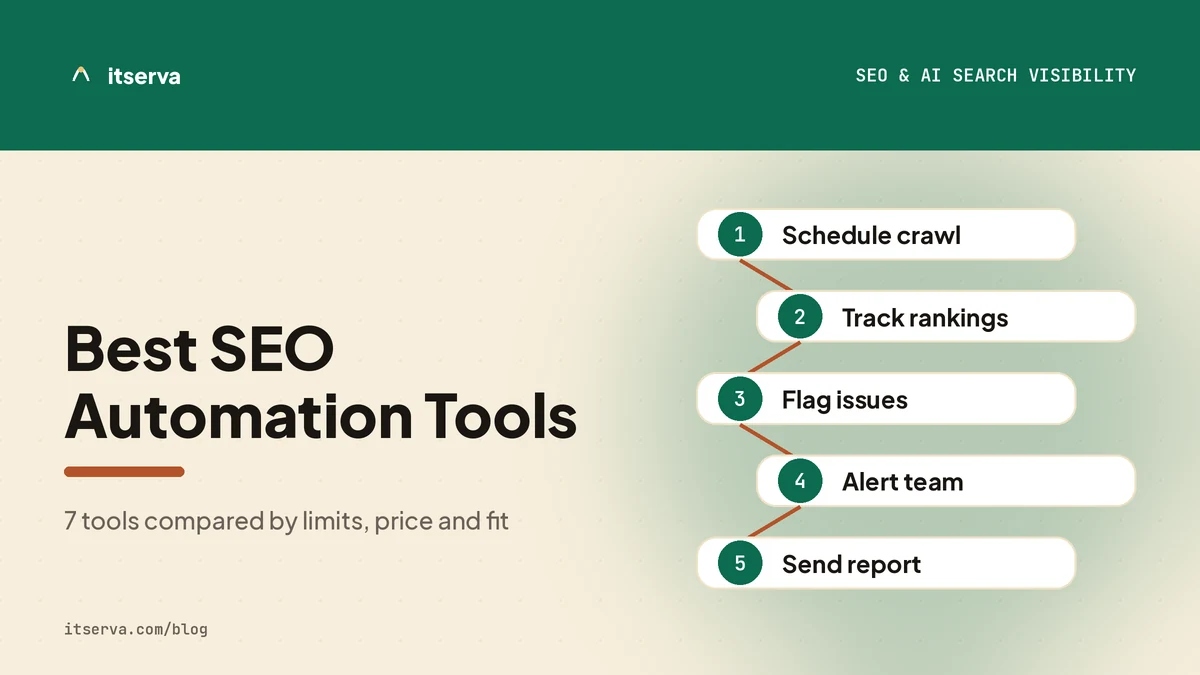
SEO automation covers the repeat work: scheduled site crawls, daily rank checks, change alerts and recurring reports. The tool runs the job on a timer, so you review results instead of starting each check by hand.
The real differences are where the work runs and how much it can handle. Cloud suites run around the clock within plan limits, while desktop tools such as Screaming Frog and SEO PowerSuite need a computer or server that stays on.
Quick comparison
| Tool | Best for | Starting price | Free plan |
|---|---|---|---|
| Semrush | Best SEO automation software overall | $139/month (SEO plan) | Yes (limited) |
| SE Ranking | Agency SEO monitoring automation | $129/month (Core) | No |
| Screaming Frog SEO Spider | Automating technical SEO crawls | $279/year | Yes (500 URLs, no scheduling) |
| SEO PowerSuite | Desktop SEO workflow automation | $349/year (Professional) | Yes (limited) |
| Ahrefs | Automated audits with backlink data | $29/month (Starter) | Yes (Webmaster Tools) |
| Moz Pro | Recurring SEO health monitoring | $49/month (single site) | No |
| SEO Site Checkup | Simple automated website health checks | $39/month (Basic) | No |
The 7 best SEO automation tools
#1
Semrush
4.4/5 on G2 (4,323 reviews, checked Nov 2026)
- Best for
- Best SEO automation software overall
- Starting price
- $139/month (SEO plan)
- Free plan
- Yes (limited)
Semrush is the broadest automation suite on this list. The SEO plan costs $139 per month, or $117.33 per month on yearly billing, and covers 5 monitored websites with 500 daily tracked keywords. Site Audit runs recurring checks, and the same plan adds competitor research and AI search visibility monitoring.
The trade-off is cost for what you monitor. Dedicated monitoring tools are cheaper, and the entry plan caps both websites and keywords. For many teams, one subscription that replaces two or three single-purpose tools still works out cheaper overall. Semrush fits in-house teams that want audits, rank tracking and research to run from one login.
What we like
- Recurring Site Audit included
- AI search visibility monitoring
- Competitor research in the same plan
- Largest G2 review base here
Watch out for
- Costs more than single-purpose tools
- 5 sites and 500 keywords on the entry plan
#2
SE Ranking
4.8/5 on G2 (1,495 reviews, checked Nov 2026)
- Best for
- Agency SEO monitoring automation
- Starting price
- $129/month (Core)
- Free plan
- No
SE Ranking gives agencies large monitoring allowances for the price. Core costs $129 per month, or $103.20 on yearly billing, and includes 10 projects, 2,000 daily tracked keywords and 250,000 audit pages a month. It also bundles 25,000 API credits with API and MCP connectivity for custom workflows.
The trade-off is that some automation sits higher up. Page-change monitoring needs the Growth plan at $279 per month, and Core limits projects and manager seats. Extra keyword and API capacity also costs more once you pass the Core allowances. SE Ranking fits agencies that track many keywords across several client sites.
What we like
- 2,000 daily tracked keywords on Core
- API and MCP connectivity
- Highest G2 rating here
Watch out for
- Page-change monitoring needs Growth
- Extra keywords and API capacity cost more
- Seat and project limits on Core
#3
Screaming Frog SEO Spider
4.7/5 on G2 (84 reviews, checked Nov 2026)
- Best for
- Automating technical SEO crawls
- Starting price
- $279/year
- Free plan
- Yes (500 URLs, no scheduling)
Screaming Frog SEO Spider is the specialist pick for technical crawls. A paid license costs $279 a year and adds scheduled crawls, command-line automation, JavaScript rendering and custom extraction. The free version crawls up to 500 URLs but cannot schedule anything.
The trade-off is that it runs on your hardware. Unattended crawls need a suitably configured computer or server, and large sites depend on the memory and processing power you give it. Screaming Frog fits technical SEOs who want scripted crawls on their own schedule.
What we like
- Low yearly license cost
- Command-line automation
- JavaScript rendering and custom extraction
Watch out for
- Desktop software, not cloud
- Free version has no scheduling
- Big crawls need strong hardware
#4
SEO PowerSuite
4.5/5 on G2 (559 reviews, checked Nov 2026)
- Best for
- Desktop SEO workflow automation
- Starting price
- $349/year (Professional)
- Free plan
- Yes (limited)
SEO PowerSuite is a desktop toolkit with unusually generous limits. Professional costs $349 a year and includes unlimited projects, unlimited keyword tracking across 550+ search engines, scheduled SEO tasks and full-site auditing. That makes it one of the few options here where keyword volume never forces an upgrade, as long as you are happy running the software on your own machine.
The trade-off is the setup model and the report tier. It is desktop-based rather than fully cloud-hosted, and automated white-label report delivery needs Enterprise at $599 a year. SEO PowerSuite fits freelancers and small agencies that want unlimited tracking for a flat yearly price.
What we like
- Unlimited projects and keywords
- 550+ search engines supported
- Scheduled tasks on Professional
Watch out for
- Desktop-based, not fully cloud
- White-label reports need Enterprise at $599
#5
Ahrefs
4.5/5 on G2 (725 reviews, checked Nov 2026)
- Best for
- Automated audits with backlink data
- Starting price
- $29/month (Starter)
- Free plan
- Yes (Webmaster Tools)
Ahrefs pairs automated audits with its backlink index. Starter costs $29 per month and includes Site Audit and Rank Tracker with 50 tracked keywords and 200 usage credits a month. Verified websites also get the free Ahrefs Webmaster Tools with extra crawl allowances.
The trade-off is how quickly Starter runs out. It cannot add users or credits, and API access needs Lite at $129 per month or higher. Ahrefs fits site owners who want link data alongside scheduled audits and can upgrade when they outgrow 50 keywords.
What we like
- Cheapest paid entry here
- Site Audit and Rank Tracker on Starter
- Free Webmaster Tools for verified sites
Watch out for
- Only 50 tracked keywords on Starter
- No extra users or credits on Starter
- API needs Lite at $129
#6
Moz Pro
4.3/5 on G2 (608 reviews, checked Nov 2026)
- Best for
- Recurring SEO health monitoring
- Starting price
- $49/month (single site)
- Free plan
- No
Moz Pro handles steady, recurring health checks. The entry option costs $49 per month for a single website, and Standard costs $99 per month with 3 tracked sites, 300 tracked keywords and 400,000 crawled pages a month. Scheduled crawls then flag new issues across those pages without manual work.
The trade-off is less control. Automation allowances on the entry option are not as clearly documented as Standard, and crawl settings are less granular than specialist crawlers. Moz Pro fits marketing teams that want a dependable weekly view of site health without tuning a crawler.
What we like
- Low single-site entry price
- 400,000 crawled pages on Standard
- Familiar, established toolset
Watch out for
- Entry-plan limits less clearly documented
- Less granular crawl control
#7
SEO Site Checkup
3.6/5 on G2 (24 reviews, checked Nov 2026)
- Best for
- Simple automated website health checks
- Starting price
- $39/month (Basic)
- Free plan
- No
SEO Site Checkup keeps automation simple. Basic costs $39 per month, or $29 per month billed yearly, and runs weekly monitoring for 3 websites. Checks cover more than 70 SEO factors, with 50 monitored URLs and 50 tracked keywords. Reports arrive on a weekly cycle, so problems surface without anyone logging in.
The trade-off is depth and reputation. AI visibility analysis needs higher plans, crawl control is thinner than desktop specialists offer, and its G2 rating is the lowest here. SEO Site Checkup fits small business owners who want a weekly checklist emailed to them, not a full SEO platform.
What we like
- Low price for 3 websites
- 70+ SEO factors checked
- Easy weekly monitoring
Watch out for
- AI visibility needs higher plans
- Limited crawl control
- Lowest G2 rating on this list
How we chose
We compared SEO tools that can run audits, rank checks or reports on a schedule, ranked by how much repeat work they take off a team. We weighted scheduling and monitoring limits first, then entry price, then extras such as API access and AI search visibility. Prices come from vendor pricing pages and documentation, checked in November 2026, and ratings come from G2 with review counts. No vendor paid for placement, and we did not run hands-on tests: we compare published information.
Cloud vs desktop SEO automation
Cloud suites such as Semrush, SE Ranking, Ahrefs and Moz Pro run scheduled jobs on the vendor's servers. You pay monthly, and limits come as tracked keywords, projects or credits.
Desktop tools such as Screaming Frog and SEO PowerSuite cost far less per year and offer unlimited or very high limits. The catch is that your machine must be on when jobs run, so many teams pair them with a small always-on server.
How to choose
Start with the task you repeat most. If it is technical crawling, a desktop crawler is the cheapest fix; if it is rank tracking across many clients, compare daily keyword limits first.
Next, add up the hidden limits. Check sites, keywords, audit pages, seats and API credits on the plan you can afford, and note which features, such as page-change monitoring or white-label reports, sit one tier higher.
Finally, decide where results should go. Teams that feed data into dashboards or scripts should favor tools with API access, such as SE Ranking Core or Ahrefs Lite and above.