
What counts as live support software?
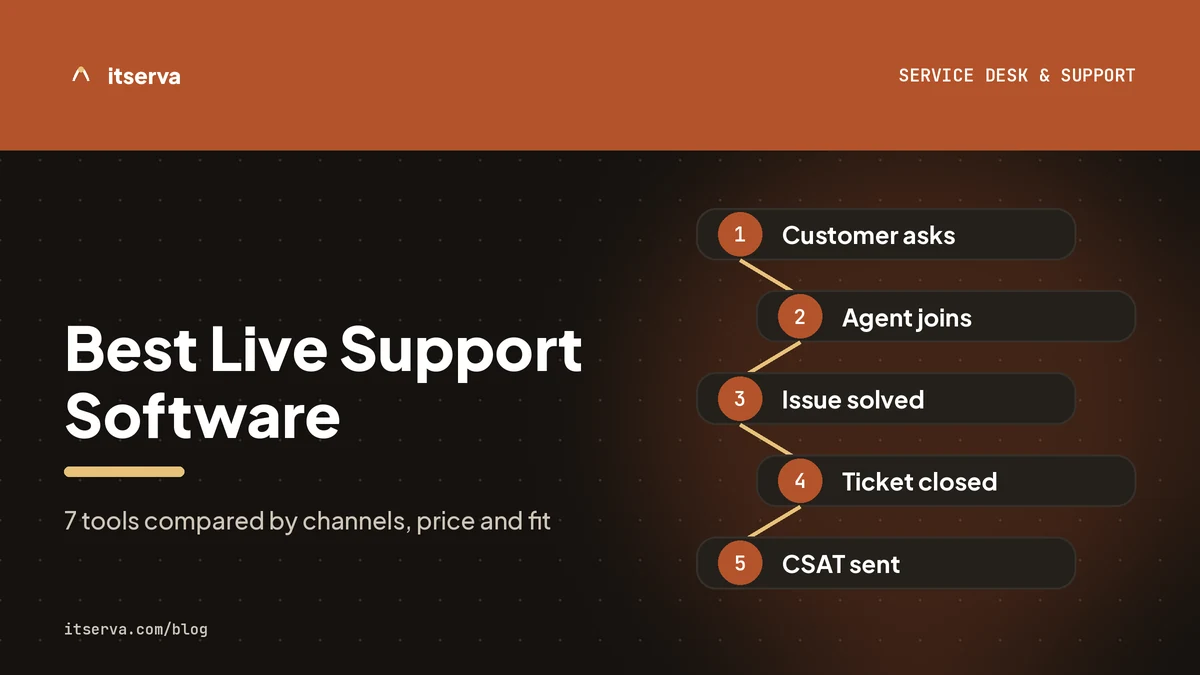
Live support means helping customers in real time, usually through live chat, messaging apps or phone, instead of slower email tickets. Good tools route each conversation to an available agent and keep the full history.
Most teams also need a fallback. When no agent is online, the tool should collect the request as a ticket or let a bot answer simple questions until someone is free.
Quick comparison
| Tool | Best for | Starting price | Free plan |
|---|---|---|---|
| Zendesk | Best live support software overall | $55/agent/month (Suite Team, yearly) | No (14-day trial) |
| LiveAgent | Best value with a call center | $29/agent/month (Team, yearly) | No (30-day trial) |
| LiveChat | Chat-first support teams | $49/agent/month (Team, yearly) | No (14-day trial) |
| Intercom | AI-first live support | $19/seat/month (Essential, annual, new customers) | No (free trial) |
| Freshchat | Free plan for live support | $19/agent/month (Growth, yearly) | Yes (up to 10 agents) |
| Help Scout | Live chat inside a shared inbox | $25/user/month (Standard, yearly) | Yes (5 users) |
| Crisp | Small teams on a flat price | $45/workspace/month (Mini, 4 agents) | Yes (2 agents) |
The 7 best live support tools
#1
Zendesk
- Best for
- Best live support software overall
- Starting price
- $55/agent/month (Suite Team, yearly)
- Free plan
- No (14-day trial)
Zendesk Suite handles live chat, messaging, voice and email in one agent workspace, with a help center and AI agents that can answer around the clock. Suite Team costs $55 per agent a month billed yearly.
The trade-off is that AI agent use is billed per automated resolution and Copilot costs extra. Zendesk fits support teams that need real-time help on several channels and expect to scale.
What we like
- Chat, messaging and voice together
- AI agents available 24/7
- Mature routing and reporting
- 14-day trial
Watch out for
- AI billed per resolution
- Higher seat price
#2
LiveAgent
- Best for
- Best value with a call center
- Starting price
- $29/agent/month (Team, yearly)
- Free plan
- No (30-day trial)
LiveAgent combines live chat, email, social messaging and a call center in one help desk. Starter costs $15 per agent a month billed yearly, Team at $29 adds the call center, social channels and reports, and AI is included with no AI fees.
The trade-off is that phone minutes are billed by your own provider, and the interface packs in a lot. LiveAgent fits budget-minded teams that want chat and phone support in one tool.
What we like
- Call center on Team
- No AI fees
- 30-day trial without a card
Watch out for
- Phone costs come from your provider
- Reports start on Team
#3
LiveChat
- Best for
- Chat-first support teams
- Starting price
- $49/agent/month (Team, yearly)
- Free plan
- No (14-day trial)
LiveChat is focused on fast, human chat. Team costs $49 per agent a month billed yearly with unlimited chat history, visitor tracking and campaigns, and Business at $79 adds advanced reporting and staffing prediction.
The trade-off is that there is no built-in phone channel. LiveChat fits teams whose live support happens almost entirely in website chat.
What we like
- Fast, polished chat tools
- Visitor tracking
- Reply suggestions on all plans
Watch out for
- No native voice
- Starter is single-seat
#4
Intercom
- Best for
- AI-first live support
- Starting price
- $19/seat/month (Essential, annual, new customers)
- Free plan
- No (free trial)
Intercom pairs its Messenger with the Fin AI agent, which tries to resolve questions before a human steps in. Essential is listed at $19 per seat a month on annual billing for new customers, with Fin from $0.99 per outcome.
The trade-off is that costs rise with AI volume and the Advanced plan. Intercom fits product-led companies that want AI to handle common questions in real time.
What we like
- Strong AI first response
- Help center included
- In-app Messenger
Watch out for
- Per-outcome AI fees
- Workflows need Advanced
#5
Freshchat
- Best for
- Free plan for live support
- Starting price
- $19/agent/month (Growth, yearly)
- Free plan
- Yes (up to 10 agents)
Freshchat offers a free plan for up to 10 agents with web and mobile chat. Growth at $19 per agent billed yearly adds social messengers, SMS, reports and the Freddy AI Agent, and Pro at $49 adds routing and SLAs.
The trade-off is AI usage, billed at $49 per 100 sessions. Freshchat fits teams that want free live support now and messaging channels later.
What we like
- Free for 10 agents
- SMS and social on Growth
- Multilingual on Pro
Watch out for
- AI sessions cost extra
- No reports on Free
#6
Help Scout
- Best for
- Live chat inside a shared inbox
- Starting price
- $25/user/month (Standard, yearly)
- Free plan
- Yes (5 users)
Help Scout brings live chat, SMS, WhatsApp, Instagram and Messenger into the same inbox as email on its Standard plan at $25 per user billed yearly. Its Envoy AI add-on costs $0.75 per resolution.
The trade-off is that chat is one feature of an inbox tool, not a dedicated chat suite. Help Scout fits small teams that want live and email support in one calm workspace.
What we like
- All channels in one inbox
- Free plan for 5 users
- 15-day trial with no card
Watch out for
- Less chat depth than LiveChat
- AI billed per resolution
#7
Crisp
- Best for
- Small teams on a flat price
- Starting price
- $45/workspace/month (Mini, 4 agents)
- Free plan
- Yes (2 agents)
Crisp prices live support per workspace. The free plan covers 2 agents, Mini at $45 a month covers 4, and Essentials at $95 covers 10 agents with basic analytics and AI credits.
The trade-off is that advanced analytics and the full AI agent need Plus at $295 a month. Crisp fits small teams that want flat costs instead of per-seat bills.
What we like
- Flat workspace pricing
- Free plan for 2 agents
- 14-day trial
Watch out for
- Agent caps per plan
- Advanced features on Plus only
How we chose
We compared tools for real-time customer support across chat, messaging and phone, ranked by overall fit for small and mid-size support teams. We weighted channel coverage first, then price per agent, then free plans and AI costs. Prices come from each vendor's pricing page, checked in November 2026. No vendor paid for placement, and we did not run hands-on tests: we compare published information.
Live support vs ticket-based support
Live support answers while the customer waits, which works well for quick, urgent questions. Ticket-based support handles requests over hours or days, which suits complex issues.
Most teams need both. Pick a tool that can turn a live chat into a ticket, so nothing is lost when an issue needs follow-up. Our help desk explainer covers how the two fit together.
How to choose
Start with your channels. If phone matters, shortlist Zendesk and LiveAgent, and if chat is everything, look at LiveChat, Intercom and Crisp.
Next, price your real team with AI included. Count seats, then estimate how many chats an AI agent would resolve and what each tool charges for it.
Finally, check coverage hours. If you cannot staff chat all day, make sure offline messages become tickets and a bot can answer the most common questions.