
What counts as IT knowledge base software?
An IT knowledge base is a searchable home for the answers technicians and staff need again and again: runbooks, fixes, setup steps, policies and onboarding guides. A general wiki stores pages, while an IT-specific platform adds structured records for assets, passwords and clients.
The right choice depends on who reads it. Internal teams need private pages, permissions and version history, while support teams need a public help center, search analytics and content review. Price models differ too, from free wikis to flat monthly plans and custom quotes.
Quick comparison
| Tool | Best for | Starting price | Free plan |
|---|---|---|---|
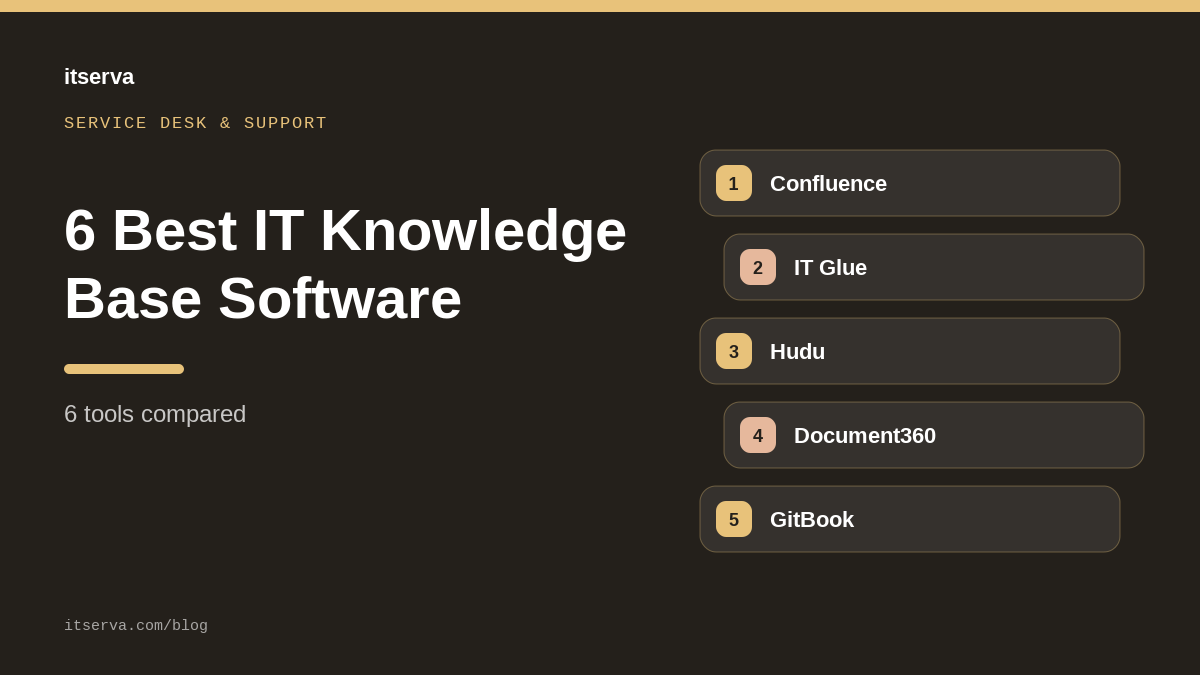
| Confluence | Best IT knowledge base overall | $5.78/user/month (Standard) | Yes (up to 10 users) |
| IT Glue | MSPs and IT teams needing structured IT records | $29/user/month (5-user minimum, 36-month term) | No |
| Hudu | MSPs wanting IT documentation at one flat rate | $27/user/month (billed annually) | No (14-day trial) |
| Document360 | Large documentation libraries and help centers | Custom pricing | No |
| GitBook | Engineering-led teams documenting products and APIs | $65/site/month + $12/user/month (Essential, billed annually) | Yes (free plan for individuals) |
| Helpjuice | Customer-facing self-service and ticket deflection | $249/month (up to 30 users) | No (14-day trial) |
The 6 best IT knowledge base tools
#1
Confluence
- Best for
- Best IT knowledge base overall
- Starting price
- $5.78/user/month (Standard)
- Free plan
- Yes (up to 10 users)
Confluence is a shared workspace where IT teams write runbooks, incident notes, onboarding guides and project pages in one searchable place. Standard costs $5.78 per user per month and adds 250 GB of storage, while the free plan covers up to 10 users with 2 GB of storage. It connects closely with Jira, so tickets and the pages that explain how to fix them sit side by side.
The trade-off is structure. Confluence is a general wiki, so it has no built-in password vault, asset records or client-based organization, and large spaces can become hard to search without templates and regular archiving. Premium at $11.16 per user per month adds unlimited storage, a 99.9% uptime SLA and 24/7 support. Confluence fits IT teams already using Jira that want one familiar place for team knowledge.
What we like
- Free plan for up to 10 users
- Close Jira integration
- 250 GB storage on Standard
- Templates and page analytics
Watch out for
- No password vault or asset records
- Needs templates and archiving to stay tidy
- Per-user price rises with team size
#2
IT Glue
- Best for
- MSPs and IT teams needing structured IT records
- Starting price
- $29/user/month (5-user minimum, 36-month term)
- Free plan
- No
IT Glue is documentation software built only for IT work. Its entry plan costs $29 per user per month on a 36-month term, with a 5-user minimum, and covers unlimited organizations and documentation, a password vault, checklists, runbooks and access, audit and version controls. It also syncs with PSA and RMM tools, so device, account and client records stay linked instead of scattered across spreadsheets.
The trade-off is cost and commitment. Higher plans cost $38 and $44 per user per month, a one-time onboarding fee applies, and there is no free plan or free trial shown on the pricing page. Small teams and solo operators may find the 5-user minimum hard to justify. IT Glue fits MSPs and internal IT teams that treat structured documentation as a daily working tool.
What we like
- Structured records for IT work
- Password vault with access controls
- PSA and RMM sync
- Unlimited organizations and documentation
Watch out for
- 5-user minimum prices out small teams
- One-time onboarding fee applies
- No free plan or trial shown
#3
Hudu
- Best for
- MSPs wanting IT documentation at one flat rate
- Starting price
- $27/user/month (billed annually)
- Free plan
- No (14-day trial)
Hudu is a flat-rate alternative for MSPs and IT teams that need structured documentation without tiered feature gates. One price of $27 per user per month, billed annually, covers centralized documentation, a password vault, asset management, IPAM, knowledge bases, client portals and 60-plus integrations. It can run in Hudu's cloud or be self-hosted at the same price, with no user minimums and no contracts.
The trade-off is vendor size. Hudu is a smaller company than IT Glue, so its integration catalog and some advanced features are narrower, and the per-user price still adds up for large teams. A 14-day free trial needs no credit card, and an optional Radar add-on for device discovery starts at $44 per month. Hudu fits MSPs that want one predictable price for docs, passwords and assets.
What we like
- One flat price with no minimums
- Password vault, assets and IPAM included
- Cloud or self-hosted at the same price
- 14-day trial with no credit card
Watch out for
- Smaller vendor than IT Glue
- Narrower integration catalog
- Per-user cost grows with large teams
#4
Document360
- Best for
- Large documentation libraries and help centers
- Starting price
- Custom pricing
- Free plan
- No
Document360 is a dedicated knowledge base platform for teams that publish large documentation libraries. It supports public help centers and private internal wikis from one platform, with Markdown and visual editors, category management, revision history, approval workflows, analytics and AI search and writing tools. It also offers translation, custom branding, SSO and SOC 2 Type II compliance for larger organizations.
The trade-off is the buying process. Document360 publishes no prices and sells custom quotes based on workspaces, languages, team accounts and AI use, so small teams cannot compare its cost without talking to sales. Migration help is included in most quotes, and implementation is guided from day one. Document360 fits support, product and engineering teams running documentation at scale.
What we like
- Public and private knowledge bases in one place
- Version history and approval workflows
- AI search and writing tools
- SOC 2 Type II compliance
Watch out for
- Custom-quote pricing with nothing published
- Sales conversation needed to get a price
- Heavier than a simple team wiki
#5
GitBook
- Best for
- Engineering-led teams documenting products and APIs
- Starting price
- $65/site/month + $12/user/month (Essential, billed annually)
- Free plan
- Yes (free plan for individuals)
GitBook is a documentation platform built for engineering-led teams that publish product, API and internal system docs. Essential starts at $65 per site per month plus $12 per user per month when billed annually, and includes 2,000 AI credits per site. Readers do not count as paid users, page views are unlimited, and a free plan covers individuals.
The trade-off is the two-part price. A team pays for the site and for each collaborator, so costs rise with both, and authenticated access for private or customer-only content needs Ultimate at $249 per site per month. A 14-day free trial unlocks every feature. GitBook fits engineering teams that want clean, searchable docs with AI answers for readers.
What we like
- Free plan for individuals
- Unlimited page views for readers
- AI answers included on Essential
- Clean publishing for product and API docs
Watch out for
- Site fee plus per-user fee
- Authenticated access needs Ultimate
- Enterprise pricing is custom
#6
Helpjuice
- Best for
- Customer-facing self-service and ticket deflection
- Starting price
- $249/month (up to 30 users)
- Free plan
- No (14-day trial)
Helpjuice is a customer-facing knowledge base platform built to deflect support tickets with self-service articles. Its entry plan costs $249 per month for up to 30 users and 12 GB of file storage, with live collaboration, workflows, localization and one-click AI translation into more than 40 languages. The design is customized for each customer, and analytics show which articles readers use.
The trade-off is price and focus. The entry plan has no AI suite, so AI writing, AI search and the AI chatbot need the $449-per-month plan for up to 100 users, and there is no free plan, only a 14-day trial. The flat monthly price suits teams, not per-user billing. Helpjuice fits support and IT teams that want a polished public help center.
What we like
- Flat monthly price for up to 30 users
- AI translation into 40-plus languages
- Customized design for each customer
- Analytics on article use
Watch out for
- AI suite needs the $449 plan
- No free plan, only a 14-day trial
- Entry price is high for small teams
How we chose
We compared IT knowledge base tools that cover internal IT documentation, wikis and customer-facing help centers, ranked by fit for IT teams and MSPs. We weighted IT-specific structure first, then search and upkeep, then total cost for a small team. Prices come from vendor pricing pages checked in November 2026, and Document360 is listed as custom pricing because it publishes no prices. No vendor paid for placement, and we did not run hands-on tests; we compare published information for this list.
Why free plans and trials matter for IT teams
A free plan or trial lets a team test search, permissions and editing with real runbooks before paying. Confluence and GitBook both offer free plans, Hudu and Helpjuice offer 14-day trials, and Document360 sells only by quote. Start with the content your team searches for most, then check whether the tool finds it quickly.
Also check who can see what. Private internal pages, client portals and public help centers need different permissions, and a tool that mixes them up can expose internal notes. Confirm SSO, audit logs and export options before moving a full library in.
How to choose
Start with the readers. If the knowledge base is for technicians, shortlist IT Glue or Hudu for structured records; if it is for customers, shortlist Document360 or Helpjuice for public help centers.
Next, count the real monthly cost. Add every editor, check the user minimum, and note whether the price is per user, per site or flat per month, since a $27 per-user plan and a $249 flat plan behave very differently as teams grow.
Finally, test search and upkeep with real content. Load 20 runbooks or help articles, ask the questions staff actually ask, and check version history, review reminders and permissions before you commit. If your team also needs ticket handling, see our guide on best AI help desk software for the support side.