
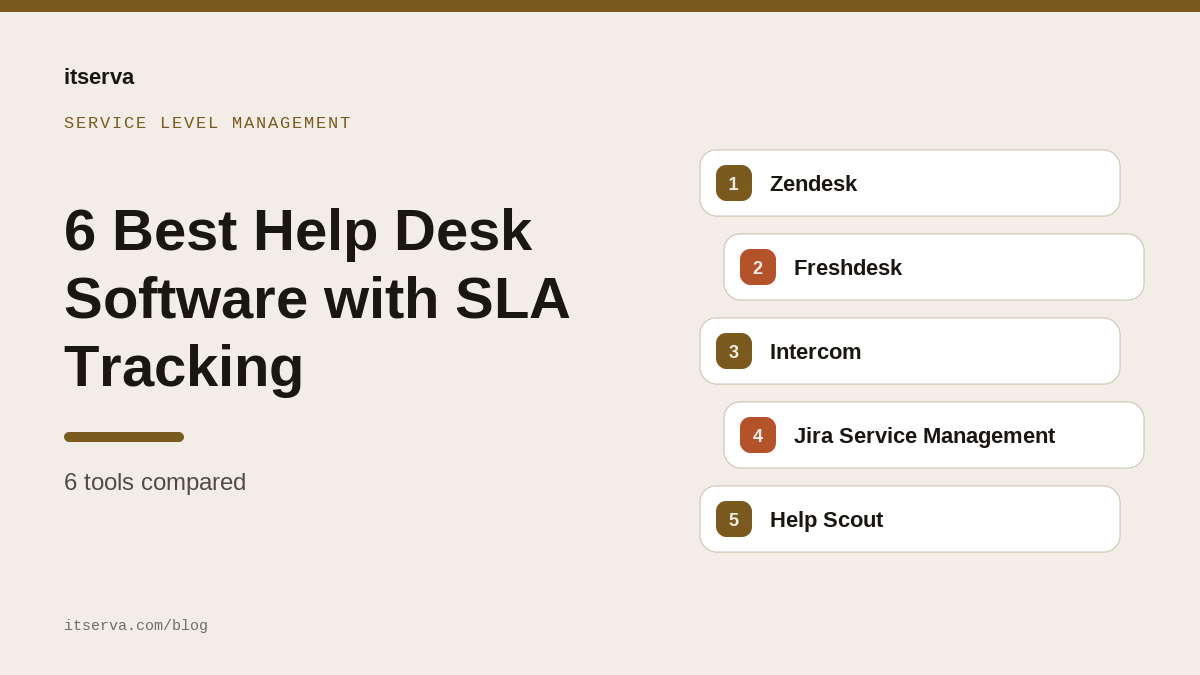
What does SLA tracking actually do in a help desk?
SLA tracking sets a deadline for every ticket, usually a first-response target and a resolution target, and it varies by priority, channel or customer plan. When a ticket nears its deadline, the tool alerts an agent or escalates the ticket before the promise is broken.
The difference between tools is how far that goes. Basic tools offer one deadline timer, while stronger ones add business-hour calendars, multi-tier policies, breach prediction and reports that show which teams and customers miss targets most.
Quick comparison
| Tool | Best for | Starting price | Free plan |
|---|---|---|---|
| Zendesk | Best help desk with SLA tracking overall | $19/agent/month (Support Team, yearly) | No (trial available) |
| Freshdesk | Best value SLA tracking for growing teams | $19/agent/month (Growth, yearly) | No (14-day trial) |
| Intercom | Best SLA tracking for chat-first SaaS teams | $29/seat/month (Essential) | No (14-day trial) |
| Jira Service Management | Best SLA tracking for IT teams | $21.50/agent/month (Standard) | Yes (up to 3 agents) |
| Help Scout | Best simple SLA tracking for small teams | $25/user/month (Standard, yearly) | Yes (up to 5 users) |
| Supportbench | Best account-based B2B SLA tracking | $32/agent/month (Professional, yearly) | No (free trial) |
The 6 best help desk software with SLA tracking
#1
Zendesk
- Best for
- Best help desk with SLA tracking overall
- Starting price
- $19/agent/month (Support Team, yearly)
- Free plan
- No (trial available)
Zendesk is the most complete help desk on this list for teams that live by response and resolution deadlines. Support Team starts at $19 per agent per month, billed yearly, and Suite Team at $55 adds AI agents plus email, chat, messaging, voice and a help center in one workspace. Omnichannel routing sends each ticket to the agent best placed to handle it, based on skill, capacity and priority.
The trade-off is that the bill grows with the team and the extras. Copilot, the AI assistant for agents, adds $50 per agent per month, and the deeper automation sits on Suite Professional at $115 per agent per month. Zendesk fits support teams that run high-volume, multi-channel support and need deadlines enforced across every channel.
What we like
- Omnichannel routing by skill and capacity
- AI agents included on Suite Team
- Help center and voice in one workspace
- Prebuilt reporting dashboards
Watch out for
- Copilot adds $50 per agent
- Deeper automation needs Suite Professional
- No free plan
#2
Freshdesk
- Best for
- Best value SLA tracking for growing teams
- Starting price
- $19/agent/month (Growth, yearly)
- Free plan
- No (14-day trial)
Freshdesk is the straightforward pick for growing teams that want SLA alerts without enterprise complexity. Growth costs $19 per agent per month, billed yearly, and covers ticketing, a shared inbox, a customer portal, a knowledge base and the Freddy AI Agent, with the first 500 AI sessions included. Pro at $55 per agent per month adds multiple SLA policies, intelligent routing and custom dashboards.
The trade-off is that the fuller SLA and AI toolset sits a tier up from the entry price. Freddy AI Copilot costs an extra $29 per agent per month on Pro and Enterprise, and extra AI sessions cost $49 per 100. Freshdesk fits growing teams that want reliable deadline alerts and a low starting price.
What we like
- Low $19 entry price
- 500 free Freddy AI sessions
- Multiple SLA policies on Pro
- Customer portal and knowledge base on Growth
Watch out for
- Copilot is a $29 add-on
- Extra AI sessions cost $49 per 100
- No free plan, 14-day trial only
#3
Intercom
- Best for
- Best SLA tracking for chat-first SaaS teams
- Starting price
- $29/seat/month (Essential)
- Free plan
- No (14-day trial)
Intercom is the conversation-first option, built around live chat and in-app messages rather than email tickets. Essential costs $29 per seat per month, and every plan includes unlimited live chat, support email, in-app chats and the Fin AI agent, billed at $0.99 per resolved outcome. Advanced at $85 per seat per month adds workflow automation and round-robin assignment.
The trade-off is that formal SLAs sit on the top tier, and AI billing is usage-based. Service level agreements appear on Expert at $132 per seat per month, so a busy month of Fin resolutions can lift the bill well above the seat cost. Intercom fits SaaS teams whose customers mostly ask for help in chat and expect fast replies there.
What we like
- Unlimited live chat on every plan
- Fin AI agent included
- Strong in-app messaging
- Workflow automation on Advanced
Watch out for
- SLAs only on Expert at $132
- Fin costs $0.99 per outcome
- No free plan
#4
Jira Service Management
- Best for
- Best SLA tracking for IT teams
- Starting price
- $21.50/agent/month (Standard)
- Free plan
- Yes (up to 3 agents)
Jira Service Management is the IT-led option, now sold as part of Atlassian's Service Collection. The free plan covers 3 agents, and Standard costs $21.50 per agent per month, with asset management, a customer service portal and a knowledge base included. Agents can view SLA metrics inside each service project, and customers raise requests through the portal or by email.
The trade-off is that it feels built for internal IT first and external support second. The virtual service agent is included only on Premium and Enterprise plans, with 1,000 assisted conversations a month free, and Enterprise pricing is annual only. Jira Service Management fits IT teams already running Jira that need SLA tracking tied to development work.
What we like
- Free plan for up to 3 agents
- Asset management included
- SLA metrics inside service projects
- Customer portal and knowledge base
Watch out for
- Virtual service agent needs Premium or higher
- Enterprise pricing is annual only
- Built for IT first, not general support
#5
Help Scout
- Best for
- Best simple SLA tracking for small teams
- Starting price
- $25/user/month (Standard, yearly)
- Free plan
- Yes (up to 5 users)
Help Scout is the simplest way onto this list, a shared inbox that small teams can learn in a day. Standard costs $25 per user per month, billed yearly, and includes one basic SLA policy, multiple inboxes, live chat, SMS, WhatsApp and multiple knowledge bases. A free plan covers up to 5 users, with 1 inbox and 1 Docs site.
The trade-off is that SLA depth is deliberately light at the entry level. Plus at $45 per user per month adds two advanced SLA policies, while unlimited SLA policies need Pro at $75 per user per month, and the Envoy AI assistant costs $0.75 per resolution. Help Scout fits small teams that want a clean inbox with basic deadline tracking.
What we like
- Free plan for up to 5 users
- One basic SLA policy on Standard
- Live chat, SMS and WhatsApp included
- Clean shared inbox
Watch out for
- Unlimited SLA policies need Pro at $75
- Envoy AI costs $0.75 per resolution
- Lighter automation than rivals
#6
Supportbench
- Best for
- Best account-based B2B SLA tracking
- Starting price
- $32/agent/month (Professional, yearly)
- Free plan
- No (free trial)
Supportbench is built for account-based B2B support, where deadlines vary by customer contract rather than by ticket alone. Professional costs $32 per agent per month, billed yearly, and includes dynamic SLAs, multi-level escalations, an AI assistant, a knowledge base, a self-service portal and customer health scoring. Reporting covers more than 35 KPI scorecards, plus CSAT, NPS and CES surveys.
The trade-off is a smaller ecosystem than the big generalists, so check integrations before you commit. Enterprise costs $100 per agent per month, billed yearly, and the per-agent price rises by $2.50 after 15 agents, capped at $150. Supportbench fits B2B teams that need contract-level SLAs working out of the box.
What we like
- Dynamic SLAs included from $32
- Multi-level escalations built in
- 35+ KPI scorecards
- Free onboarding and training
Watch out for
- Smaller integration ecosystem
- Price rises $2.50 per agent after 15 agents
- No free plan, trial only
How we chose
We compared help desks that publish SLA tracking as a named feature, ranked by SLA depth first and overall fit second. We weighted policy flexibility, escalation options and reporting, then starting price and free-plan availability for small teams. Prices come from vendor pricing pages checked in November 2026, and we used each vendor's regular price where a discounted price was also shown. Tools without a public starting price were left out. No vendor paid for placement, and we did not run hands-on tests; we compare published information.
Why SLA features often cost more than the headline price
Many vendors advertise SLA tracking on the pricing page but keep the useful version a tier or two above the entry plan. Help Scout gives one basic policy on Standard and unlimited policies only on Pro, while Intercom keeps SLAs on Expert, so the plan that first mentions SLAs is rarely the plan that does the job.
Price the plan that holds the SLA features you need, then add AI and usage fees. A $19 seat can become a $55 seat once multiple policies, Copilot-style assistants or per-resolution AI charges join the bill, so compare totals for your real ticket volume.
How to choose
Start with the promises you already make to customers. List your response and resolution targets by priority and customer tier, then check which plan of each tool actually enforces them, since entry plans often include only a basic policy.
Next, test the escalation path, not just the timer. A good SLA tool warns agents before a breach, reassigns the ticket and records what happened, while a weak one only flags the breach after the deadline passes. Ask for a report that shows breach rates by team and customer.
Finally, price a realistic month with your real agent count. Add the plan that holds your SLA features, any AI assistant fee and per-resolution charges, then compare that total across two shortlisted tools before you sign up.